
What is Hati Top Up and Available In-App Packages
A Hati top up delivers digital credits directly to your in-app account balance. These credits allow you to access premium services, interactive features, and exclusive virtual items within the Hati platform. Purchasing through ArcTopup is handled entirely via direct account crediting, ensuring you receive your balance quickly without needing to manage physical redemption cards.
Important Disambiguation: Please note that this service is specifically for the Hati interactive application. It is distinct from mobile airtime recharges or telecommunications top-ups for the Caribbean nation of Haiti. All purchases on this page are applied directly to Hati user accounts via your unique Player ID.
ArcTopup offers multiple credit denominations to match your specific balance requirements. Because currency rates, localized processing options, and live promotions adjust dynamically, the current pricing for each credit tier is displayed directly on the live checkout interface.
| Feature | Direct ID Top-Up Detail |
|---|---|
| Required Account Info | Hati Player ID only |
| Password Required | Never |
| Fulfillment Method | Direct digital account crediting |
| Supported Region | Global |
| Platform Delivery | In-app balance update |
How to Locate Your Hati Player ID in the Profile Menu
To ensure your Hati recharge arrives without delay, you must enter your exact Player ID during the checkout process. Follow these straightforward steps within the Hati application to retrieve your account identifier:
- Open the Hati app on your mobile device and log in to your account.
- Tap the Profile or Me icon located in the bottom navigation bar.
- Look directly beneath your profile avatar and display name on the main account screen.
- Locate the numerical or alphanumeric string labeled ID or UID.
- Tap the copy icon next to the number, or write it down carefully to prevent typing errors during checkout.
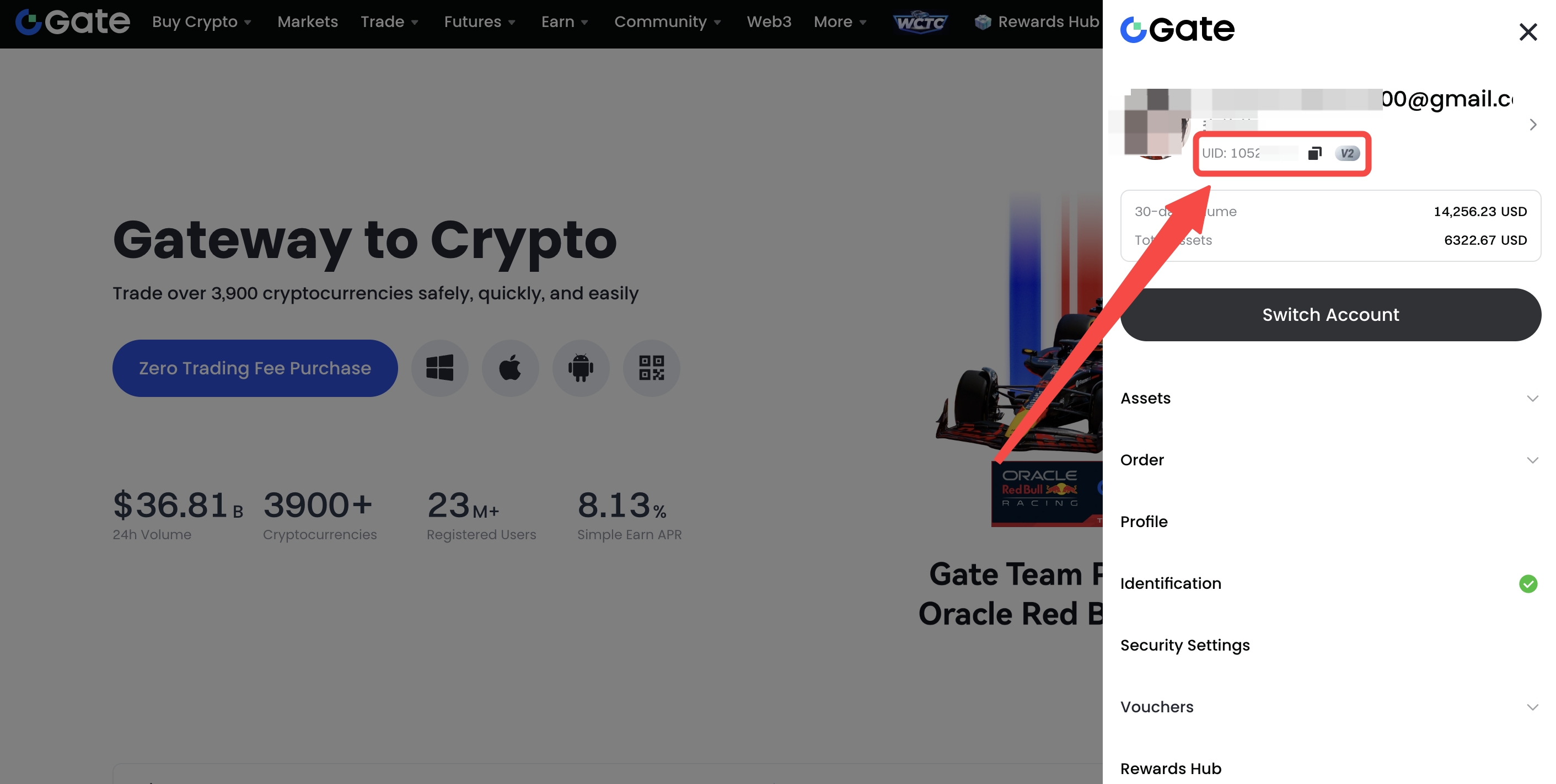
Double-checking this sequence prevents delays and ensures credits are routed directly to your active profile.
Step-by-Step Instructions to Top Up Hati on ArcTopup
Recharging your Hati account balance takes only a few moments. Follow this simple guide to complete your order:
- Select Your Package: Browse the available credit options on the ArcTopup product catalog and choose the package that fits your needs.
- Enter Your Hati Player ID: Type or paste your copied Player ID into the designated input field. Avoid adding extra spaces before or after the identifier.
- Select Your Preferred Payment Method: Pick from the list of available checkout methods displayed on the payment screen.
- Confirm and Pay: Review your order details, confirm the total amount, and complete the secure transaction.
- Check Your In-App Balance: Once the checkout process confirms success, open your Hati app, refresh the profile page, and verify your updated balance.
Supported Payment Options and Live Checkout Flow
ArcTopup provides a transparent checkout experience designed for players worldwide. You can select from a variety of international and regional payment methods, including major credit cards, debit cards, digital wallets, and localized bank transfer channels.
All exchange rates, processing fees, and regional total amounts are calculated in real time and displayed clearly before you submit payment. There are no hidden charges after authorization. Simply select your preferred currency and payment provider at checkout to complete the purchase securely.
Account Safety: Protecting Your Account with Password-Free ID Top Up
Account security is critical when purchasing digital gaming and app credits. ArcTopup uses a direct ID-only top-up model to safeguard your personal profile:
- Zero Password Requests: You will never be asked for your Hati login password, social login credentials, or two-factor authentication codes.
- No Account Sharing: Your account remains strictly in your hands. You never need to hand over your login details to third-party agents.
- Encrypted Transactions: Every order processed through ArcTopup is protected by modern SSL encryption standards, preventing unauthorized data interception.
- Phishing Protection: Keeping your login details private eliminates the risk of unauthorized account access, credential stuffing, or profile hijacking.
By keeping your password confidential and using only your public Player ID for recharges, you maintain complete ownership and security over your Hati account at all times.
Troubleshooting Common Top-Up Inquiries and Incorrect ID Submissions
If you experience any issues while topping up or waiting for your credits, review these troubleshooting steps:
- Typo in Player ID: If you submit an incorrect Player ID that belongs to an active user, the system delivers the credits to that account immediately upon payment completion. Because digital top-ups are fulfilled automatically and permanently, transactions sent to wrong, valid IDs cannot be reversed. Always verify your ID digits prior to payment.
- Invalid Player ID Errors: If the entered ID does not exist in the Hati database, your order will fail validation. In such cases, contact ArcTopup customer support with your transaction reference number and the correct Player ID to adjust the order.
- Delivery Verification: If your transaction shows as completed but your in-app balance has not updated, close the Hati application completely and reopen it. Network caching on your device can sometimes delay visual balance updates.
- Payment Confirmation: Ensure that your payment method was actually debited. Pending bank holds or unconfirmed digital wallet sessions may prevent an order from finalizing.
Frequently Asked Questions
How do I find my Hati Player ID for top up?
Open the Hati app, tap on your profile icon in the bottom menu, and locate the ID number printed directly below your avatar. Use the copy button next to your ID to copy the exact digits.
Do I need to share my Hati account password to get a top up?
No. ArcTopup only requires your public Hati Player ID to process your credit top-up. You never need to provide your password, recovery email, or private login credentials.
How long does it take for Hati credits to reflect in my account?
Credits are processed immediately after your payment is successfully verified. In most cases, your balance updates in the Hati app within a few moments of completing the order.
What payment methods are supported for Hati top up on ArcTopup?
ArcTopup supports a wide selection of payment options, including major credit and debit cards, e-wallets, and regional payment gateways. Available methods and real-time fees are displayed on the live checkout page.
What should I do if I entered the wrong Hati Player ID?
If the incorrect ID exists in the game system, the delivery completes automatically and cannot be recalled. If the ID was invalid or non-existent, contact ArcTopup customer support immediately with your order ID so our team can assist you in correcting the submission.
Can I send a Hati top up to a friend using their Player ID?
Yes. Because the top-up process only requires a Player ID, you can enter your friend's Hati Player ID during checkout to send credits directly to their account balance as a gift.
Current packages and prices
Current base prices exclude Tax. Tax, payment fees and coupon adjustments are shown at checkout.
| Package | Price |
|---|---|
| Hati - Hati*10000 | USD 0.16 |
| Hati - Hati*15000 | USD 0.24 |
| Hati - Hati*20000 | USD 0.32 |
| Hati - Hati*25000 | USD 0.39 |
| Hati - Hati*30000 | USD 0.47 |
| Hati - Hati*50000 | USD 0.79 |
| Hati - Hati*70000 | USD 1.10 |
| Hati - Hati*100000 | USD 1.58 |
| Hati - Hati*200000 | USD 3.15 |
| Hati - Hati*500000 | USD 7.88 |
| Hati - Hati*700000 | USD 11.03 |
| Hati - Hati*1000000 | USD 15.75 |
| Hati - Hati*2000000 | USD 31.50 |






























































