
Hoki Chat Top Up: Direct Recharge for Voice Chat Rooms
Hoki Chat connects voice chat enthusiasts across group party rooms, live audio broadcasts, and interactive social games. To participate fully in the community, send premium gifts, activate room entry effects, and climb the room leaderboard, you need an active balance of in-app coins. An online Hoki Chat top up through ArcTopup provides a direct, secure way to credit your account using only your User ID (UID).
Recharging your Hoki Chat account gives you immediate access to all interactive features inside audio rooms. Whether you want to support your favorite hosts, host community events, or upgrade your personal profile badge, topping up coins ensures uninterrupted access to the platform's social tools.
What Is Hoki Chat and How Do In-App Coins Work?
Hoki Chat is an interactive voice-centric social platform where users join multi-seat audio rooms, share music, play casual mini-games, and build online communities. The platform operates on a virtual coin economy that fuels user interaction across multiple features:
- Virtual Gift Giving: Send animated, full-screen, and luxury gifts to room hosts and speakers to show appreciation and boost room popularity rankings.
- VIP Status and Badges: Activate elite profile badges, custom nameplates, and special chat bubble colors that distinguish your account in crowded rooms.
- Room Customization and Entrance Effects: Unlock unique audio-visual entrance effects that announce your arrival whenever you enter a public or private voice room.
- Microphone Privileges and Games: Participate in premium in-room games, interactive prize draws, and community activities that require coin entries.
Live pricing, pack sizes, and promotional rates for all coin bundles are clearly displayed on the ArcTopup live checkout menu. Select your preferred package to match your in-app gifting and room engagement needs.
How to Find Your Hoki Chat UID
To complete a top-up on ArcTopup, you only need to provide your unique Hoki Chat User ID (UID). You do not need to share passwords, phone numbers, or third-party login credentials. Follow these steps to find your exact UID:
- Open the Hoki Chat app on your mobile device.
- Log in to your personal account.
- Tap the Profile / Me icon located in the bottom-right corner of the home screen.
- Locate your numeric UID displayed directly beneath your profile avatar and nickname.
- Tap the Copy icon next to the UID number to copy it directly to your clipboard.
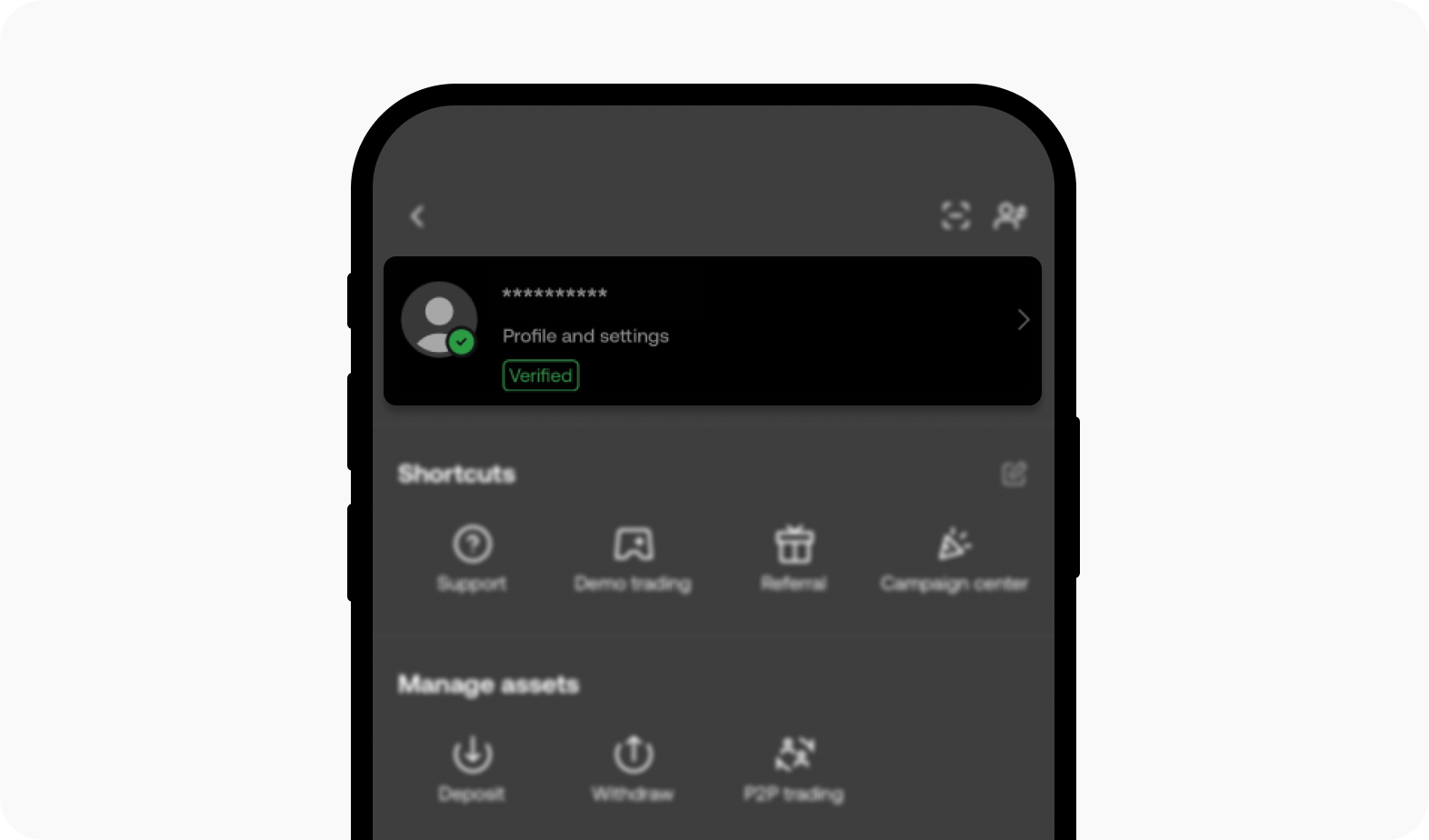
Always double-check your UID before proceeding to checkout to avoid sending coins to an incorrect account.
Step-by-Step Guide to Top Up Hoki Chat on ArcTopup
Recharging your Hoki Chat coins on ArcTopup is straightforward and takes only a few moments from selection to delivery:
- Select the Coin Package: Browse the available Hoki Chat coin bundles on the ArcTopup product page and select the amount you wish to purchase.
- Enter Your UID: Paste your numeric Hoki Chat UID into the designated player ID field on the order form.
- Confirm Order Details: Review the selected coin denomination and verify that the entered UID matches your profile exactly.
- Choose Payment and Checkout: Select your preferred payment option from the live checkout selection and complete the payment process.
- Receive Your Coins: Once payment verification finishes, the coins will be dispatched directly to your Hoki Chat in-app wallet. Re-open or refresh your app to view the updated balance.
Overview of Hoki Chat Coin Utilities and Perks
Understanding how different coin packages serve your activity helps you choose the right recharge amount. Here is how in-app currency functions across the platform:
| Feature Category | In-App Coin Use | Account Benefit |
|---|---|---|
| Gifting System | Send standard, dynamic, and luxury animated gifts | Increases host popularity and boosts sender leaderboard rank |
| Profile Customization | Purchase special frames, name tags, and bubbles | Distinguishes your profile in chat lists and active voice seats |
| Room Entrance | Activate exclusive ride effects and entry banners | Plays custom animations when entering voice rooms |
| VIP Tiers | Subscribe to VIP tiers using coin balances | Unlocks exclusive gifts, anti-kick protection, and priority audio |
| Community Activities | Enter room prize pools and interactive mini-games | Allows participation in seasonal events and community challenges |
Password-Free Security and Account Safety
Account safety is essential when purchasing virtual currencies online. ArcTopup uses a direct UID-only recharge system designed to safeguard your credentials at all times:
- Zero Password Requirement: You will never be asked for your Hoki Chat password, email password, or SMS verification codes.
- No Third-Party Account Linking: Your social logins (Google, Apple, Facebook) remain private because the delivery system only references your public numeric UID.
- Encrypted Checkout: Payment processing on ArcTopup follows standard encryption protocols to protect your billing details.
- Safe Delivery Protocol: Credits are applied directly to the account tied to the specified UID through verified distribution paths, keeping your account in good standing.
Order Status Tracking and Delivery Troubleshooting
After submitting your order, you can monitor its progress through the ArcTopup order status page. In most cases, coins reflect in your Hoki Chat balance shortly after payment confirmation. If you experience a delay or have questions, use the following troubleshooting checklist:
- Refresh the App: Fully close the Hoki Chat application and relaunch it to refresh your server connection and wallet balance.
- Check Transaction Status: Review your ArcTopup account order history to ensure the transaction shows as completed rather than pending payment.
- Verify UID Accuracy: Check your order confirmation receipt to confirm the UID submitted matches your in-app profile ID.
- Contact Support: If your order status is completed but coins do not appear after refreshing, contact the ArcTopup 24/7 customer support team with your order number and UID for fast assistance.
Frequently Asked Questions About Hoki Chat Recharge
How do I find my Hoki Chat UID for top-up?
Open Hoki Chat, tap the Me/Profile tab in the bottom-right corner, and locate the numeric ID displayed under your avatar. Tap the copy button to capture your exact UID.
Do I need to provide my Hoki Chat password to recharge?
No. Recharging on ArcTopup requires only your Hoki Chat UID. You should never share your account password or security verification codes with anyone.
What payment methods are accepted for Hoki Chat top-up?
ArcTopup supports a wide selection of international and regional payment methods. All available checkout methods and real-time prices are listed directly on the live checkout screen.
How fast will the Hoki Chat recharge reflect in my account?
Delivery processes automatically upon payment confirmation. In most cases, the coins will appear in your in-app wallet within a few minutes after completing checkout.
What can I purchase with Hoki Chat coins?
You can use Hoki Chat coins to send virtual animated gifts, subscribe to VIP privileges, buy avatar frames and chat bubbles, unlock room entrance animations, and join in-room party games.
What should I do if I entered the wrong UID during checkout?
If you realize you entered an incorrect UID, reach out to ArcTopup customer support immediately. If the order has not yet been processed by the automated delivery system, support staff will assist in correcting the destination ID. Processed orders sent to valid third-party UIDs cannot be reversed.
Current packages and prices
Current base prices exclude Tax. Tax, payment fees and coupon adjustments are shown at checkout.
| Package | Price |
|---|---|
| Hoki Chat - Hoki Chat*15000 | USD 1.54 |
| Hoki Chat - Hoki Chat*20000 | USD 2.05 |
| Hoki Chat - Hoki Chat*25000 | USD 2.56 |
| Hoki Chat - Hoki Chat*50000 | USD 5.12 |
| Hoki Chat - Hoki Chat*100000 | USD 10.24 |
| Hoki Chat - Hoki Chat*500000 | USD 51.21 |
| Hoki Chat - Hoki Chat*1000000 | USD 102.41 |
| Hoki Chat - Hoki Chat*10000 | USD 1.02 |






























































