
Instant Kafu Chat Top Up for Voice Rooms and Live Chat
Kafu Chat is a dedicated voice entertainment platform where users gather in live group audio rooms to talk, listen to music, play party games, and support their favorite room creators. To participate actively in community events, climb room contributor leaderboards, and send special gifts to speakers on the mic, you need an active balance of Kafu Chat coins and credits.
ArcTopup provides a direct Kafu Chat top up service that lets you refill your account balance in seconds. By using only your public User ID (UID), you can top up your account securely without ever sharing your login credentials or personal passwords. Whether you want to send animated luxury gifts during a live mic battle or unlock customized room decor, ArcTopup makes recharging simple, transparent, and immediate.
Step-by-Step Guide: How to Top Up Kafu Chat on ArcTopup
Recharging your Kafu Chat balance through ArcTopup takes only a few quick steps. Follow this guide to complete your transaction:
- Select Your Credit Bundle: Browse the available credit and coin packages displayed on the live ArcTopup catalog and choose the amount that fits your needs.
- Enter Your Kafu Chat UID: Input your accurate numerical User ID into the designated UID field on the checkout screen.
- Select Your Payment Method: Choose from the available local and international payment channels supported on ArcTopup.
- Review Order Details: Check your UID and package selection to confirm everything is accurate.
- Complete Payment: Finalize your payment through our encrypted checkout gateway.
- Receive Credits in Kafu Chat: Your credits are automatically credited to your in-app account balance upon payment confirmation. Re-open or refresh your Kafu Chat application to see your updated total.
How to Find Your Kafu Chat UID in the App
To ensure your recharge reaches the correct profile, you must enter your valid Kafu Chat UID. Your UID is a unique number linked directly to your account. Follow these steps to locate it:
- Open the Kafu Chat app on your Android or iOS device.
- Tap the Me or Profile tab located in the bottom navigation bar on the right.
- Look at the top section of your profile screen, right below your avatar and display name.
- You will see an ID field displaying your unique numerical series.
- Tap the small copy icon next to the numbers to copy your UID directly to your clipboard.
- Return to ArcTopup and paste the copied digits into the UID box.
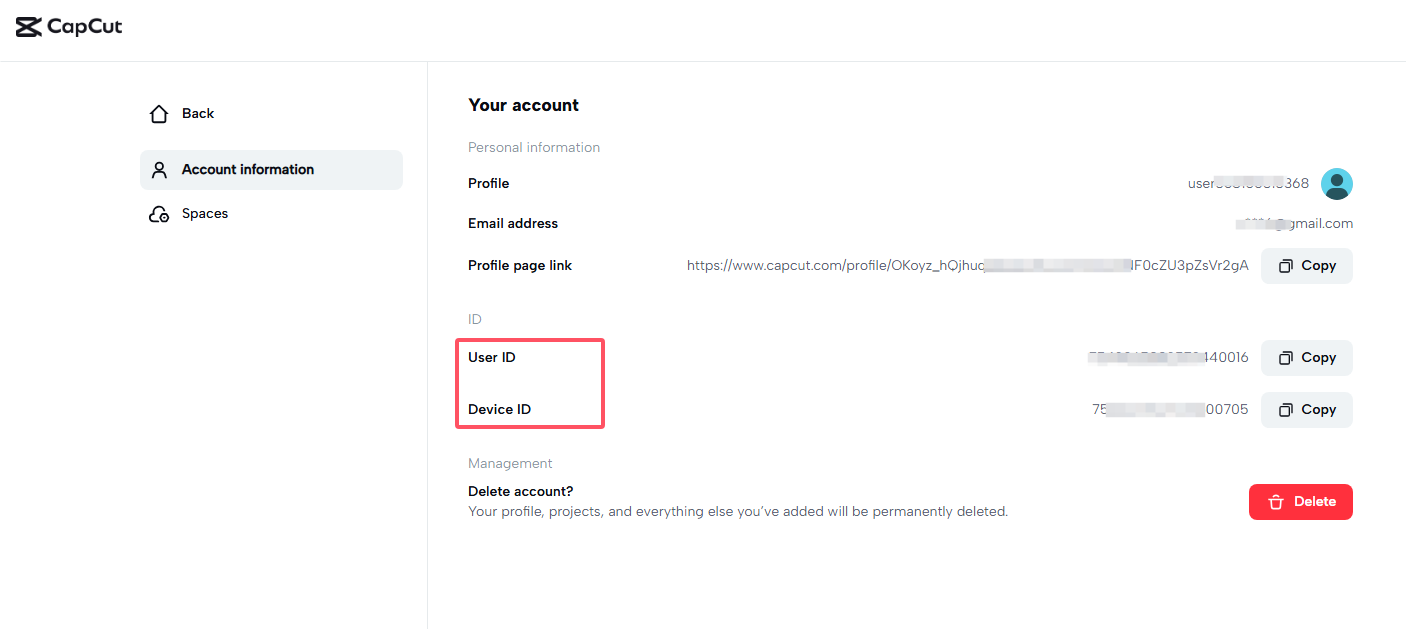
Always double-check that you copied the complete number without extra spaces so your delivery processes without delays.
What You Can Unlock: Virtual Gifts, SVIP Benefits, and Room Customization
Adding coins and credits to your Kafu Chat account allows you to take full advantage of the platform's social features. Here is what you can access with an active balance:
- Animated Virtual Gifts: Support hosts and friends on stage by sending luxury gifts, ranging from roses and drinks to animated sports cars, private jets, and full-screen fireworks. Gifts increase the room's popularity score and raise your rank on the daily and weekly contributor boards.
- SVIP Status and Exclusive Badges: Unlocking SVIP privileges grants you special visual status throughout the app. SVIP members receive custom nickname coloring, exclusive profile badges, special chat bubble backgrounds, and priority seating on room audio mics.
- Entrance Effects and Vehicle Mounts: Make an impression whenever you enter a popular voice room. Premium credits allow you to acquire animated entrance animations, special entry notices, and custom luxury vehicle mounts that announce your arrival to everyone inside.
- Custom Profile Frames and Chat Bubbles: Personalize your appearance across the platform with limited-edition avatar frames and stylized text bubbles during public room chats.
- Room Wallpapers and Soundboard Controls: If you host your own voice rooms, credits allow you to purchase premium room backgrounds, custom interactive themes, and unique audio effects to entertain your audience.
Kafu Chat Credit Bundles and In-App Perks in 2026
The table below illustrates how different in-app items and features function within the Kafu Chat ecosystem when you recharge through ArcTopup:
| In-App Feature | Purpose & Benefits | Required Balance | Delivery Identifier |
|---|---|---|---|
| Virtual Gifts | Reward room hosts, boost leaderboard rank | Kafu Coins / Credits | User ID (UID) |
| SVIP Tiers | VIP badges, entrance banners, mic priority | Kafu Coins / Credits | User ID (UID) |
| Room Themes | Custom backgrounds for hosted audio rooms | Kafu Coins / Credits | User ID (UID) |
| Avatar Frames & Mounts | Profile decoration and dynamic entry effects | Kafu Coins / Credits | User ID (UID) |
| Interactive Mini-Games | Participate in party games inside chat rooms | In-Game Coin Exchange | User ID (UID) |
All bundle denominations and real-time prices are clearly displayed on the ArcTopup product selection panel above.
Safe Top-Up Assurance: UID-Only Checkout Without Password Sharing
Account safety is a core priority when buying digital items online. ArcTopup uses a direct server-level top-up method that only requires your public Kafu Chat UID.
- No Account Passwords Needed: You never need to provide your password, private phone number, email login, or third-party social media credentials to complete a purchase.
- No Account Handover: The entire delivery happens directly on the game server without anyone needing to log into your account manually.
- Secure Payment Processing: All checkout data is handled through encrypted payment gateways to protect your financial information.
Because your UID is public information, recharging your balance through ArcTopup is completely safe and protects your account from unauthorized access.
Payment Options and Delivery Process for Kafu Chat Credits
ArcTopup supports a wide variety of payment solutions tailored for users worldwide. Whether you prefer credit cards, debit cards, local e-wallets, or online banking options, you can complete your transaction in your local currency.
Once your payment clears our automated payment gateway, our system submits the recharge order directly to the Kafu Chat server. In most cases, the coins credit to your profile immediately. If you are currently active in a chat room during the recharge, exit to the main menu or restart the app to refresh your coin balance display.
Frequently Asked Questions About Kafu Chat Top Up
How do I top up Kafu Chat credits on ArcTopup?
To top up, select your preferred credit package on this page, enter your Kafu Chat UID, pick your payment method, and complete the checkout. Your credits will be delivered directly to your Kafu Chat account balance.
Where can I find my Kafu Chat UID?
Open the Kafu Chat app and tap the Profile icon on the bottom right. Your UID is the series of numbers shown right beneath your profile nickname and avatar at the top of the screen. Tap the copy icon next to it to copy your ID.
Do I need to provide my Kafu Chat account password to recharge?
No. ArcTopup only requires your Kafu Chat UID. You should never share your account password, email login, or SMS verification codes with anyone.
How long does it take for Kafu Chat credits to reflect in my account?
Credits are processed immediately once payment is confirmed. In standard conditions, you will see your updated balance within a few moments. If the balance does not update right away, restart the Kafu Chat application to refresh your account data.
What should I do if I entered the wrong Kafu Chat UID?
Because digital top-up orders are processed automatically based on the UID provided, credits sent to an existing incorrect UID cannot be reversed or retrieved. Always double-check your UID before finalizing payment. If you notice an error before the payment completes, update the field immediately on the checkout page.
What can I purchase with Kafu Chat coins and credits?
You can use your Kafu Chat credits to send animated virtual gifts to room hosts, unlock SVIP membership tiers, buy customized room backgrounds, equip luxury entrance vehicles, purchase avatar frames, and take part in interactive room events.
Current packages and prices
Current base prices exclude Tax. Tax, payment fees and coupon adjustments are shown at checkout.
| Package | Price |
|---|---|
| Kafu Chat - Kafu Chat*2000 | USD 2.02 |
| Kafu Chat - Kafu Chat*5000 | USD 5.04 |
| Kafu Chat - Kafu Chat*10000 | USD 10.09 |
| Kafu Chat - Kafu Chat*15000 | USD 15.13 |
| Kafu Chat - Kafu Chat*20000 | USD 20.18 |
| Kafu Chat - Kafu Chat*25000 | USD 25.22 |
| Kafu Chat - Kafu Chat*50000 | USD 50.44 |
| Kafu Chat - Kafu Chat*100000 | USD 100.88 |
| Kafu Chat - Kafu Chat*1000 | USD 1.01 |






























































