Yoki Top Up: Fast Voice Chat Credits for Rooms and Gifting
Yoki is a popular social voice chat and interactive community app where users connect across live audio rooms, host entertainment channels, and support their favorite broadcasters. This recharge service delivers in-app credits exclusively for the Yoki mobile voice platform. It is distinct from any cryptocurrency tokens or food products sharing a similar name.
Buying Yoki credits on ArcTopup gives you instant access to premium social interactions. The entire recharge process uses only your public Player ID, meaning you never need to reveal your account password or link private credentials.
What Are Yoki Credits and How to Use Them for Virtual Gifts and Rooms
Credits serve as the primary virtual currency across the Yoki mobile platform. When you recharge your wallet, you can spend your balance on several interactive community features:
- Animated Virtual Gifts: Send special visual gifts directly to room hosts, guest speakers, or friends during live voice parties.
- Room Customization: Unlock dynamic room backgrounds, special microphone slots, and themed room banners to stand out.
- Entrance Effects: Display custom entry animations, banner announcements, and luxury vehicle entrance graphics when joining popular audio rooms.
- Profile Badges and Frames: Equip distinctive avatar frames, chat bubble styles, and seasonal supporter badges that highlight your active presence.
- Community Events: Participate in monthly host leaderboards, gifting battles, and community ranking challenges.
Step-by-Step Guide to Yoki Top Up Using Player ID
Recharging your Yoki account takes only a few simple steps. Follow this guide to top up your credits directly:
- Select Credit Amount: Choose the credit package that matches your gifting or hosting needs from the catalog on ArcTopup.
- Enter Your Player ID: Type or paste your exact Yoki Player ID into the designated input field. Double-check the numbers to avoid sending credits to the wrong profile.
- Select Payment Method: Choose your preferred payment option at checkout.
- Review and Confirm: Verify your order details and complete the transaction securely.
- Check Your In-App Balance: Open the Yoki application and check your wallet profile to confirm the updated credit balance.
How to Find Your Yoki Player ID in the Mobile App
Your Yoki Player ID is a unique numeric identifier linked to your profile. You do not need to share your phone number, email, or password to top up.
To find your Player ID:
- Launch the Yoki app on your mobile device.
- Tap the Profile or Me icon located in the bottom-right corner of the home screen.
- Look directly beneath your profile avatar and username.
- Locate your numeric ID and tap the copy icon next to it.
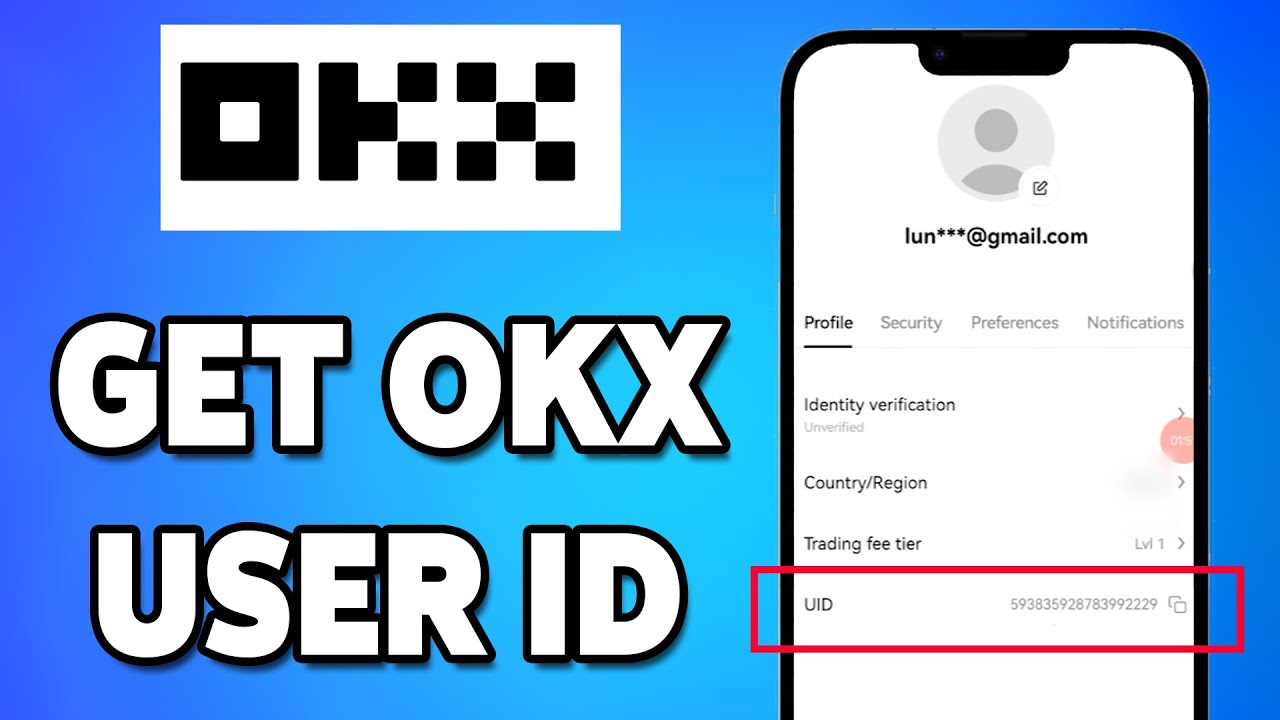
Paste this copied ID directly into the Player ID box on ArcTopup before placing your order.
Available Yoki Credit Denominations and Packages
ArcTopup provides a wide selection of Yoki credit packages to support both casual chatters and high-tier room organizers. Select smaller bundles for occasional gifting or larger credit tiers for extended community battles and VIP event hosting.
| Credit Package | Typical Platform Use Case | Recharge Requirement |
|---|---|---|
| 20,000 Credits | Casual chatting, basic animated stickers, quick gift drops | Player ID only |
| 50,000 Credits | Daily room participation, standard avatar frames | Player ID only |
| 100,000 Credits | Profile decoration, entry effect testing, host tips | Player ID only |
| 250,000 Credits | Moderate room gifting, medium-tier audio party support | Player ID only |
| 500,000 Credits | Featured voice room support, custom banner unlocks | Player ID only |
| 1,000,000 Credits | High-tier gifting battles, VIP entry animations | Player ID only |
| 2,000,000 Credits | Event leaderboard pushes, premium host backing | Player ID only |
| 5,000,000 Credits | Major room sponsorship, top-tier gifting campaigns | Player ID only |
Note: Current live prices, local currency options, and active promotional rates appear directly on the ArcTopup checkout selector.
Secure Payment Options and Buyer Protection on ArcTopup
ArcTopup ensures a protected purchasing environment for every Yoki recharge transaction:
- Zero Password Requirement: The top up process operates entirely via your public Player ID. You will never be asked for your login password, verification codes, or personal chat history.
- Encrypted Processing: All transactions run through industry-standard encrypted payment gateways, safeguarding your billing information.
- Direct System Delivery: Purchased credits are transmitted directly to your Yoki account balance via official ID routing.
- Dedicated Customer Support: If you ever run into a problem or have questions regarding your order, ArcTopup customer service is available to review your transaction status.
Troubleshooting Common Yoki Recharge and Balance Update Issues
If your credits do not appear immediately after completing payment, review the following troubleshooting steps:
- Refresh the App: Close the Yoki application completely from your device app switcher and reopen it. This forces the app to fetch your updated wallet balance from the server.
- Check Your Internet Connection: A slow mobile data connection can delay in-app wallet balance updates. Switch between Wi-Fi and mobile data to refresh.
- Verify the Player ID Entered: Check your order confirmation receipt on ArcTopup to verify that the Player ID you submitted matches your current Yoki profile ID exactly.
- Allow System Processing Time: In rare instances of heavy network traffic or app maintenance, digital deliveries may take a few moments to sync.
- Contact ArcTopup Support: If your balance has not updated after restarting the app, contact ArcTopup support with your Order ID and Yoki Player ID for immediate assistance.
Frequently Asked Questions About Yoki Top Up
How do I find my Yoki Player ID for a top up?
Open the Yoki app on your mobile device and tap the profile icon in the lower right corner. Your numeric Player ID is displayed right under your username and profile picture. Tap the copy icon next to the number to copy it accurately.
Do I need to share my Yoki account password to buy credits?
No. ArcTopup only requires your numeric Yoki Player ID to deliver credits. You never need to provide your password, phone login credentials, or SMS verification codes.
How long does it take for Yoki credits to arrive after purchase?
Credit deliveries are processed immediately after payment verification. In most cases, your balance updates in your Yoki wallet right after the order status completes.
Can I top up Yoki credits for a friend using their Player ID?
Yes. You can send credits to any friend or favorite room host by entering their numeric Yoki Player ID instead of your own during the checkout process.
What denominations of Yoki credits are available to purchase?
ArcTopup offers packages starting from 20,000 credits up to large bundles of 5,000,000 credits. Check the live selection table on the product page for current availability and rates.
What should I do if my Yoki credits do not appear in my balance?
First, restart the Yoki application to refresh your account data. If the balance remains unchanged, check your purchase receipt to ensure the Player ID was entered correctly, then submit your Order ID to ArcTopup customer support for quick verification.
Current packages and prices
Current base prices exclude Tax. Tax, payment fees and coupon adjustments are shown at checkout.
| Package | Price |
|---|---|
| Yoki - Yoki*20000 | USD 1.06 |
| Yoki - Yoki*25000 | USD 1.33 |
| Yoki - Yoki*30000 | USD 1.60 |
| Yoki - Yoki*50000 | USD 2.66 |
| Yoki - Yoki*70000 | USD 3.73 |
| Yoki - Yoki*100000 | USD 5.32 |
| Yoki - Yoki*200000 | USD 10.64 |
| Yoki - Yoki*500000 | USD 26.61 |
| Yoki - Yoki*700000 | USD 37.25 |
| Yoki - Yoki*1000000 | USD 53.22 |
| Yoki - Yoki*2000000 | USD 106.43 |
| Yoki - Yoki*5000000 | USD 266.08 |






























































