Learn how to do a safe kwai top up with just your Kwai ID, skip App Store fees, and get Kwai Coins in your wallet to gift creators in minutes.
What Kwai Coins Actually Do (and Why Viewers Buy Them)
Kwai is not a game. It's a social video and live-streaming e-commerce platform. The currency is Kwai Coins — called Gold Coins or Kwai Golds in the Middle East — for premium features and virtual gifts that appear in live chat instantly.
Many guides describe it like a game recharge. It's not. No skins. No stamina. You're supporting a creator in real time. Viewers in Brazil, Indonesia, and the Middle East often look elsewhere because App Store or Google Play checkout can add fees and taxes that ID-only recharge avoids.
The baseline is simple: 10 Coins per 1 CNY, so one coin is 0.1 CNY. I judge every pack against that line. Way off? I get suspicious. If a site can't explain what coins do in plain language, I leave.

Kwai - Kwai*100
 Kwai - Kwai*100USD 0.95Buy Now
Kwai - Kwai*500
Kwai - Kwai*500USD 4.78Buy NowKwai - Kwai*1000
Kwai - Kwai*1000USD 9.55Buy NowKwai - Kwai*2000
Kwai - Kwai*2000USD 19.10Buy NowKwai - Kwai*5000
Kwai - Kwai*5000USD 47.76Buy NowKwai - Kwai*10000
Kwai - Kwai*10000USD 95.51Buy NowKwai - Kwai*15000
Kwai - Kwai*15000USD 143.27Buy NowKwai - Kwai*20000
Kwai - Kwai*20000USD 191.02Buy NowKwai - Kwai*25000
Kwai - Kwai*25000USD 238.78Buy Now
How to Find Your Kwai ID in 15 Seconds
You need one thing for a kwai coins recharge: your Kwai User ID. No password. No login. No QR code.
Here's where it lives:
- Open the Kwai app
- Tap the menu icon in the top-left corner
- Tap your avatar
- Your ID is listed next to your nickname — copy it exactly
Paste it and double-check. One wrong digit sends coins to someone else. If the top-up succeeds on the ID you typed, the system doesn't refund — that rule is blunt.
Got multiple accounts? Log out and back in, then copy the ID you see. If a channel login token has expired — often around 30 days — a fresh login shows the current ID, so you avoid pasting an old one.
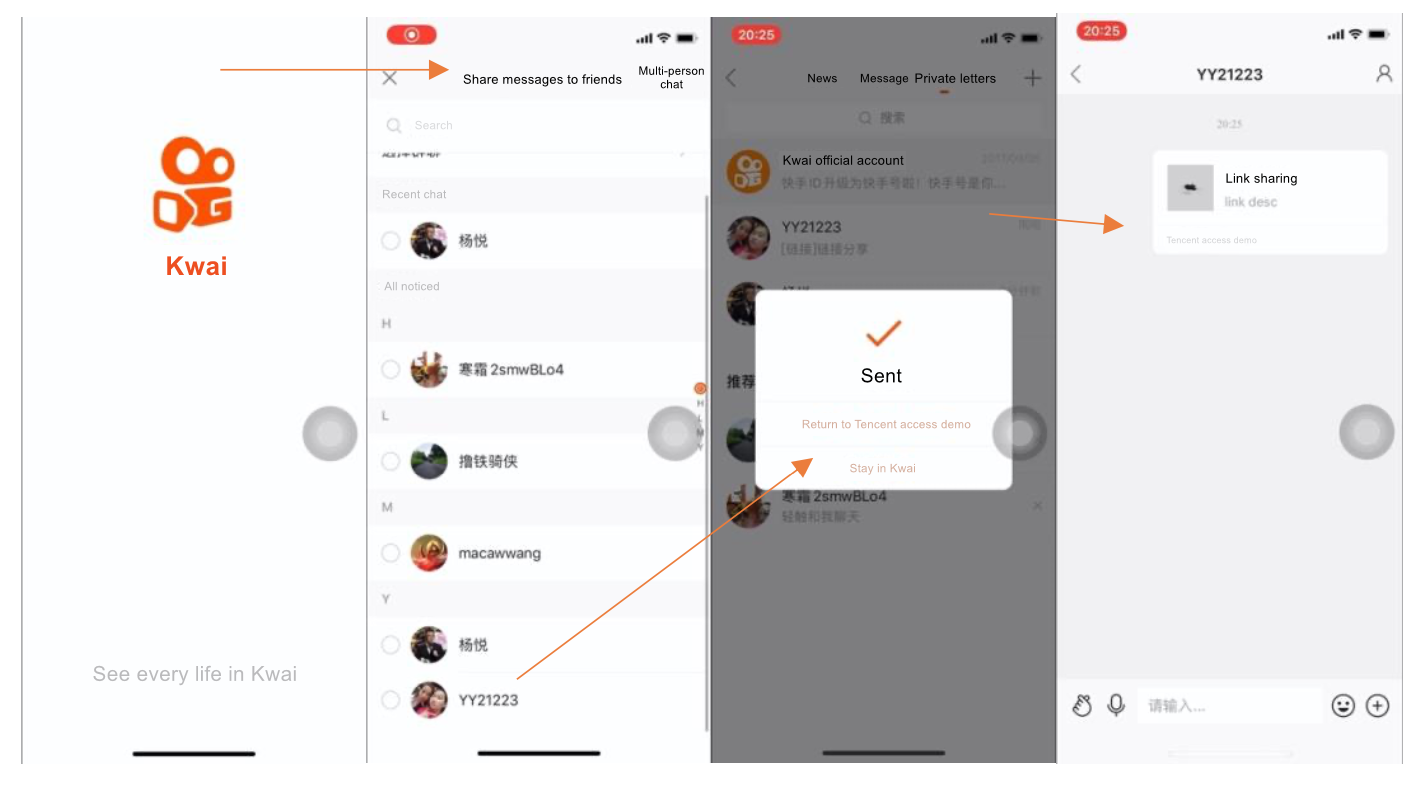
How to Top Up Kwai Coins in Under 2 Minutes
With your ID ready, this takes under two minutes. I only use stores that show the total before payment and never ask for a password.
- Pick your pack. Decide how many coins you need for the gifts you plan to send.
- Enter your Kwai User ID. Copy-paste, do not type.
- Pay with your preferred method. You will see the final amount on the checkout page.
- Check your Kwai wallet. Open Kwai > Wallet / Balance and watch the coins arrive.
You can recharge Kwai Coins on Arctopup without sharing your password if you want a clean ID-only flow that matches the steps above, which is why I point new viewers there first.
Timing: delivery is usually automatic within a minute via server hooks. During peak traffic or slow payment processing, it can need manual review. I expect coins quickly, but wait 30 minutes before contacting support with your order number and ID — that's the window most stores use to investigate.
Kwai Coins Pricing: What You Should Expect to Pay
Know the baseline before you pay — it makes bad deals obvious. The tables below use only official figures, not store promos.
Here is the official standard ratio and the two most common bonus structures Kwai runs:
| Pack Type | What You Get | Notes |
|---|---|---|
| Official Standard Ratio | 10 Coins per 1 CNY | Base baseline pricing set directly on the official website |
| New User First Deposit | 66 Coins for 6 CNY | Includes 6 bonus coins; valid through December 31, 2026 |
| Holiday Event Rebate | 10% Coin Rebate | Applies to recharges over 100 CNY during Spring Festival / Double 11 |
10 coins per 1 CNY is your reality check. If a deal beats it by a huge margin on day one, test with a small pack first.
Structure stays similar even as promos rotate. This second table shows the extra perks that often stack on top of the base ratio:
| Promotion | Cost / Condition | Bonus |
|---|---|---|
| Monthly Membership | 15 CNY / month | 30 fast coins subsidy each month |
| Large Recharge Cap | 5,000 CNY single-day limit | Set by payment providers, not the store |
| First-Time Pack | 6 CNY first recharge | 6 extra coins (total 66) until Dec 31, 2026 |
The membership and holiday rebate can trim cost for a mid-size top up kwai coins plan over a month, but they're optional. Gift occasionally? The standard ratio without extras is fine.
That 5,000 CNY daily cap is a payment network rule, not a store limit. Hit it and your wallet or card blocks until next day. Split a large gift budget across two days instead of retrying the same card five times.
If you want to see current live prices before you commit, check the Kwai top up page with live pricing and pack details and compare the per-coin cost yourself — I always calculate cost per 10 coins to keep the math simple.
Which Pack Should You Buy? My Take by Budget
No single pack fits everyone. Your viewing habit decides. Here's how I'd split it:
Light viewer / F2P-leaning: 30-70 coins. You watch a few lives a week, drop a small gift now and then. Never recharged? The 66 Coins for 6 CNY first-deposit pack is perfect. After that, buy the smallest standard pack that covers one stream. Don't buy big to "save" if you won't use it.
Mid supporter: 200-600 coins. You have 2-3 favorites and gift weekly. This is where the holiday 10% rebate over 100 CNY helps, and the 15 CNY/month membership for 30 coins smooths cost if you gift every month. Wait for the rebate window if you can; otherwise the membership avoids a giant one-time purchase.
Heavy gifter: 1,000+ coins. Lives daily, chasing the gift leaderboard. Don't dump 5,000 CNY at once and hit the payment cap. Split it — two medium packs across two days beats one massive pack. And test any new store with a small kwai golds recharge first.
For most people, mid is the sweet spot. Light feels limited, heavy locks up cash. 300-500 coins gives you room to gift without stress.

Safe vs Scam: What a Real Kwai Golds Recharge Asks For
This is short on purpose.
A legitimate kwai top up asks for: - Your Kwai User ID (numbers only) - The pack you want - Payment
That's it. Never your Kwai password, SMS code, Google/Apple login, or channel login token. If a site wants to "log in for you," close it.
A scam asks for: - Password or OTP - To install a strange APK or browser extension - To send money to a personal account or chat handle - To authorize your account via MSDK or third-party login so they can "inject" coins
A deal 40-50% cheaper than the 1:10 baseline with no order history page is a common trap pattern. Look for a store that shows the total before you pay, gives you an order ID, and lets you check status without contacting support. Can't find your order ID after paying? Stop. Don't pay again.
FAQ
How can I find my Kwai User ID for a top-up?
Open the Kwai app, tap the menu icon in the top-left corner, then tap your avatar. Your ID appears next to your nickname. Copy it directly and paste it into the top-up form to avoid typos.
What should I do if my recharged coins do not arrive immediately?
Coins often credit quickly, but delays happen during peak hours. Wait a few minutes and refresh your Kwai wallet. If more than 30 minutes pass, contact customer support with your order number and the exact User ID you entered.
Can I get a refund if I enter the wrong User ID?
No. If you enter the wrong User ID and the coins are delivered successfully to that account, the system will not issue a refund. Always copy-paste your ID and verify it once before you pay.
Are third-party coin discounts legitimate?
Discounts can reflect bulk purchasing mechanics, but extreme outlier ratios are risky. I test any new store with the smallest pack first and only scale up after that delivery succeeds.
Do I need to give my password to top up Kwai Coins?
Never. A real top up kwai coins flow uses only your Kwai ID. If a page asks for your password, SMS code, or to log in through another service, leave immediately. That request is not needed for a coin recharge.
Where do Kwai Coins appear after I pay?
Check Kwai > Wallet or Balance. Your new coins show in your coin balance at the top of that screen. If you were already in a live, leave the stream and re-enter so the gift panel refreshes.
My Final Verdict: The Smartest Way to Recharge Kwai Coins
If you only remember three things, make it these: use your ID only, judge price against the 10 coins per 1 CNY baseline, and verify the ID before you pay.
I wouldn't chase the biggest discount on day one. Take the 66 for 6 CNY newcomer pack if you're new, then settle into a mid-size rhythm that fits how often you watch lives. The monthly 15 CNY membership with 30 coins is worth it if you gift every week; otherwise skip it.
For a quick, ID-only flow you can check in under two minutes, top up Kwai Golds safely with just your Kwai ID and confirm the coins in your Kwai wallet before you join the next live. That way you gift when the moment is hot, not after the creator has ended the stream.






Comments