
Tarisland raid mechanics punish sluggish controls immediately. A clean raid configuration centers health frames, cooldowns, and boss status near your screen focal point while shifting vital spells off the standard 1 through 12 number row, ensuring your movement hand stays planted on WASD. Configuring your interface and binding scheme around rapid boss interrupts and high-threat area-of-effect (AoE) dodging transforms chaotic encounters into readable, manageable fights.
Where to Access Interface and Control Options
Before modifying bindings or moving frames, open the configuration panels. As documented on ArcTopup, the Settings menu sits in the bottom-right corner of the HUD. Alternatively, tap or click your Character Avatar in the upper interface to open the System Settings and Basic Info tab.
From this menu, you can access your input profiles, camera behavior, and interface scaling toggles. Take care of these foundational settings before stepping into instance portals.

60 Crystals
 60 CrystalsUSD 0.70Buy Now
Weekly Ticket
Weekly TicketUSD 0.86Buy NowMonthly Ticket
Monthly TicketUSD 2.54Buy Now330 Crystals
330 CrystalsUSD 3.40Buy Now700 Crystals
700 CrystalsUSD 6.93Buy NowSemiannual Ticket
Semiannual TicketUSD 14.30Buy Now1800 Crystals
1800 CrystalsUSD 16.34Buy Now3600 Crystals
3600 CrystalsUSD 32.73Buy Now7250 Crystals
7250 CrystalsUSD 69.59Buy Now
Solving HUD Clutter and Eye Travel in Encounters
Standard MMO interfaces scatter crucial information across screen corners. Your health sits top left, target statuses drift near the top right, and hotbars linger at the very bottom. Analysis by Combat Pilot Series emphasizes that optimizing raid interfaces demands repositioning health frames, cooldown trackers, and boss alerts closer to the center of your field of view. The goal is straightforward: vital status updates should never force your eyes away from your character's immediate surroundings.
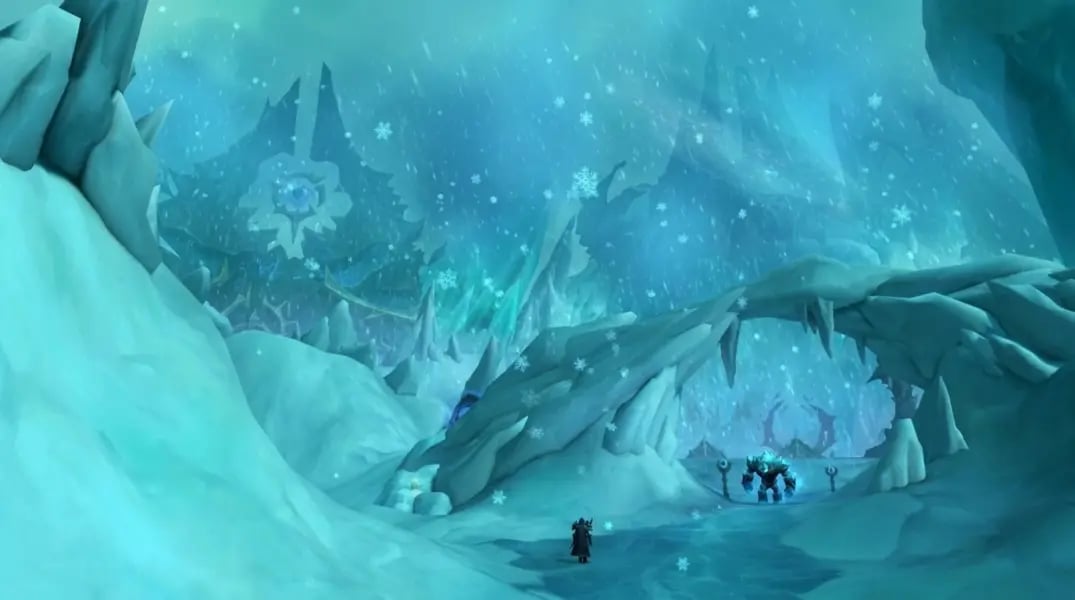
High-end encounters documented by ChaosBoost—including Glacier Cave, Library of Chaos, and Grey Fog Citadel—demand instant reactions to massive AoE floor indicators and cast bars. Shifting your UI anchors inward eliminates cognitive fatigue and reduces reaction delays during lethal mechanics.
| Interface Component | Default Position | Raid-Optimized Placement | Core Mechanical Function | Visual Setup Reference |
|---|---|---|---|---|
| Player Health & Resource | Top-left corner | Just below character feet | Tracking burst damage without losing sight of floor markers |  |
| Boss Cast & Status Bar | Top-center/Target frame | Directly above central action bar | Immediate visibility for interruptible spell casts (ChaosBoost) |  |
| Essential Cooldown Tracker | Lower-edge hotbar | Flanking player health bar | Monitoring skill availability within peripheral vision |  |
Tarisland Action Mode vs Classic Mode Settings
Selecting your combat camera style determines how you track mechanics and manage target priority. The debate between tarisland action mode vs classic mode settings comes down to camera control versus targeting precision.
Action Mode locks your reticle to the camera, moving your viewpoint directly with mouse swings. This grants immediate situational awareness when panning around massive boss arenas. Classic Mode, by contrast, frees your cursor to click distinct enemy targets, select specific raid frames, or position ground reticles precisely without altering camera orientation.
For high-end PvE encounters requiring rapid target swaps and targeted interrupts, Classic Mode provides tighter cursor control. If you prefer free-aim mobility and dynamic camera steering while dodging sweeping mechanics, Action Mode feels fluid, provided your tarisland camera sensitivity raid settings are tuned to prevent disorienting oversteer during tight maneuvers.
Tarisland Camera Sensitivity Raid Settings
To configure your camera for raid awareness, use these steps in your control menu:
- Open Settings via the bottom-right corner menu icon (ArcTopup).
- Locate the Camera and View options tab.
- Lower vertical sensitivity slightly to maintain a stable, top-down tactical angle on floor hazards.
- Maximize camera zoom distance to maintain complete visibility over wide boss rooms like Glacier Cave.
Tarisland Optimal PC Keybind Layout
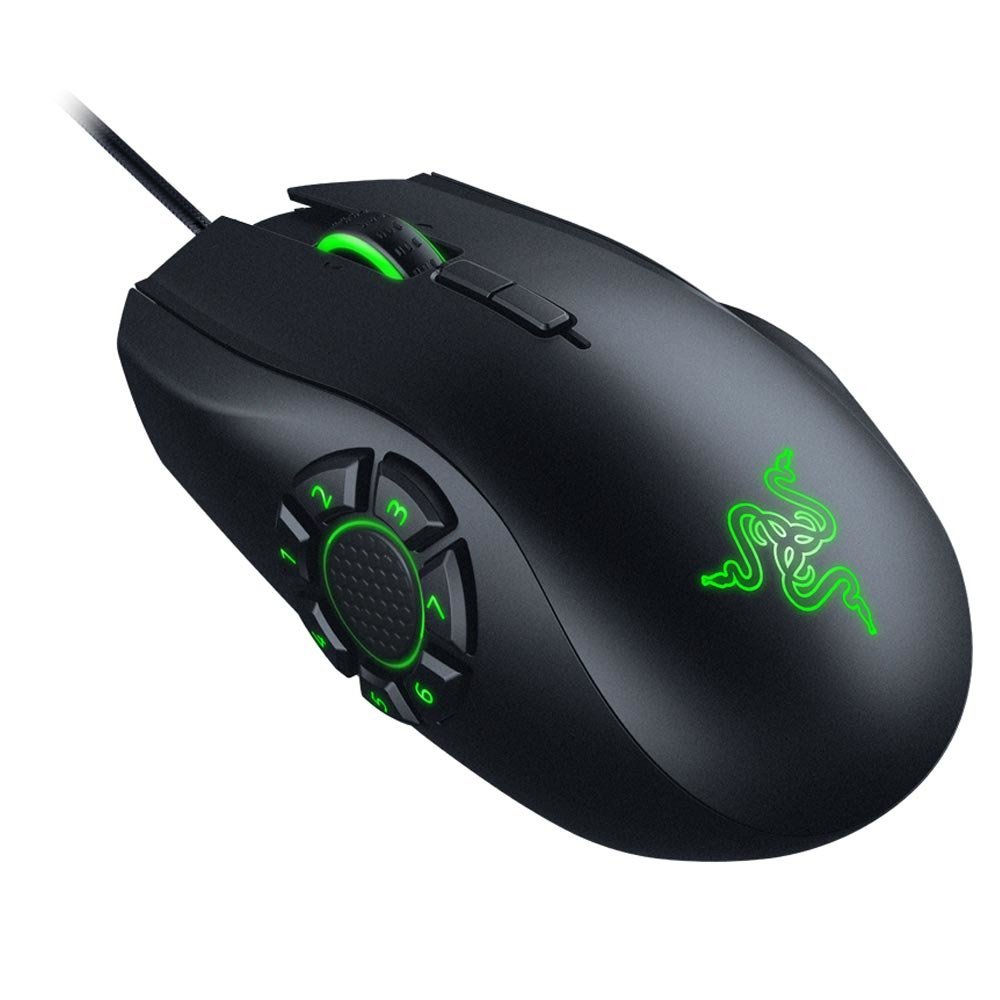
Default MMO control schemes typically map abilities across numbers 1 through 12. As noted in hardware reporting by Tom's Hardware, stretching fingers across numeric keys while maintaining WASD movement creates severe physical strain and compromises character positioning.
A functional tarisland optimal pc keybind layout distributes core rotations, panic buttons, and utility tools across keys clustered tightly around WASD, supplemented by mouse thumb buttons.
| Input Slot | Target Assignment | Bound Function | Mechanical Priority |
|---|---|---|---|
| Q, E, R, F | Primary rotation & main builder | Instant access abilities | High continuous DPS (Tom's Hardware) |
| Mouse Thumb 1 (MB4) | Kick / Interrupt skill | Boss spell lockouts | Critical raid survival (ChaosBoost) |
| Shift + Q, E, R | Defensive cooldowns & shields | Emergency mitigation | Pre-cast before raid-wide bursts |
| Z, X, C, V | Consumables, pots, raid markers | Low-frequency utility | Situational encounter recovery |
Binding your primary interrupt to a dedicated mouse side button ensures you can clip an enemy cast bar the instant it appears, without stopping your stride while avoiding ground hazards.
Tarisland Quick Cast Settings
Tarisland quick cast settings eliminate the extra click needed to place ground-targeted abilities. Instead of pressing a hotkey and then left-clicking the game floor, quick cast fires the ability directly at your cursor's coordinate the moment the key triggers. Enabling this option shaves fractions of a second off placement times, which proves decisive when dodging simultaneous hazards in Grey Fog Citadel.
Tarisland Mobile HUD Customization Layout
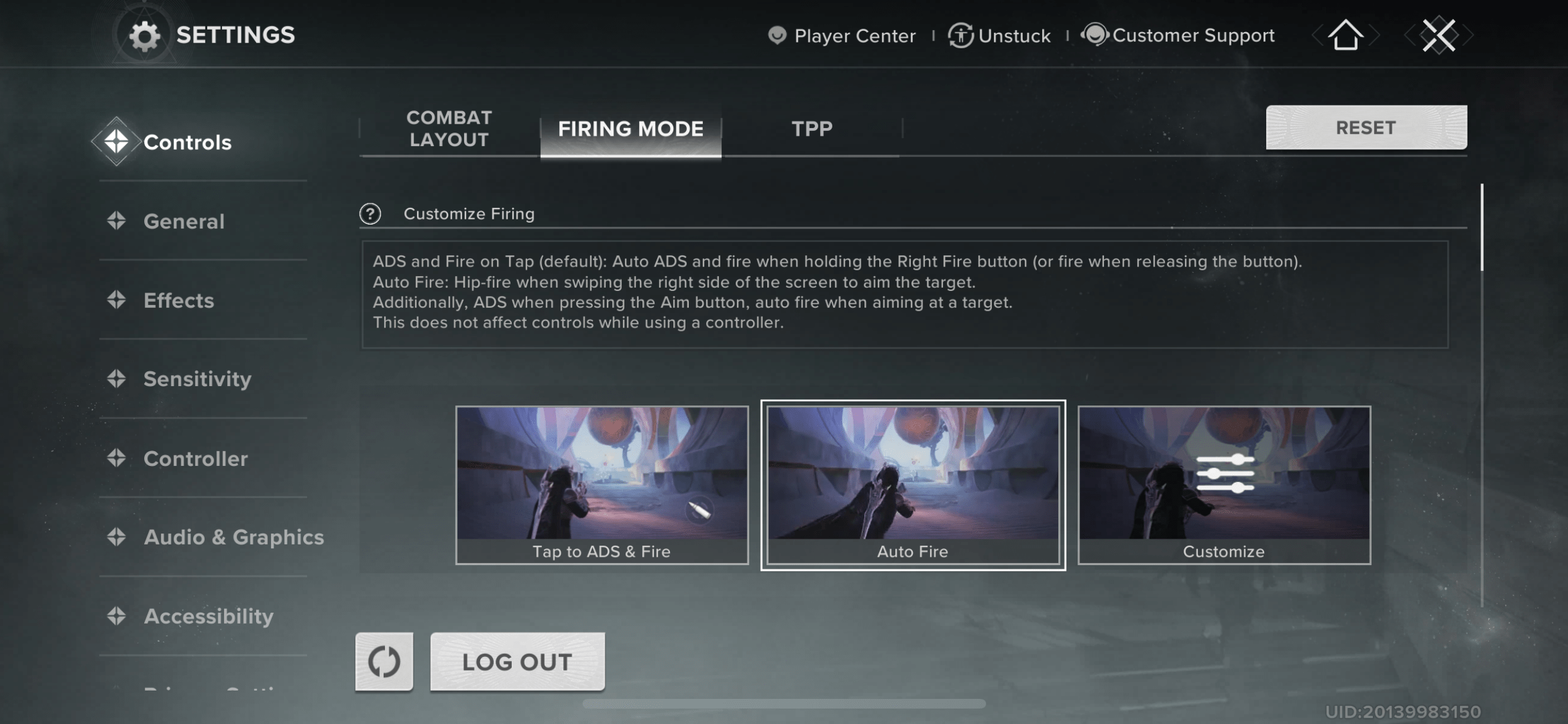
Playing on a phone or tablet introduces distinct spatial challenges. Screen real estate is limited, and your thumbs naturally obscure the lower corners of the display. Using a well-planned tarisland mobile hud customization layout prevents touch inputs from blocking incoming boss animations.
- Move the movement virtual joystick slightly inward from the screen edge to avoid thumb slippage.
- Position your emergency dodge and interrupt buttons closer to the resting position of your right thumb for faster reflex presses.
- Shift raid health frames to the upper-left perimeter beneath your avatar info (ArcTopup), keeping the center screen clear.
- Adjust UI transparency on secondary buttons (like bag access, map, and chat) so hidden floor hazards remain visible.
If you find yourself running low on inventory space during long raid progression nights, Crystals serve as the premium currency in Tarisland and can purchase inventory expansions, cosmetic upgrades, and passes via the ArcTopup Tarisland Shop.
Surviving High-End Mechanics: Glacier Cave and Beyond
Coordinated execution decides raid outcomes in Tarisland. In encounters like Glacier Cave, Library of Chaos, and Grey Fog Citadel, mechanics do not tolerate hesitant input schemes. ChaosBoost highlights that missed interrupts and sluggish AoE dodges are the primary culprits behind party wipes.
When your interface brings threat indicators into your central focal field and your keybinds reserve movement autonomy on WASD, you stop reacting to surprise mechanics after they strike. You prepare for them before the cast bar finishes.
Follow ArcTopup for more Tarisland news~





Comments