
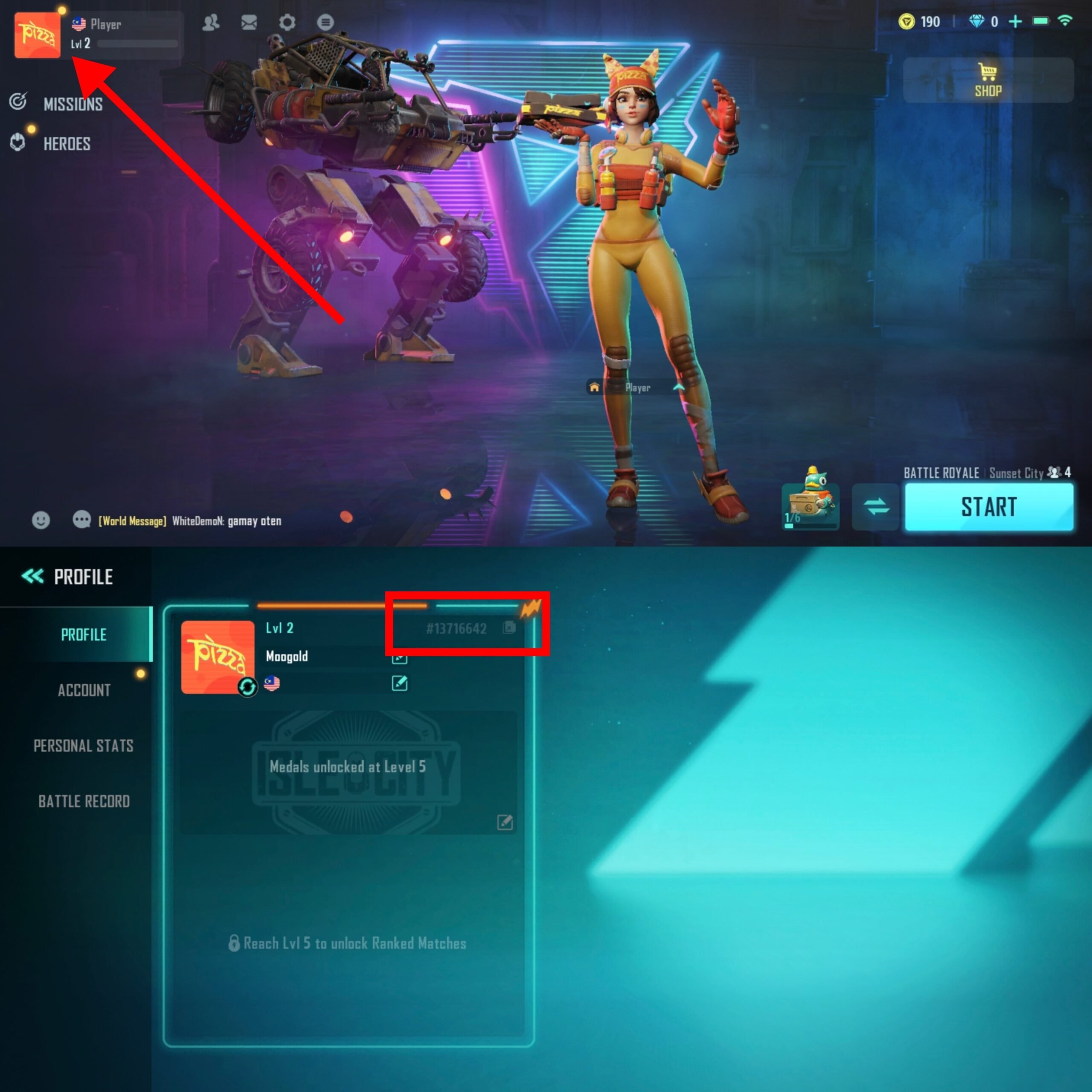
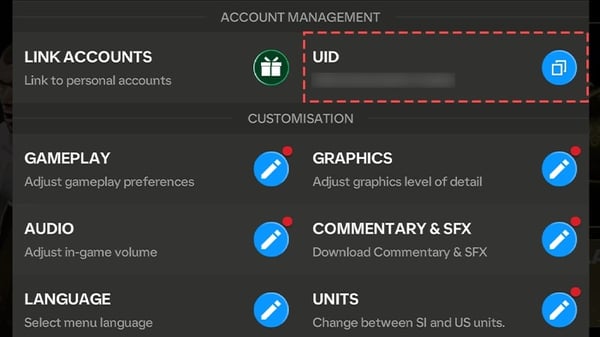
To find your numeric User ID in the Farlight 84 PC client, launch the game on Steam or your desktop launcher, look at the main lobby screen, and click your profile avatar in the upper-left corner. Stay on the default Overview tab: your numeric account User ID is printed directly beneath your in-game nickname, right next to a small dedicated copy button that sends the string straight to your clipboard.
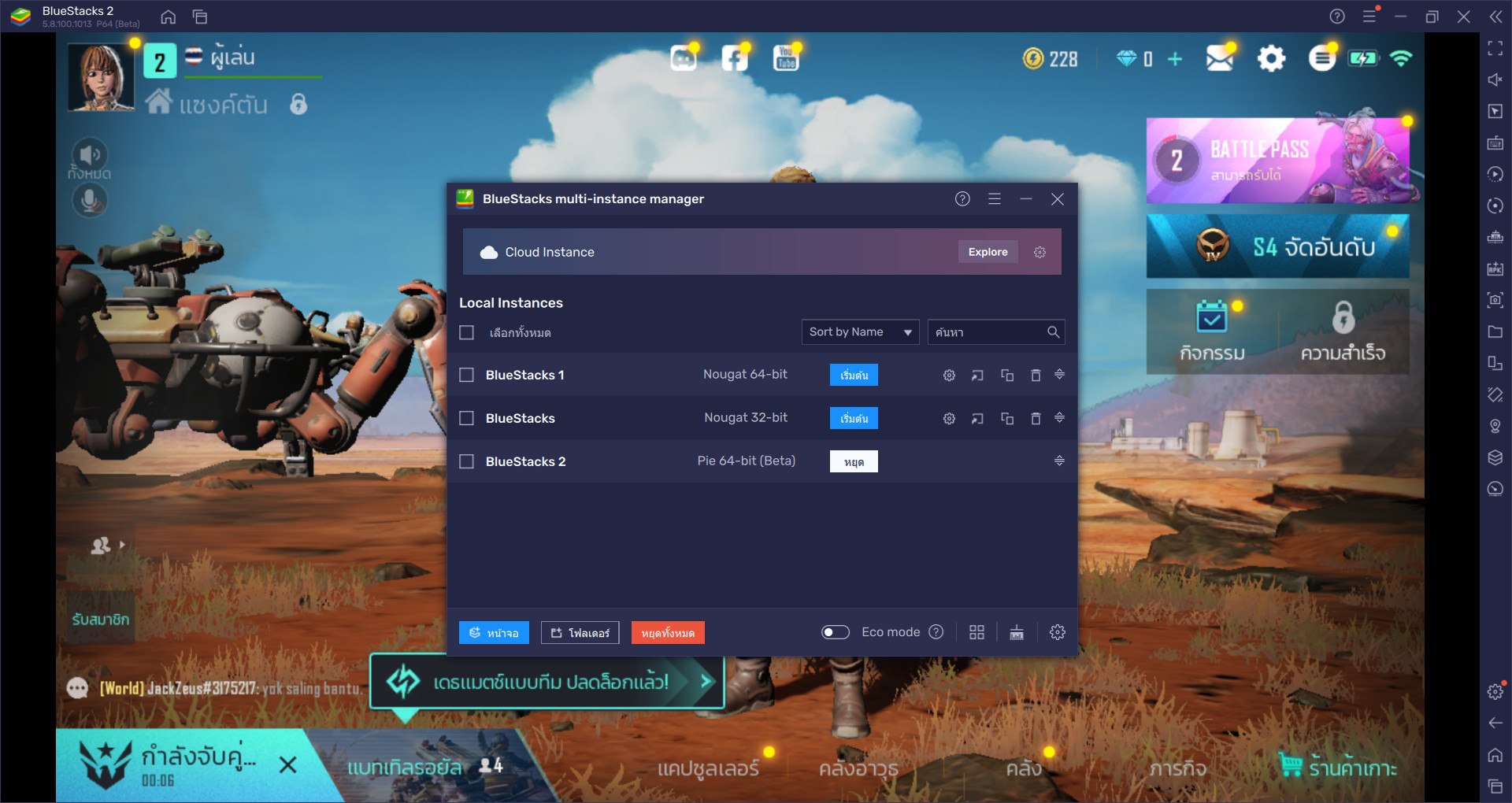
The Direct Path: How to Copy Farlight 84 UID on Steam
Desktop launchers often trip players up because they plaster platform gamertags everywhere instead of the internal database keys you actually need. Farlight 84 is no exception—you won't find your account number sitting out in the open on the matchmaking lobby. It hides behind your avatar card.
Follow this exact sequence on the PC client:
- Launch the game via Steam or the native PC client and sign into your profile.
- In the main lobby screen, click your Avatar / Profile icon situated in the top-left corner.
- Keep the menu set to the Overview tab.
- Find the numeric string marked ID / UID sitting directly beneath your player nickname.
- Click the small Copy icon next to the digits to copy the UID directly to your clipboard.
That route bypasses the main settings menus completely. Don't bother dragging your cursor to highlight the numbers manually; the in-game clipboard button works on the first click.
| Interface Step | What You Click | Where It Appears on PC | Visual Reference |
|---|---|---|---|
| 1. Main Lobby | Profile Avatar | Upper-left corner of the lobby screen |  |
| 2. Profile Screen | Overview Tab | Default first tab on the left navigation bar | 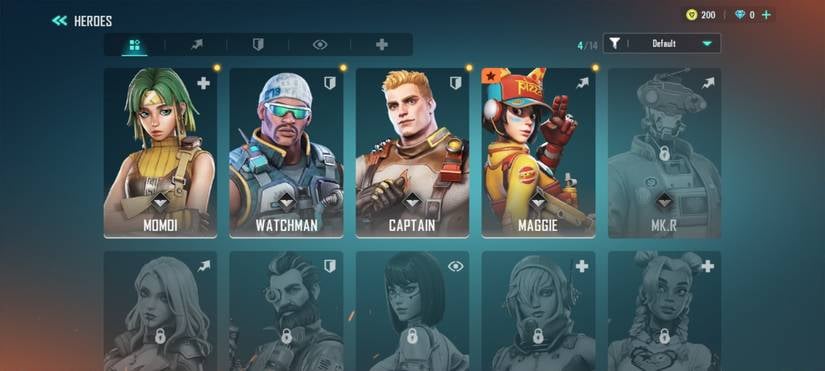 |
| 3. Account String | Copy Icon | Directly beneath the player display name | 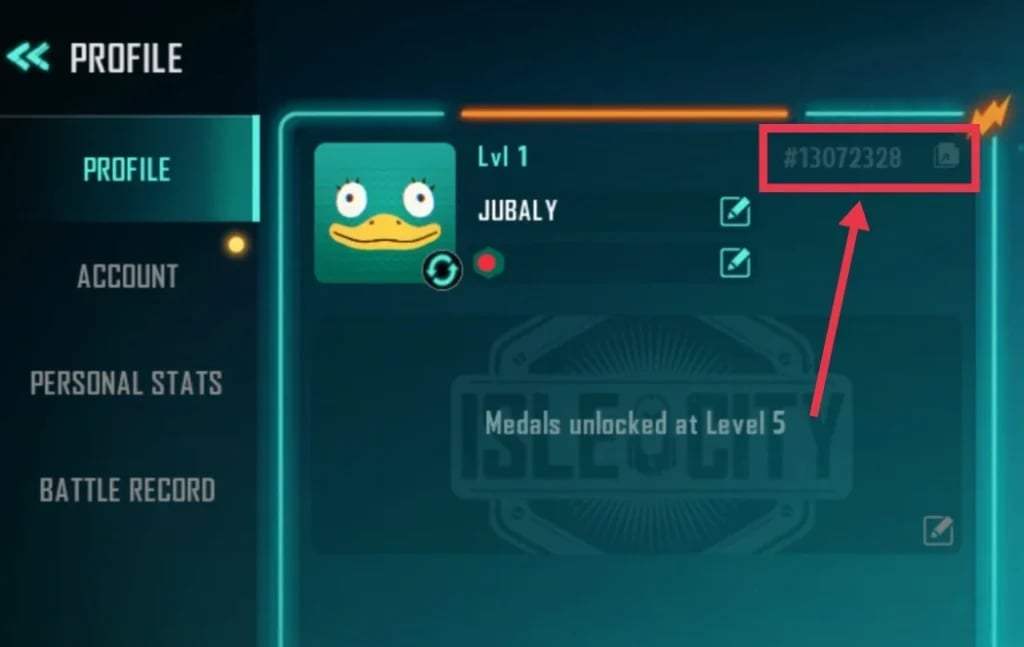 |
ArcTopup's Farlight 84 guide confirms this client-side path functions identically across desktop installations and mobile screens.

80 Diamonds
 80 DiamondsUSD 0.67Buy Now
100 Diamonds
100 DiamondsUSD 0.80Buy Now165 Diamonds
165 DiamondsUSD 1.24Buy Now220 Diamonds
220 DiamondsUSD 1.83Buy Now330 Diamonds
330 DiamondsUSD 2.39Buy Now880 Diamonds
880 DiamondsUSD 6.37Buy Now2,240 Diamonds
2,240 DiamondsUSD 16.54Buy Now4,700 Diamonds
4,700 DiamondsUSD 33.10Buy Now
Farlight 84 UID vs. Steam Account ID: The Crucial Difference
Do not mix up your Steam ID with your Farlight 84 User ID. If an event page, third-party redemption portal, or support ticket asks for your UID, plugging in your Steam Community ID will fail every single time.
| Identifier Type | Where to Look | Format & Character Length | Purpose |
|---|---|---|---|
| Farlight 84 UID | Top-left Avatar > Overview tab (Source) | Game-specific numeric string | Direct profile routing, top-ups, and game support |
Your Farlight 84 UID lives exclusively in the game publisher's database. Steam simply handles launcher authentication; it does not manage the internal player registry.
Why Your Numeric UID Keeps Your Account Secure
Handing out passwords or platform logins is an easy way to get compromised. By design, your Farlight 84 UID operates like a bank routing number rather than an access key: it points systems to your profile without granting access to it.
When purchasing Farlight 84 Diamonds, claiming tournament prizes, or receiving cosmetics from teammates, this numeric string is all you share. The UID tells third-party servers exactly which account to credit without needing your Steam password, Google credentials, or email access (ArcTopup). Farlight 84 Diamonds serve as the premium currency used across the hero-centric battle royale to purchase exclusive cosmetics, hero releases, high-tier weapon skins, and seasonal passes.
Direct UID recharges exist precisely so you never hand over login credentials. If an external service demands your Steam password alongside your UID, treat it as an immediate red flag and walk away.
Cross-Play Account Linking and Support Channels
Swapping between your PC battlestation and a phone on the go? Your UID stays locked to your core profile across both. Inside the in-game settings, you can link your game account with Steam, Google, or other supported platforms (infoEK). That link keeps battle pass progression, unlocked heroes, and premium Diamond balances synchronized no matter which hardware boots up the match.
The UID string itself stays identical across platforms, regardless of matchmaking pools.
If an interface glitch blanks out your UID on the Overview tab, or if a recharge fails to hit your balance, take it straight to the publisher. Send your ticket to [email protected] (Farlight Games). Always paste your copied UID directly into the body of the email so support agents can trace your database logs without back-and-forth delays.
Follow ArcTopup for more Farlight 84 Diamonds news~





Comments