
To top up EA Sports FC Mobile without exposing your account password, you must submit your numeric or alphanumeric User ID from the in-game Settings menu rather than your public Manager Name. When purchasing packs like 999 Silver ($9.68) or 1,070 FC Points ($9.68), balances frequently route to your in-game mailbox instead of the upper balance counter. If items fail to appear after payment verification, closing the app from your background app switcher and restarting forces client-side synchronization with EA servers.
Finding Your True FC Mobile UID (Not Your Manager Name)
Never paste your public display handle into a checkout field. External delivery systems rely exclusively on internal player identifiers to route assets. Entering your squad or Manager Name causes delivery failures or misdirects currency to non-existent accounts, as documented on ArcTopup.
Locating your actual numeric or alphanumeric UID takes five seconds:
- Launch the app and look at the main home dashboard.
- Tap the Settings gear icon in the top-right corner.
- Locate the User ID section displayed in the main Settings panel (or under the Account / Customer Service tab).
- Tap the Copy button directly beside the UID string.
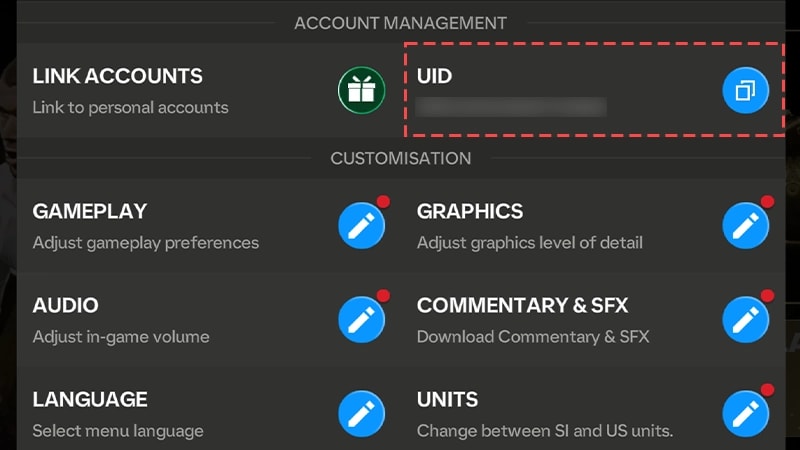
Never type this string by hand. UIDs mix zeros with uppercase letters, making manual entry an easy way to botch an order. Use the in-game clipboard button to carry the exact string over.
Guest Accounts: Bind Before You Recharge
If you play on a guest profile, topping up creates an unnecessary liability. While UID delivery functions on unbound clients, clearing your device cache, suffering an OS crash, or reinstalling the client can orphan your local credentials. When that happens, recovering unspent FC Points or Silver becomes a prolonged support ordeal.
Before spending money, link your client to a permanent profile provider (such as an EA Account, Google Play, or Apple ID) inside the Account settings tab. This preserves your internal UID across device migrations while keeping your purchase history attached to a verifiable credential.
| Product & Tier | Currency Type | Listed Base Price | Primary Utility | Storefront Visual |
|---|---|---|---|---|
| 40 FC Points | FC Points | USD 0.43 | Entry-tier packs and event progression | 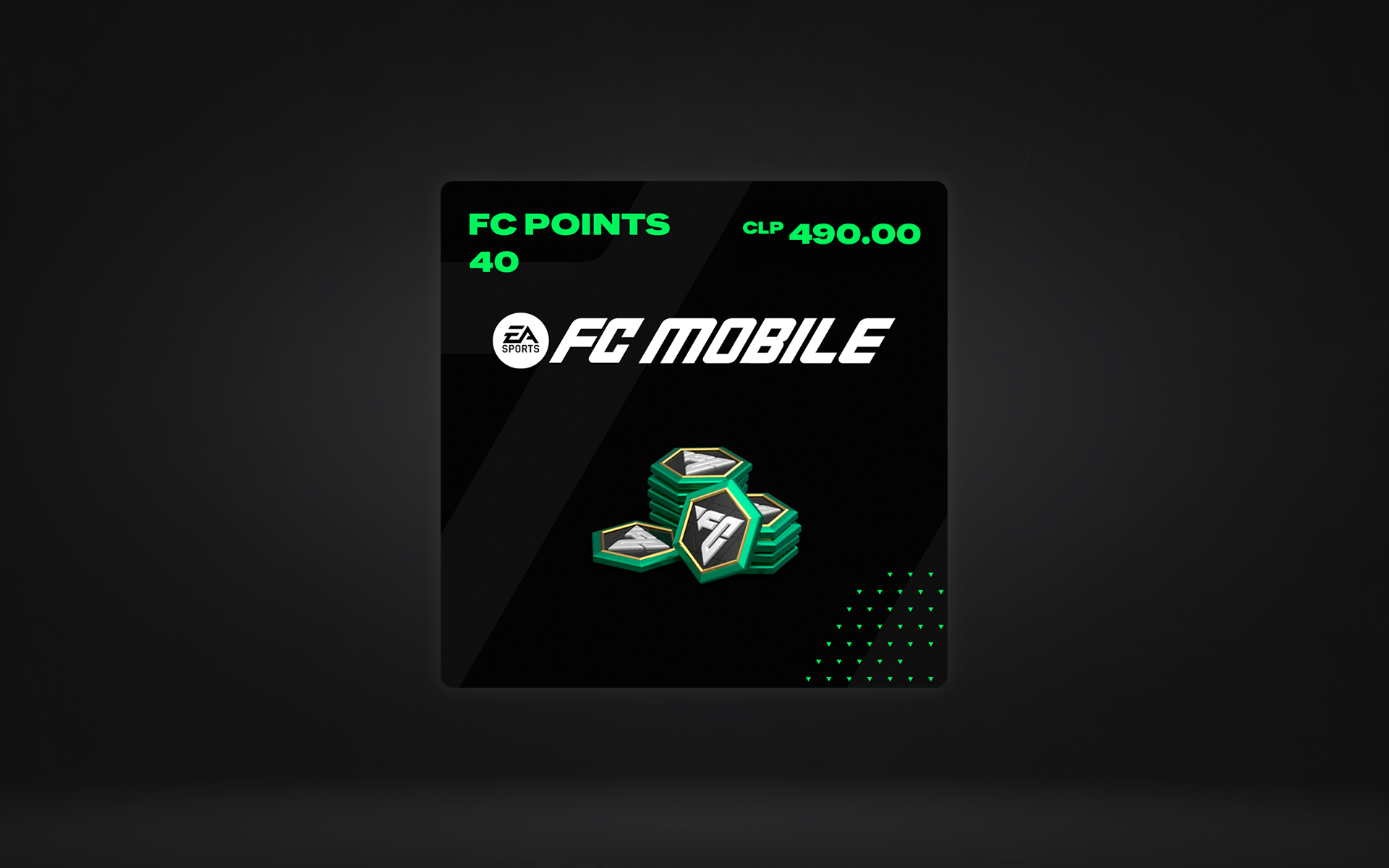 |
| 999 Silver | Silver | USD 9.68 | Premium Star Pass unlock | 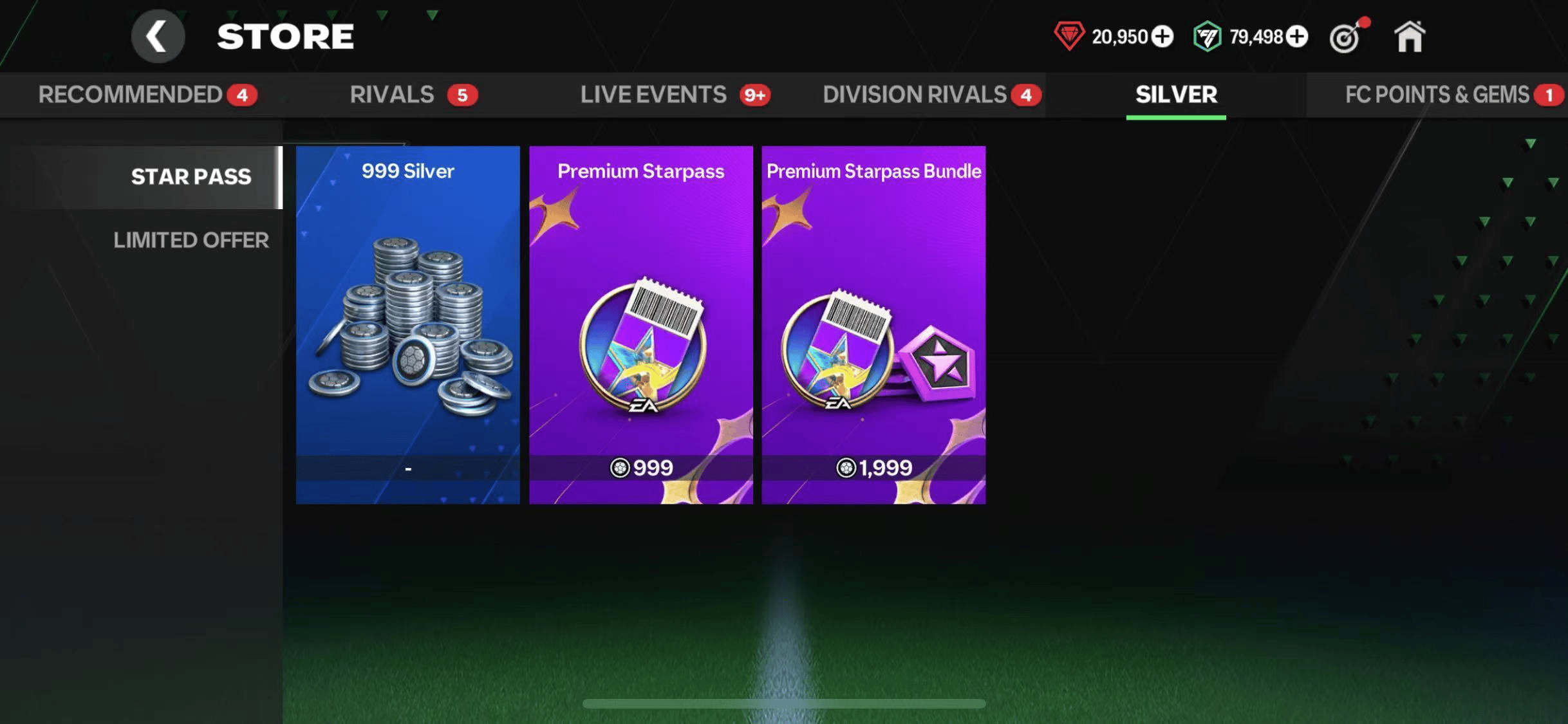 |
| 1,070 FC Points | FC Points | USD 9.68 | Player packs & seasonal event milestones | 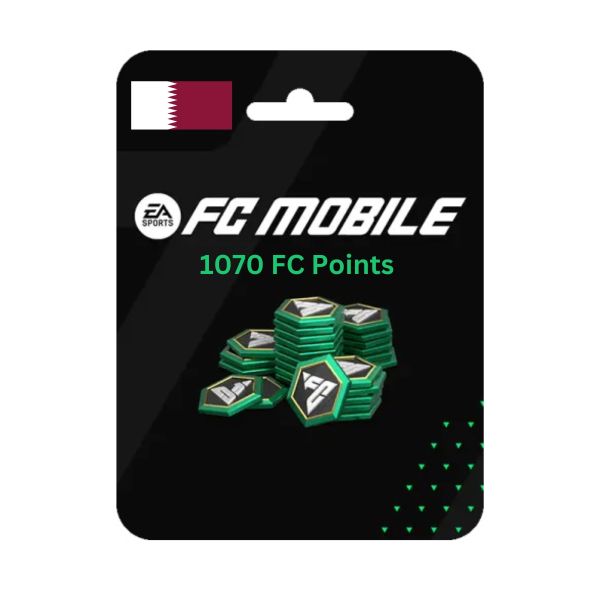 |
| 1,999 Silver | Silver | USD 20.46 | Premium Star Pass Bundle unlock | 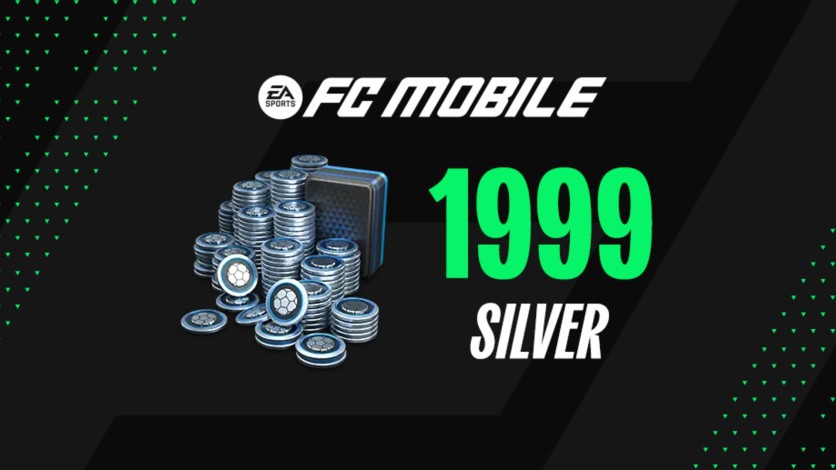 |
Pricing sourced from ArcTopup. Base prices exclude local checkout taxes and payment processing fees.
Silver vs. FC Points: Matching Currency to Your Target
Players routinely buy the wrong currency because both unlock store items. But make no mistake: they run on entirely different game mechanics.
FC Points remain the primary currency for opening store player packs, buying seasonal event access, and progressing event reward nodes. If your objective is opening promotion packs, FC Points are required.
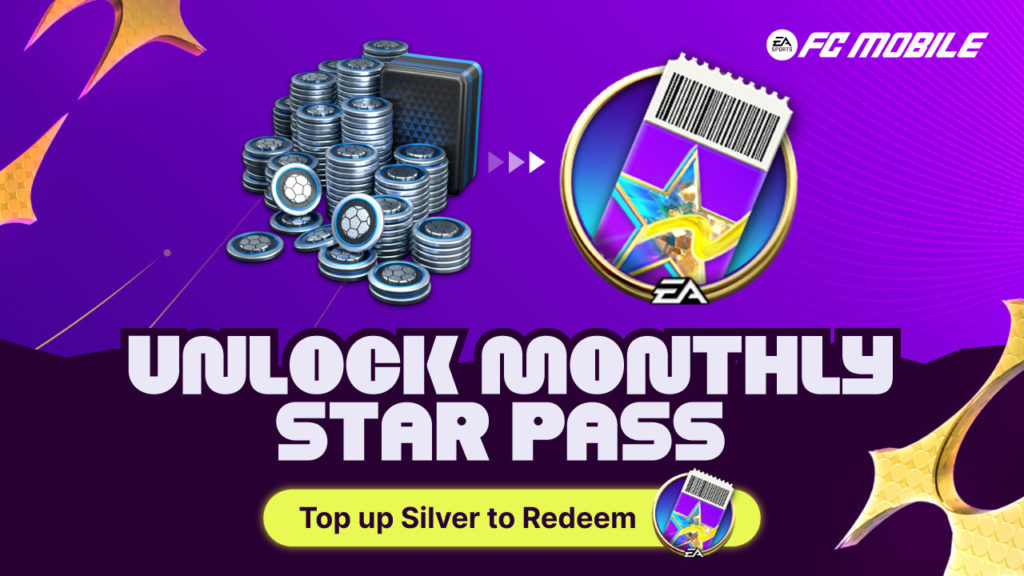
Silver handles direct feature unlocks and micro-bundles. According to official data from the EA Sports FC Mobile Webstore, activating the standard Premium Star Pass requires exactly 999 Silver under the in-game Store's Silver tab. Unlocking the Premium Star Pass Bundle—which adds advanced tier skips and extra rewards—costs 1,999 Silver. Buying FC Points when you specifically need Silver forces an extra conversion step or leaves you unable to buy pass bundles directly.
Fixing Delayed Balances: Mailbox Checks and Client Resync
You completed payment, the platform confirmed delivery, but your top balance counter still sits at zero. Do not immediately submit a chargeback dispute. Two distinct technical factors explain why your balance hasn't updated.
The Mailbox Delivery Pipeline
Third-party storefront descriptions often claim currency credits instantly to your top balance counter upon payment verification. In reality, official support guidance from EA Help confirms that purchases routed from webstores and authorized third-party platforms deliver directly to your account's in-game mailbox ("došlá pošta").
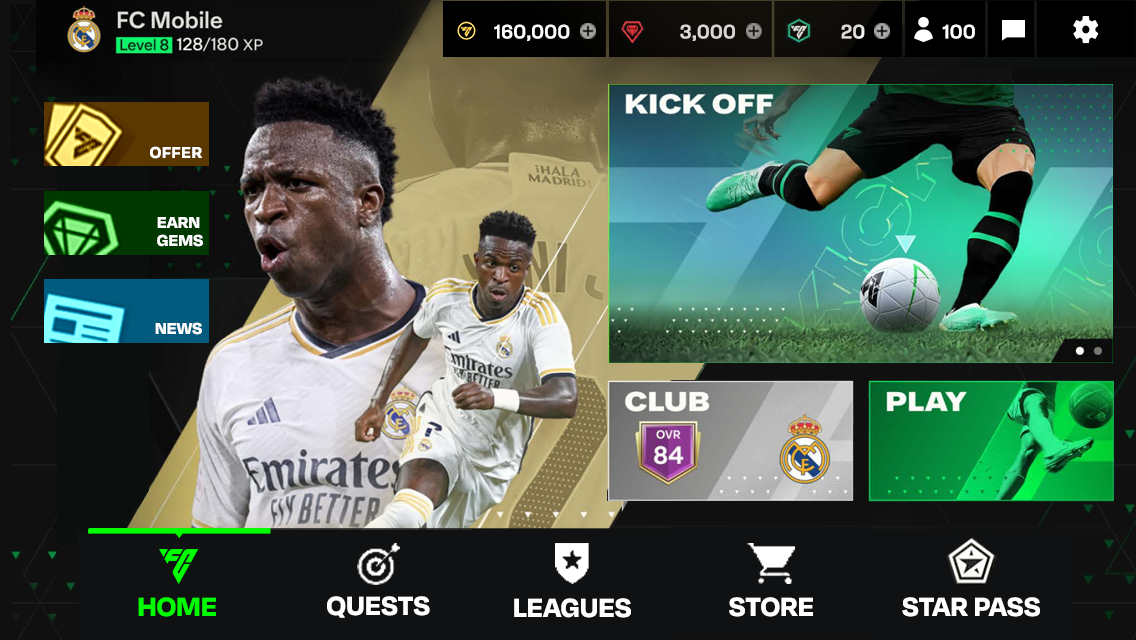
Tap the Mail envelope icon on your main dashboard. If your purchase contains bonus items, event tokens, or pass vouchers alongside base currency, they will sit as pending attachments. You must tap Claim inside the message to deposit those funds into your wallet.
Forcing a Profile Cache Query
If your mailbox is empty, your local app client is running on stale cached session data. Mobile games do not constantly poll servers for currency updates while sitting idle on menus.
- Swipe up or open your phone's background app switcher.
- Force-quit the EA Sports FC Mobile app completely.
- Wait 10 seconds to allow network handshakes to terminate.
- Relaunch the game.
Booting the client fresh forces the game engine to download an updated profile state from EA's live database, refreshing your counters.
| Delivery Issue | Root Cause | Resolution Steps | Verified Source |
|---|---|---|---|
| Balance counter unchanged after checkout | Currency routed as claimable mail | Open Mail tab on the main screen and tap Claim | EA Help |
| Mailbox empty and counter unrefreshed | Local client running cached profile session | Force-close app from background app switcher and relaunch | ArcTopup Support |
| Order status fails or rejects immediately | Display username submitted instead of UID | Re-copy numeric UID string via Settings > User ID | ArcTopup Guide |
| Star Pass locked despite purchase | Bought FC Points instead of required Silver | Check Store > Silver; Star Pass requires 999 Silver | EA Official Store |
Credential Security During External Recharges
The main security advantage of UID top-ups is account isolation. While official web portals require logging into an EA Account and completing one-time passcode (OTP) verifications, authorized external top-up services like Codashop, Coda Payments, and ArcTopup process orders using only your player UID.
No legitimate UID top-up provider ever requires your account password, email credentials, or two-factor authentication codes. If any site asks for your EA password or Google Play login to deliver FC Points, close the tab immediately. Handing over login credentials exposes your squad to unauthorized selling, market liquidations, and permanent security locks.
Editor's takeaway: Always hit the in-game Copy button for your UID, double-check whether your target pass needs Silver or FC Points before paying, and check your in-game mailbox before assuming a transaction failed.
Follow ArcTopup for more EA Sports FC Mobile FC Points & Silver news~






Comments