
Pocket Chat Top Up: Instant Coins with Player ID
Pocket Chat is a popular live voice streaming, group voice chat, and social entertainment platform. Users connect across themed voice rooms, participate in interactive audio parties, sing karaoke, and build social communities. To support your favorite room hosts, participate in interactive room events, and stand out in community broadcasts, you need Pocket Chat coins.
Pocket Chat top up services on ArcTopup provide a direct digital recharge solution designed specifically for the Pocket Chat voice app. This service is dedicated to social in-app currency and is completely separate from standard mobile carrier or telecom phone plans. Through ArcTopup, you can buy Pocket Chat coins directly credited to your user account using only your unique numerical Player ID.
How to Top Up Pocket Chat with Player ID
Recharging your Pocket Chat account on ArcTopup is straightforward and requires no complex authentication. Follow these direct steps to top up:
- Select Your Coin Denomination: Browse the coin packages listed on the live product interface and choose the bundle that matches your needs.
- Enter Your Pocket Chat Player ID: Type your numerical Player ID into the designated field. Double-check your numbers to ensure correct delivery.
- Review Order and Live Pricing: Verify the denomination and final live rates displayed on the checkout screen.
- Select a Payment Method: Pick your preferred regional or international payment option.
- Receive Your In-App Coins: Once the payment is verified, the coins route directly to your Pocket Chat account balance. Open your app to view the updated total.
Where to Find Your Pocket Chat Player ID
To ensure your coins reach your profile without delay, you must provide your exact in-app Player ID (UID). Finding your ID takes only a few taps inside the mobile application.
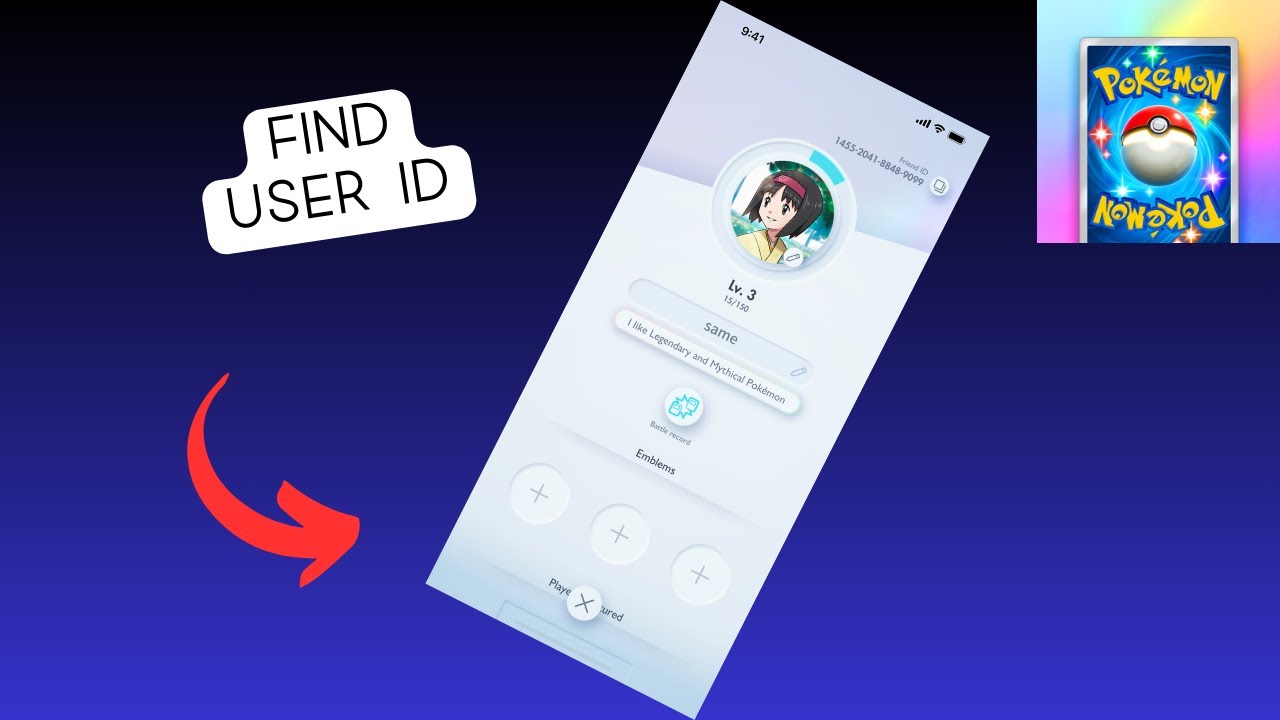
Step-by-Step Guide to Locate Your ID:
- Open the Pocket Chat app on your iOS or Android mobile device.
- Tap the Profile or Me icon located in the bottom navigation bar.
- Locate your profile avatar at the top of the personal center.
- Your Player ID / UID is displayed as a sequence of numbers directly below your display name.
- Tap the Copy icon next to your ID to copy the numerical sequence to your clipboard without typos.
- Paste the copied ID into the Player ID input field on ArcTopup during checkout.
Pocket Chat Coins: Virtual Gifts and Premium Features
Coins serve as the primary utility currency inside the Pocket Chat ecosystem. Having a ready supply of coins allows you to access interactive room tools, support creators, and personalize your presence.
| Feature Category | In-App Coin Use | Impact in Voice Rooms |
|---|---|---|
| Virtual Gifting | Sending animated gifts to mic hosts and speakers | Boosts host ranking, increases room popularity points, and activates visual screen effects |
| Entrance Effects | Purchasing luxury vehicle or avatar entry animations | Announces your arrival across the entire voice room with custom sound and banner graphics |
| VIP Badges | Unlocking tiered VIP memberships and special frames | Displays exclusive profile frames, special chat bubbles, and priority seating on room stages |
| Interactive Tools | Unlocking mini-games, lucky draw boxes, and room audio | Activates interactive community games and audio soundboards inside voice parties |
Sending Animated and Luxury Gifts
When broadcasters host live audio shows or interactive games, audience members send animated virtual gifts to show appreciation. Higher-tier gifts trigger full-screen animations and broadcast announcements across the app, bringing recognition to both the sender and the recipient.
Profile Customization and Status
Coins allow you to equip premium avatar frames, custom chat bubbles, and specialized entry banners. When you enter a voice room, custom animations alert other users to your presence, establishing your standing in competitive community events.
Safe and Secure Recharge: No Account Password Needed
Account safety is a core priority when topping up digital social apps. ArcTopup uses a direct ID recharge mechanism that keeps your personal credentials protected at all times.
- Zero Password Requirement: You never have to provide your Pocket Chat password, email login, or third-party social media credentials.
- No Account Sharing: Your account stays safely logged in on your personal device. You do not need to hand over control to third parties.
- No SMS Verification Required: Because top-ups only require your public Player ID, you will never be asked for private verification codes or one-time passwords (OTP).
- Direct API Delivery: Funds route straight to the platform's backend servers, eliminating middleman risks.
Payment Methods and Instant Digital Delivery
ArcTopup supports a broad selection of verified payment options, accommodating customers worldwide with trusted regional and international billing solutions.
- Transparent Live Checkout: All applicable pricing, currency conversions, and payment options are clearly shown on the live checkout interface before you confirm your order.
- Automated Order Processing: As soon as your payment clears, our automated fulfillment system routes your chosen coin package straight to the specified Player ID.
- Gifting Friends Directly: Because only the Player ID is required, you can recharge accounts for friends, family members, or your favorite voice room hosts by simply entering their Player ID during checkout.
Troubleshooting Missing or Delayed Pocket Chat Recharges
Most Pocket Chat recharges arrive within moments after payment confirmation. If your coin balance does not update right away, follow these practical steps to verify and resolve the issue:
- Refresh the Mobile App: Completely swipe away and close the Pocket Chat application, then reopen it. This forces the app to sync its local cache with the live server balance.
- Verify Your Room Wallet: Tap the Me tab and open your Wallet or My Coins section. Sometimes voice room balances update in the main wallet before updating inside active live rooms.
- Check Payment Status: Check your email for an order confirmation receipt from ArcTopup to ensure the payment successfully completed.
- Confirm the Player ID Entered: Review your transaction receipt to verify that the submitted Player ID matches your in-app profile numbers exactly.
- Contact Customer Support: If your balance does not appear after a short period, reach out to ArcTopup customer support with your Order Number and Pocket Chat Player ID for prompt resolution.
Frequently Asked Questions
How do I top up my Pocket Chat account?
Select your preferred coin pack on ArcTopup, input your numerical Pocket Chat Player ID, review the order total on the checkout page, and choose your payment method. Once payment completes, the coins are sent directly to your in-app account.
Where can I find my Pocket Chat Player ID?
Open the Pocket Chat app, tap the Me or Profile icon in the bottom right corner, and look below your profile name. Your numeric Player ID is displayed there with an option to copy it directly.
Do I need to share my Pocket Chat password to recharge?
No. ArcTopup only requires your public Player ID to process the recharge. Never share your account password, email login, or SMS verification codes with anyone.
How long does it take for Pocket Chat coins to reflect in my account?
Delivery begins automatically as soon as your payment is verified. Coins typically appear in your in-app balance shortly after checkout completion.
Can I recharge Pocket Chat for a friend using their Player ID?
Yes. Enter your friend's Pocket Chat Player ID in the input field instead of your own. The coins will be delivered directly to their profile balance upon successful payment.
What should I do if my Pocket Chat balance does not update after payment?
First, restart the Pocket Chat app to refresh your profile data. If the balance still does not reflect, check your order receipt to verify the Player ID provided, then contact ArcTopup customer support with your order details for assistance.
Current packages and prices
Current base prices exclude Tax. Tax, payment fees and coupon adjustments are shown at checkout.
| Package | Price |
|---|---|
| Pocket Chat - Pocket Chat*10000 | USD 2.14 |
| Pocket Chat - Pocket Chat*30000 | USD 6.43 |
| Pocket Chat - Pocket Chat*50000 | USD 10.71 |
| Pocket Chat - Pocket Chat*70000 | USD 14.99 |
| Pocket Chat - Pocket Chat*100000 | USD 21.42 |
| Pocket Chat - Pocket Chat*200000 | USD 42.84 |
| Pocket Chat - Pocket Chat*500000 | USD 107.11 |
| Pocket Chat - Pocket Chat*700000 | USD 149.95 |
| Pocket Chat - Pocket Chat*1000000 | USD 214.22 |
| Pocket Chat - Pocket Chat*2000000 | USD 428.44 |






























































