
Direct Sawalfna Top Up with UID
Sawalfna brings people together through dynamic audio chat rooms, live voice conversations, interactive party games, and community discussions. To make the most of your time on the platform, having an active credit balance allows you to participate in room events, send animated gifts to your favorite broadcasters, and stand out in popular audio lounges.
ArcTopup provides a direct top-up service for Sawalfna users worldwide. You do not need to link personal social logins or share private credentials. By entering your numerical account UID, you can recharge your Sawalfna balance quickly and return straight to your live conversations.
How to Locate Your Sawalfna User ID (UID) in the App
Your Sawalfna User ID (UID) is a unique numeric identifier assigned to your profile when you register your account. You need this exact number to direct your balance recharge to the right account.
Follow these steps to find your UID inside the Sawalfna mobile application:
- Open the Sawalfna app on your phone or tablet.
- Tap the Profile or Me icon located in the lower-right corner of the main navigation menu.
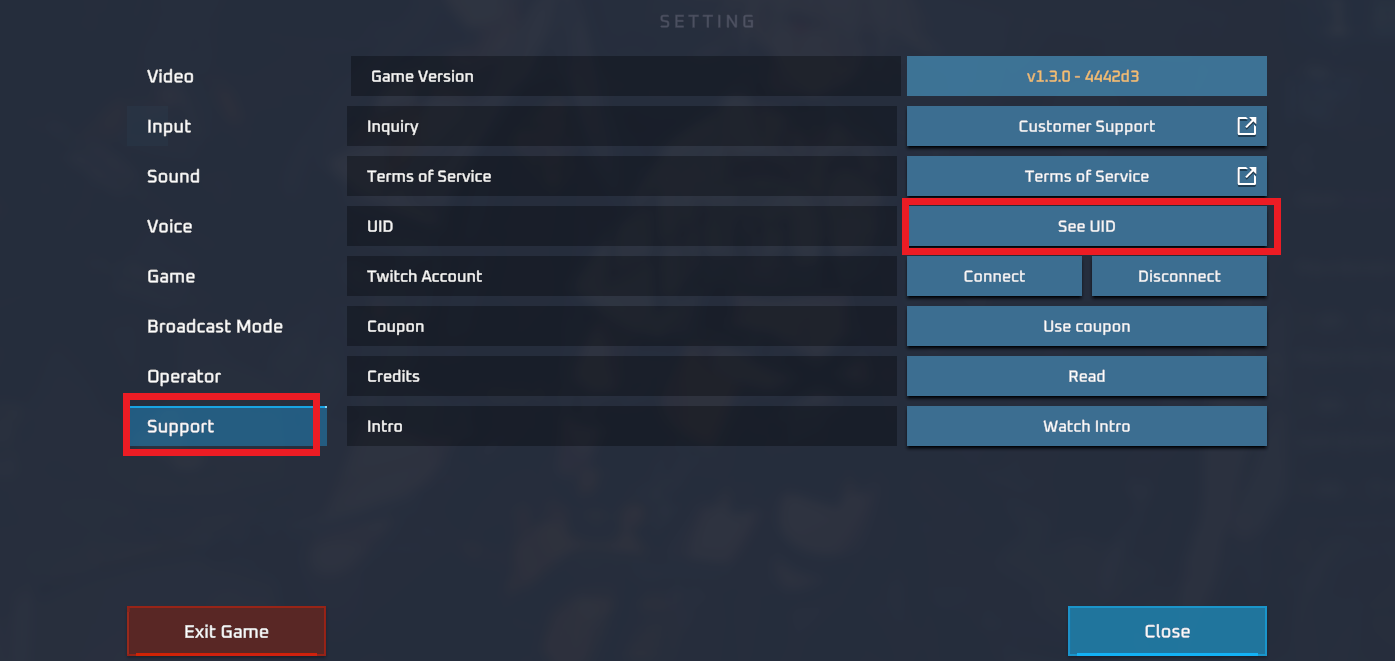
- View your profile header at the top of the screen. Your UID appears directly underneath your display name and avatar.
- Tap the copy icon next to your ID number, or write down the exact digits for checkout.
Double-check that you copy only the numbers. Avoid including extra spaces or symbols so your balance credits without delay.
How to Top Up Sawalfna on ArcTopup Using Account UID
Recharging your account on ArcTopup takes only a few simple steps. The checkout system connects directly to the fulfillment pipeline using your account identifier.
Step-by-Step Recharge Guide
- Select Your Credit Amount: Review the available denomination options on the live ArcTopup catalog and pick the package that fits your needs.
- Input Your Account UID: Paste your numeric Sawalfna UID into the designated player field.
- Pick a Payment Option: Choose from the available secure payment methods shown on the checkout screen.
- Review and Confirm: Check your UID one more time to avoid sending balance to an inactive or alternate account.
- Complete Checkout: Finalize your transaction. Your balance will credit directly to your Sawalfna wallet.
| Order Step | Required Input | Purpose |
|---|---|---|
| 1. Product Selection | Coin / Credit Package | Sets the amount credited to your in-app wallet |
| 2. Identification | Numeric UID | Identifies your specific Sawalfna user profile |
| 3. Payment | Local or Global Gateway | Processes the order through encrypted billing |
| 4. Delivery | Automatic direct load | Delivers credits straight to the app without vouchers |
Uses for Sawalfna Balance: Voice Room Gifting and Social Features
Having coins or credits in your Sawalfna balance unlocks the full social experience across public and private audio rooms. Here is how active members use their balance across the platform:
- Animated Virtual Gifting: Show appreciation to room hosts, guest speakers, or friends by sending virtual gifts during live audio sessions. Gifting lights up the room chat with custom animations and sound effects.
- Entrance Effects and Badges: Active supporters can display special room entry effects, customized profile banners, and premium chat bubble styling.
- Interactive In-Room Games: Join group activities and community competitions run inside voice rooms that require token participation.
- Host and Community Support: Help audio creators reach leaderboard milestones and boost room rankings on the app discovery page.
Safe Sawalfna Transactions: Why You Never Need to Share Passwords
Account safety is essential when purchasing digital currency. ArcTopup uses a direct-to-UID fulfillment process that eliminates the risks associated with account sharing.
- No Passwords Required: You will never be asked for your account password, email login, or verification codes (OTP). Your UID is public profile information, meaning your login credentials remain secure.
- Zero Third-Party Account Access: Nobody logs into your account to process your purchase. Fulfillment occurs from the server side directly to your wallet.
- Encrypted Checkout: Every transaction processed on ArcTopup is protected by modern industry-standard encryption, safeguarding your personal data throughout checkout.
Keep your account secure by never sharing your password, phone login codes, or personal recovery questions with anyone offering balance top-ups.
Supported Payment Options and Live Checkout on ArcTopup
ArcTopup supports a wide selection of payment options tailored to international and regional users. Depending on your region, you can complete your Sawalfna order using trusted credit and debit cards, e-wallets, and regional payment gateways.
All package pricing, currency conversions, and available payment methods are displayed live on the checkout screen. Real-time pricing guarantees that you see exact totals before confirming your payment, with no hidden surprises.
Troubleshooting Common Sawalfna Recharge and UID Entry Issues
If your balance does not appear immediately after completing your order, check the following points to resolve the issue:
- Restart the Sawalfna App: Close the app completely from your device background tasks and reopen it. Check your in-app wallet to see if the refreshed balance displays.
- Verify the UID Submitted: Check your ArcTopup order confirmation to ensure the UID submitted matches your current Sawalfna profile. A mistyped digit can route balance to an alternate user.
- Check Payment Confirmation: Make sure your payment provider finalized the transaction and issued an approved billing receipt.
- Reach Out to Support: If your payment was completed and your UID was entered correctly, contact the ArcTopup customer support team with your order number and UID for quick assistance.
Frequently Asked Questions About Sawalfna Recharge
What is a Sawalfna UID and how do I find it?
A Sawalfna UID is a unique number linked to your specific app account. You can locate it by opening the Sawalfna app, tapping your profile icon in the bottom menu, and looking directly under your avatar and display name.
Do I need to provide my Sawalfna password to top up on ArcTopup?
No. ArcTopup only requires your numeric UID. You never need to share your password, phone number login, or two-factor verification codes to receive your recharge.
How quickly will the credits arrive in my Sawalfna account?
Orders process automatically through the system once payment is confirmed. In most cases, balance updates appear in your Sawalfna wallet within moments of completing checkout.
Can I buy Sawalfna recharge for a friend using their UID?
Yes. Because the top-up requires only a numeric UID, you can enter your friend's Sawalfna ID at checkout on ArcTopup. The credits will deposit straight into their account wallet as a surprise gift.
What should I do if I entered the wrong Sawalfna UID at checkout?
Double-check your numbers before paying. Because balance recharges are sent directly to the specified UID on the game servers, completed orders sent to a valid alternate UID cannot be reversed. If you notice an error before payment completes, update the player ID field immediately.
Which payment methods are accepted for Sawalfna top up on ArcTopup?
ArcTopup supports diverse payment methods, including major credit/debit cards, regional digital wallets, and local payment solutions. Check the live checkout panel to view the specific payment providers available in your country.
Current packages and prices
Current base prices exclude Tax. Tax, payment fees and coupon adjustments are shown at checkout.
| Package | Price |
|---|---|
| Sawalfna - Sawalfna*15000 | USD 1.36 |
| Sawalfna - Sawalfna*20000 | USD 1.82 |
| Sawalfna - Sawalfna*25000 | USD 2.27 |
| Sawalfna - Sawalfna*50000 | USD 4.55 |
| Sawalfna - Sawalfna*100000 | USD 9.09 |
| Sawalfna - Sawalfna*500000 | USD 45.45 |
| Sawalfna - Sawalfna*1000000 | USD 90.89 |
| Sawalfna - Sawalfna*10000 | USD 0.91 |






























































