Learn how to join New State Mobile test server cycles in 2026, install preview builds on Android or iOS, and avoid common authentication blocks.
The New State Mobile Preview Pipeline in 2026
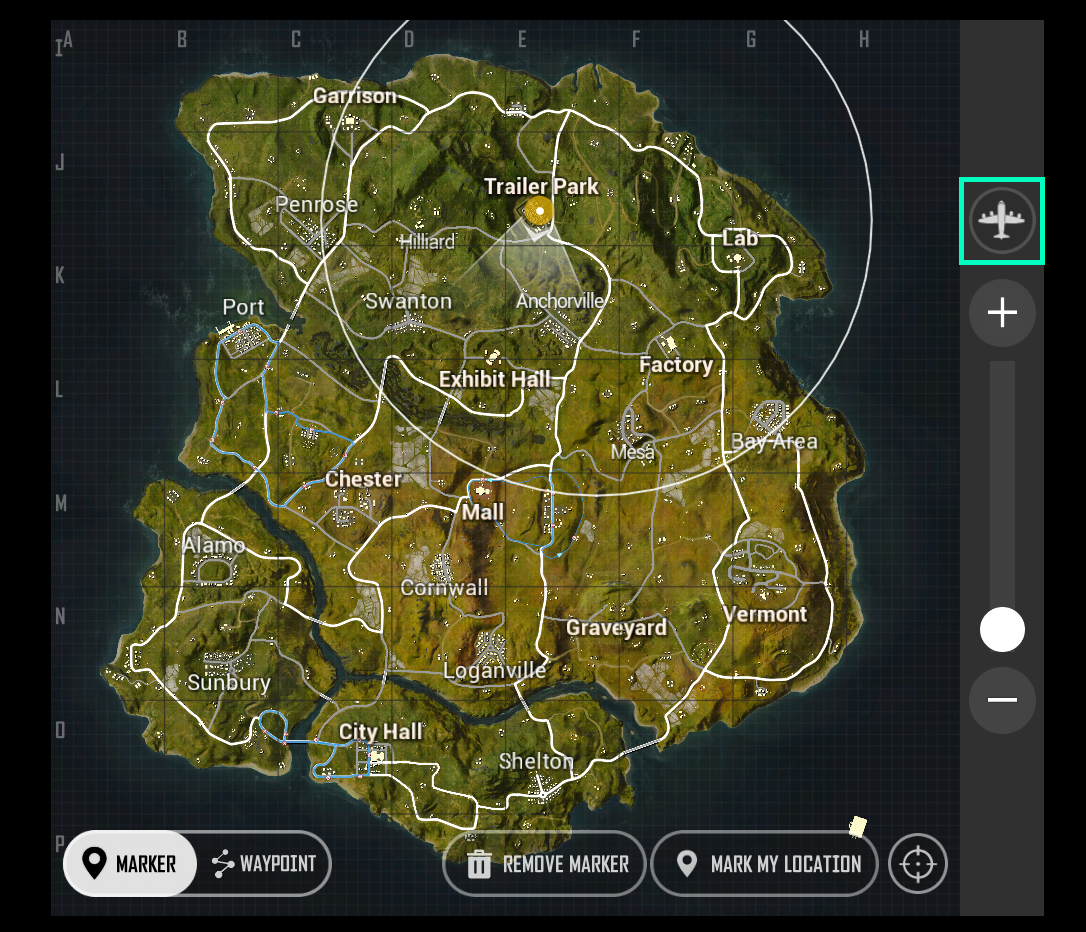
Krafton originally rebranded PUBG: New State to New State Mobile on July 16, 2022. That shift established a distinct technical framework separate from older battle royale iterations. The core gameplay loop remains anchored to 100-player lobbies dropped across the 8x8 km Troi map in both Third-Person Perspective (TPP) and First-Person Perspective (FPP). Because the title relies on heavy computational systems like real-time drone shops, weapon customization kits, and a proprietary Global Illumination rendering engine, experimental patches require thorough public testing before hitting the retail branch.
Accessing experimental builds is not as simple as grabbing a random installer from a search engine. Krafton runs isolated preview gateways where player accounts must be authenticated against an approved tester roster. When you run a test client, you step into a throwaway sandbox. In-game currency, weapon cosmetics, and rank ladders do not carry over to your actual operational profile. While you can experiment with balance adjustments without risking your live rank, serious players still rely on buying PUBG New State NC safely on the live production servers to secure actual season passes and permanent store cosmetics.
One misplaced directory or an active developer toggle will terminate the client on boot. Follow the setup order strictly.

300 NC
 300 NCUSD 0.79Buy Now
1500 + 80 NC Bonus
1500 + 80 NC BonusUSD 4.00Buy Now3600 + 250 NC Bonus
3600 + 250 NC BonusUSD 9.60Buy Now9300 + 930 NC Bonus
9300 + 930 NC BonusUSD 24.64Buy Now15000 + 1800 NC Bonus
15000 + 1800 NC BonusUSD 39.23Buy Now30000 + 5000 NC Bonus
30000 + 5000 NC BonusUSD 80.01Buy Now
Hardware Requirements and OS Compatibility
Before downloading any test packages, check your device specifications. Preview builds carry unoptimized shader caches and debug logs that strain your processor harder than the standard production build found on app stores.
The hardware baseline splits cleanly between operating systems, though conflicting reports exist regarding minimum memory requirements. Leaked technical documents specify a 2GB RAM minimum on Android, but official technical sheets list 2.5GB of RAM as the safe operational threshold for the Global Illumination engine. On Apple hardware, the game client historically accepted iOS 13.0 on an iPhone 6s or newer. However, current Apple TestFlight platform policies require iOS 16 or newer to install preview containers.
Hardware baselines and operating parameters across supported preview environments:
| Platform / Engine Component | Hardware Baseline | System & Storage Requirements | Operating Lifecycle Rules |
|---|---|---|---|
| Android Preview Build | Android 6.0 Marshmallow minimum | 2.0GB to 2.5GB RAM; 2.5GB free storage | Must disable USB Debugging; manual OBB routing required |
| iOS TestFlight Build | iPhone 6s or newer | iOS 13.0+ (iOS 16+ for TestFlight app); ~1.2GB base package | Builds expire automatically after 90 days; free sandbox purchases |
| Rendering Architecture | Vulkan API or OpenGL ES | Adreno / Mali / Apple GPU with GL support | Switching to OpenGL fixes texture tears and screen flickering |
Make sure your phone exceeds these baselines before signing up, as testing environments offer zero performance optimizations for aging hardware.
Android Preview Client Setup and Directory Rules
Android testing relies on manual sideloading rather than automated store delivery. You must place base packages and OBB assets into specific device partitions before launching the client.
- Secure the official test package files, which consist of a base installer and auxiliary asset data.
- Open your device file explorer and look for your primary internal storage partition.
- Navigate directly to the directory path:
Android/obb/. - Create a new subfolder named exactly
com.pubg.new state.beta(take note of exact character spacing and periods). - Move the downloaded expansion file into that designated folder before opening the app.
- Verify that Android Developer Options are adjusted to allow proper startup security checks.
Skipping step 6 causes immediate boot crashes. Krafton builds strict anti-tamper routines into both preview and live releases. If you have USB Debugging toggled on inside Android Developer Options, the client assumes an attached computer is attempting memory injection. The game terminates without giving you an explicit error message. Go into Settings > System > Developer Options and switch USB Debugging off.
Device brand matters here as well. Xiaomi devices running older MIUI skins frequently lock up on the initial loading screen. The custom rendering pipeline on unpatched MIUI operating systems conflicts with the game's Global Illumination routines. If you are using a Xiaomi phone, check Settings > About Phone and install the latest system build before attempting to launch the preview client.
Krafton TestFlight Setup for iOS Testers
Apple users face fewer directory management tasks, but slots fill up significantly faster due to platform caps. iOS beta distributions operate under Apple TestFlight parameters, meaning you will not be dragging loose files around a file system.
- Download the official TestFlight app from the iOS App Store on a compatible device.
- Open the verified Krafton recruitment link using Safari on your mobile device.
- Tap
Start TestingorAccept Invitationwithin the TestFlight prompt. - Download the test package, which requires roughly 1.2 GB of storage space for the base installer before in-game patches.
- Launch the client directly through TestFlight rather than your home screen shortcut on the first run.
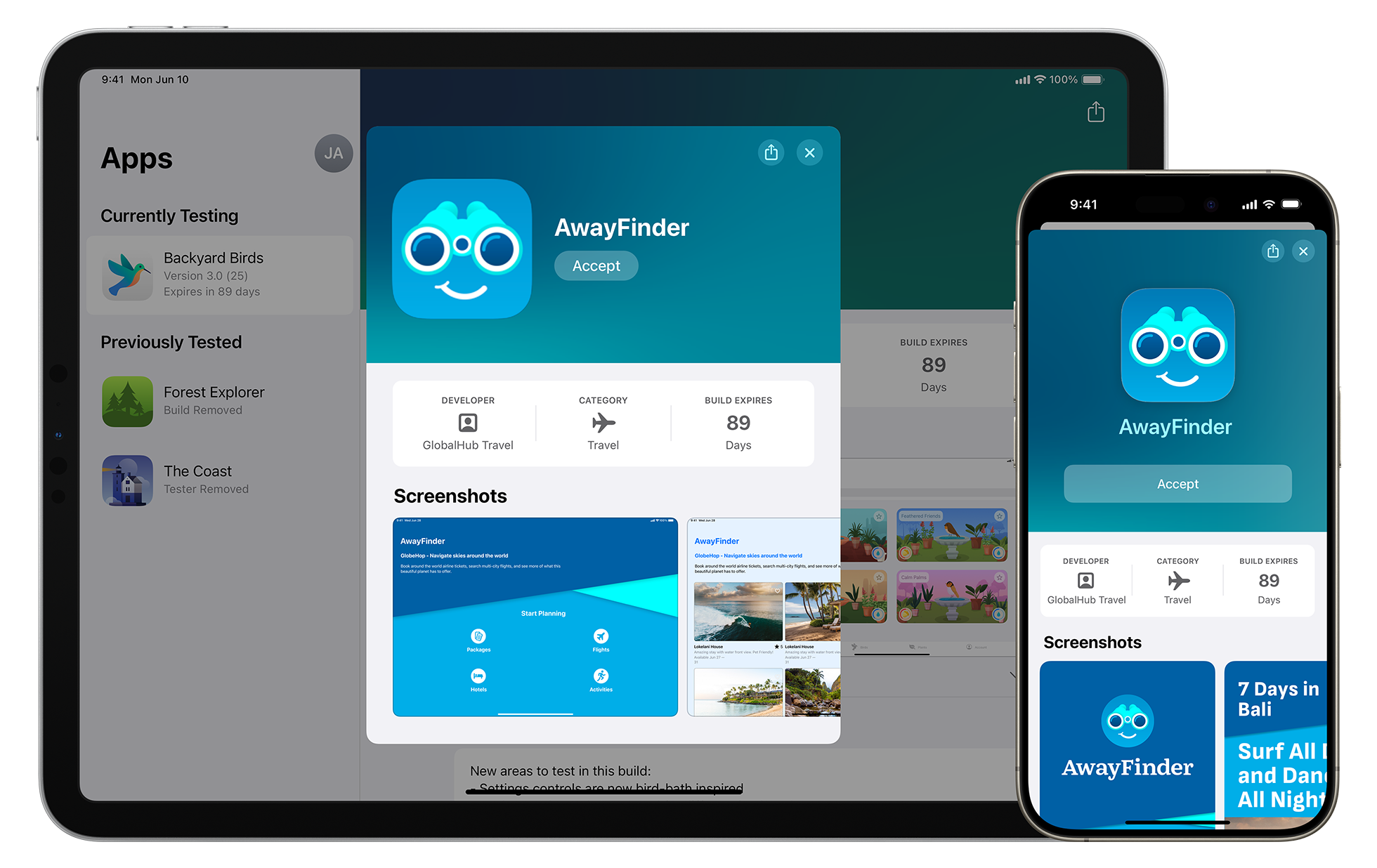
Apple imposes two strict constraints on TestFlight builds that catch players off guard. First, every preview build carries an automatic 90-day expiration window. Once those 90 days lapse from the developer upload timestamp, the client locks down instantly until Krafton pushes a revised build.
Second, in-app transactions inside TestFlight run in a mock environment. You will not be charged real money when tapping store bundles, but any items, outfits, or NC packages acquired in that sandbox are strictly virtual. They evaporate the moment the testing phase wraps. If you want permanent gear on your account, make sure you secure PUBG: New State currency packs inside the official retail client rather than attempting to keep sandbox items.
Tester Eligibility, Account Binding, and Registration
A working installer does not guarantee an open server door. The single biggest trap for players looking for a quick preview build is assuming that downloading an APK is enough. Krafton uses server-side email whitelisting. If your profile credentials do not match an approved entry in their testing database, the authentication server denies access at the title screen.
Recruitment windows open through brief application periods on Krafton's official social announcements and community boards. During these drives, you submit the exact email address tied to your Google Play Store profile or your Apple ID. When the intake closes, Krafton grants server access exclusively to those specific accounts. Installing an APK sourced from a mirror site without having that approval will leave you stuck at a persistent login failure screen.
Preview servers are also frequently geo-locked. When a testing cycle targets a specific territory, Krafton's preview gateways block foreign internet protocol addresses. If you run the client outside an approved region, the handshake request times out before reaching the character lobby. Bypassing this requires regional network routing configured to terminate within the whitelisted zone. However, running high-latency connections across regions will push your ping beyond the threshold tolerated by the server's synchronization protocol.
Solving Common Preview Errors and Stability Glitches
Early builds are unpolished by design. You will encounter crashes, visual defects, and connection dropouts while testing. Knowing how to clear these errors manually saves hours of troubleshooting.
Resolving the "Server Not Responding" Dialog
When connectivity drops, the client presents an alert: Notice: Server not responding. The prompt provides two choices: Back to Sign-In or Retry. Tap Retry first. Transient network drops during load balancing will often clear on the second or third handshake attempt. If retrying fails, close background applications that consume bandwidth.
If the error loops continuously, your connection is likely dropping DNS packets. Mobile internet service providers often suffer resolution stalls when pinging experimental preview servers. You can resolve this by configuring your mobile network to use public DNS resolvers over port 53. Point your device to Cloudflare (1.1.1.1) or Google Public DNS (8.8.8.8). If switching resolvers still produces the error, verify official community announcements. The testing cluster may simply be offline for scheduled maintenance.
Fixing Visual Flickering and Corrupted Shaders
Because experimental builds introduce new lighting models to the 8x8 km Troi map, default graphic settings can fail on certain system configurations. If you notice flashing textures, neon artifacts, or rapid screen flickering, your hardware is failing to compile Vulkan API shaders properly.
Open your in-game menu and navigate to Settings > Graphics. Find the Graphics API option. The default toggle is usually Vulkan. Switch this toggle to OpenGL ES, save the configuration, and restart the game. OpenGL relies on older, highly stable driver instructions that bypass the rendering anomalies present in experimental Vulkan branches.
Clearing Store Connection Bugs and Ping UI Glitches
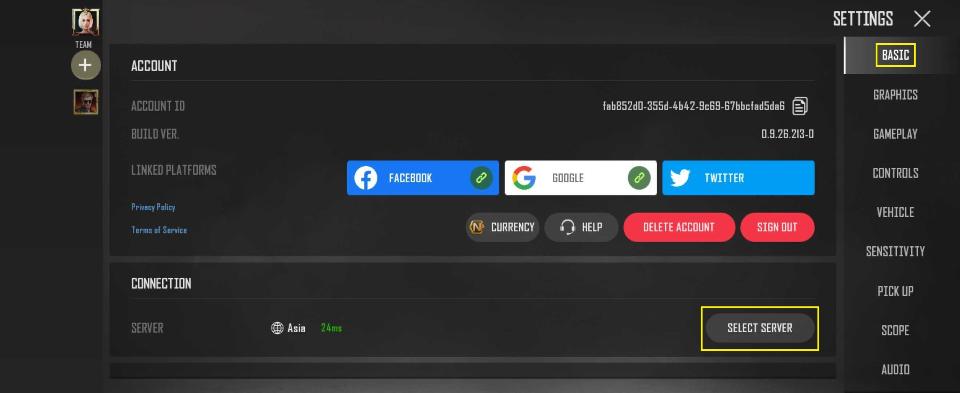
Testing client interfaces frequently misread latency or get stuck during menu navigation. When the ping meter displays incorrect values or the client hangs while opening reward crates, do not reinstall the package. Navigate to Settings > Basic > Connection > Select Server. Re-select your closest regional node and confirm the prompt. This forces the client to reconstruct its local network socket and clears stuck interface elements.
Anti-Cheat Blocks on Emulators and Peripherals
Some community portals claim you can run preview builds on PC emulators like MEmu Play or BlueStacks. In practice, this will get you banned. Krafton's official security architecture enforces strict anti-cheat restrictions. Emulators, mouse-and-keyboard adapters, and third-party memory modification tools are prohibited. The server checks hardware signatures on boot; running non-native mobile hardware triggers an immediate security error and permanently revokes your testing eligibility.
Preview Sandbox vs Live Release: Tracking Upcoming Features
Not every feature deployed on a test server makes it to the retail build. Developers treat the preview environment as an experimental playground. Some mechanics undergo aggressive adjustments, while others are scrapped entirely after telemetry analysis.
Telemetry and crash reports dictate which experiments survive. Confirmed mechanics, balance trials, and unsupported community rumors follow distinctly different release paths.
System status comparison between current preview builds and the live retail environment:
| Tested Mechanic / System | Live Engine Status | Implementation Reality | Practical Impact on Gameplay |
|---|---|---|---|
| Global Illumination Engine | Confirmed Live Standard | Fully active across Troi and auxiliary maps | Demands at least 2GB-2.5GB RAM; causes crashes on outdated MIUI |
| 100-Player TPP/FPP Troi Lobbies | Confirmed Live Standard | Primary competitive battle royale mode | Large map scale; heavy strain on network sync during drops |
| In-Game Drone Shop & Customization | Confirmed Live Standard | Deployed with ongoing balance iterations | Currency scavenged during matches dictates tactical utility |
| Emulator / Third-Party Peripheral Play | Strictly Prohibited | Actively blocked by anti-cheat systems | Sideloading via PC emulators leads to immediate client revocation |
| TestFlight Free Microtransactions | Sandbox Exclusive | Confirmed preview environment only | Items and currency acquired do not transfer to live player profiles |
Use your time in the preview server to study recoil models, vehicle handling, and map terrain rather than hoarding sandbox cosmetics that will be deleted.
Feature Roadmap vs Community Expectations
Separating verified developer updates from community wish lists requires comparing public bug logs against live network telemetry.
Evidence levels, source documentation, and deployment status for active pipeline initiatives:
| Pipeline Focus Area | Developer / Community Source | Reliability & Evidence Rating | Release Status & Nuance |
|---|---|---|---|
| Vulkan Stability Overhauls | Official Krafton Known Issues Log | High Confidence | Live now; OpenGL toggle remains primary fallback for display errors |
| Anti-Cheat Expansion | Krafton Global Launch Security Directives | High Confidence | Emulators and external inputs permanently banned; no bypass permitted |
| Android Baseline Optimization | Softonic Technical Reviews vs Leaks | Medium Confidence | 2.5GB RAM recommended; low-end 2GB units suffer frame throttling |
| TestFlight Beta Expirations | Apple Developer Platform Rules | High Confidence | 90-day build limit enforced; testers must pull updates periodically |
| Regional Server Gateway Expansion | Community Network Traffic Datamines | Low Confidence | Subject to regional server demand; routing often requires whitelisting |
If you play on the live production servers while participating in preview cycles, keep your accounts clean. When your squad needs real season passes, you can recharge your PUBG: New State balance to secure NC directly without worrying about sandbox wipes.
Frequently Asked Questions
How do I sign up for the New State Mobile test server?
You must register during official recruitment drives announced on Krafton's official social channels or verified community portals. Only the specific Google or Apple account emails submitted and approved during these recruitment periods will pass authentication on the preview login screen.
Why do I get a login error after installing the test build APK?
Installing the APK alone does not grant access because Krafton uses account whitelisting. If your login credentials do not match an approved tester email registered in their backend database, the authentication server will reject your connection.
Can I play the New State Mobile test server on PC emulators?
No, Krafton's anti-cheat framework actively detects and blocks PC emulators such as BlueStacks and MEmu Play. Running preview builds through unauthorized software or using keyboard-and-mouse peripherals will result in an account suspension.
How do I resolve the "Server not responding" error in New State Mobile?
Tap "Retry" first to see if a brief network hiccup clears on the second handshake. If it persists, close background apps and switch your device's DNS resolver to Cloudflare (1.1.1.1) or Google Public DNS (8.8.8.8) on port 53.
How do I fix visual flickering and abnormal colors during matches?
Go to Settings > Graphics and locate the Graphics API setting. Change the API from Vulkan to OpenGL ES, then restart the client to clear shader compilation errors.
Do purchases and earned items on the test server carry over to the live game?
No, all progress, skins, and currency acquired within preview clients exist purely in a sandbox environment. When the testing cycle concludes or the 90-day TestFlight window expires, all test data is wiped.
Why does the game crash immediately upon launch on Android?
You likely have USB Debugging turned on in your device's Developer Options, which the anti-cheat system flags as an unauthorized debugging environment. Xiaomi users must also ensure their operating system is updated to the latest build to avoid rendering freezes.
The Final Verdict on Preview Testing
Joining the New State Mobile test server is rewarding if you want an unfiltered look at upcoming balance shifts, weapon handling changes, and map adjustments before they hit the broader player base. But it requires technical patience. You have to deal with manual OBB directory creation, strict email whitelisting, sudden 90-day TestFlight cutoffs, and visual glitches that require switching your rendering API to OpenGL.
Treat the preview build as an experimental lab, not your primary gaming client. Install it to learn the meta ahead of the competition, report bugs to help the developers, and keep your core progression, ranked grinds, and cosmetic collections firmly rooted on the live production servers.





Comments