Optimizing your Likee live control layout requires stripping active interface elements through privacy controls and selective effect triggering, because Likee does not support freeform drag-and-drop HUD customization. To eliminate touch latency and accidental misclicks during high-stakes PK battles, broadcasters running version v5.54.1 or v5.54.2 must reduce background message prompts, set strict comment keyword filters, and deploy demanding visual tools—such as 4D Magic Effects—only at specific gift milestones rather than leaving persistent overlays active on the broadcast screen.
Prerequisites to access full live host controls
Before you can configure host toolbar settings or run competitive live battles, your account must satisfy platform hosting thresholds. Generic online guides sometimes claim live broadcasting is available immediately upon account creation. Official 2026 Likee platform policies contradict this, restricting full live hosting privileges and gift reception behind verified progression tiers.
To access the complete live toolbar—including Multi-Guest room management and Diamond gift reception—broadcasters must fulfill the following operational criteria documented by Enjoygm:
- Reach creator Level 35 or higher.
- Maintain a minimum of 1,000 authentic followers.
- Log at least 30 live streaming hours distributed across a minimum of 20 distinct days per month.
- Maintain a stream completion rate of 80% or higher.
- Submit official identity verification documents.
Accounts failing these parameters face restricted live privileges. While basic account creation lists age minimums between 12 and 16 across various regional app stores, monetized live hosting and gift reception mandate strict identity checks.

100 Diamonds
 100 DiamondsUSD 1.63Buy Now
200 Diamonds
200 DiamondsUSD 3.26Buy Now500 Diamonds
500 DiamondsUSD 8.15Buy Now1000 Diamonds
1000 DiamondsUSD 16.30Buy Now1500 Diamonds
1500 DiamondsUSD 24.44Buy Now2000 Diamonds
2000 DiamondsUSD 32.59Buy Now2500 Diamonds
2500 DiamondsUSD 40.74Buy Now3000 Diamonds
3000 DiamondsUSD 48.89Buy Now3500 Diamonds
3500 DiamondsUSD 57.04Buy Now4000 Diamonds
4000 DiamondsUSD 65.19Buy Now4500 Diamonds
4500 DiamondsUSD 73.33Buy Now5000 Diamonds
5000 DiamondsUSD 81.48Buy Now10000 Diamonds
10000 DiamondsUSD 162.96Buy Now20000 Diamonds
20000 DiamondsUSD 325.92Buy Now
Managing screen clutter with privacy and host toolbar settings
Because Likee locks the position of on-screen buttons, clutter management depends entirely on filtering incoming data streams. A high-traffic broadcast quickly overwhelms the mobile screen with system notices, private message pop-ups, and rapid chat text, increasing the likelihood of accidental misclicks near the battle buttons.
According to security breakdowns published on Xnspy Community, hosts can strip non-essential HUD clutter directly through in-app privacy and room configurations:
- Message Permissions: Open settings, select Messages, and set permissions to "Friends Only" or "Nobody". This stops unsolicited private message overlays from dropping banner notifications across your top control bar.
- Comment Filtering: Access room comments and configure keyword filtering. Specifying blacklisted spam phrases prevents high-velocity bot text from pushing critical moderation tools out of view.
- Search Indexing: Disable the in-app Discover feature so the live room does not trigger unpredictable traffic surges from casual public browsing.
- Location Services: Turn off location sharing inside account settings. This removes location tags and badge metadata from crowding the upper quadrant of your video feed.
Applying these steps keeps your visual frame dedicated to camera input and essential room metrics.
Managing effect overlays and device touch latency
Misclicks during PK battles often stem from hardware frame drops rather than physical finger placement. Likee introduced over 2,000 AI and AR effects in the March 2026 v5.54.1 update, followed by performance optimizations in v5.54.2.
Running complex visual layers strains your device's graphics processor. When hardware struggles under heavy rendering, touch inputs register late—turning a tap meant to accept a battle prompt or inspect a gifter's badge into an accidental miss.
Enjoygm's feature analysis stresses that heavy visual stacks—especially 4D Magic Effects and multi-layer SuperMix Blending—frequently cause interface stutter on older smartphones. Test your active HUD overlays and camera effect stacks on your primary broadcasting device before initiating a live session. If touch responsiveness slows when previewing an effect, disable persistent particle layers.
Tactical layout controls for live PK battles
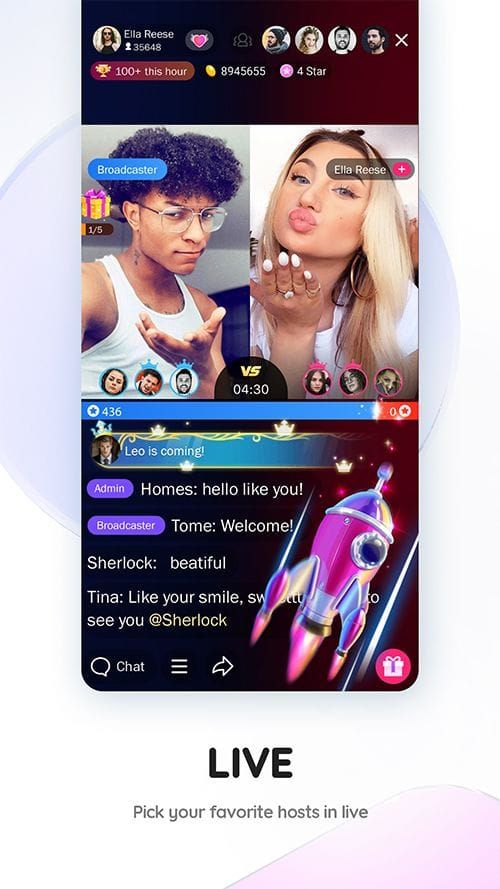
During a PK battle, the live screen splits to display both creators, their respective point meters, and interactive gift animations. Keeping this condensed space legible requires strategic deployment of on-screen assets.
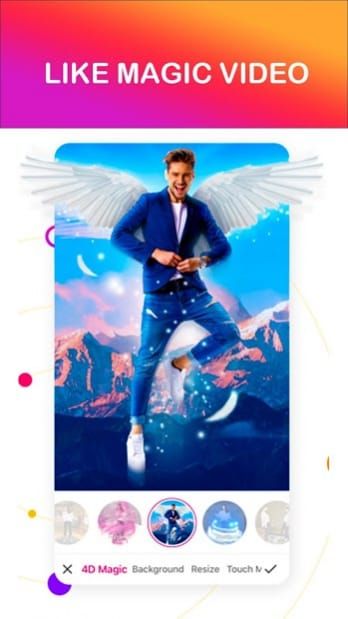
Experienced broadcasters treat AR face effects and animated triggers as situational rewards rather than persistent HUD fixtures. Sourced broadcasting observations from Enjoygm show that top earners announce specific gift targets—such as triggering a 4D Magic effect only after reaching an announced target count—to incentivize viewers while keeping the feed legible.
This approach delivers two practical advantages: * The primary PK screen stays clear of visual noise during the opening phases of the competition. * The host can reach essential toolbar buttons along the bottom bar without fighting particle animations or overlapping touch targets.
Visual effect unlock requirements and standing tiers
Unlocking advanced visuals to customize your stream HUD requires specific in-app Diamond commitments and account standing qualifications. Likee Diamonds serve as the platform's virtual currency for purchasing premium creator assets, sending gifts, and backing broadcaster monetization.
| Visual Pack | Diamond Cost | Account Standing & Version Requirements | Broadcast Function |
|---|---|---|---|
| Beauty AI Enhancement | 300–500 Diamonds | None | Real-time skin smoothing and exposure correction |
| Time Travel Effects | 600 Diamonds | None | Visual aging and transformation filters |
| Superpower Effects | 600–800 Diamonds | 500–1,000 Diamond account standing | Dynamic action overlays for high-energy streams |
| 4D Magic Effects | 800–1,000 Diamonds | Likee v5.54.1+; compatible phone | Depth-mapped particles; GPU-intensive |
| SuperMix Blending | 800 Diamonds | 1,200+ Diamond account standing | Multi-layer visual transition tracks |
| Special Effects Studio | 1,200 Diamonds | None | Cinematic production filters |
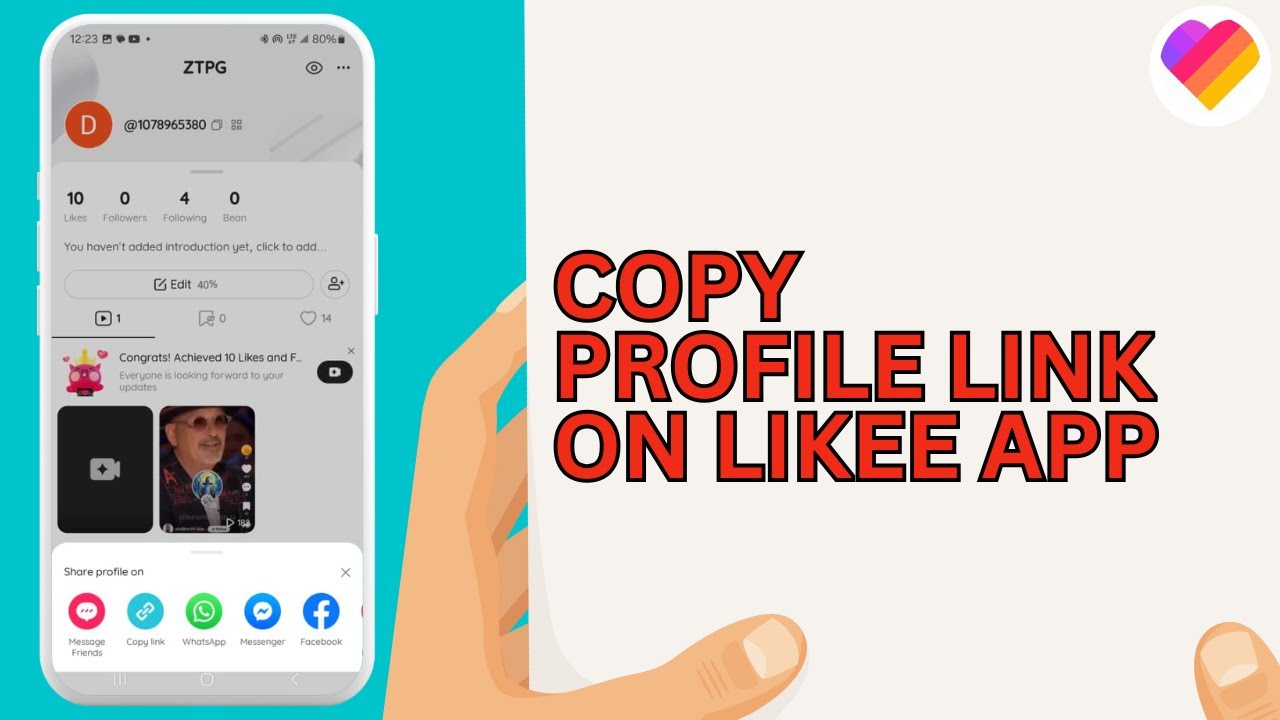
When securing Diamonds for creator packs, third-party top-up platforms like ArcTopup require entering the broadcaster's complete alphanumeric Likee ID copied directly from the profile page. Using an informal profile nickname will misdirect the recharge delivery. Pack sizes in the ecosystem scale from 100 Diamonds up to 20,000 Diamonds.
Recommended host settings profile
Apply this standard configuration checklist before opening your live room to maximize touch accuracy and interface responsiveness.
- Verify App Version: Confirm your phone runs Likee v5.54.1 or higher (v5.54.2 recommended) to benefit from recent GPU rendering fixes.
- Set Privacy Bounds: Set room messages to "Friends Only" or "Nobody" to eliminate floating direct-message alerts.
- Silence Extraneous Metadata: Disable device location sharing in privacy settings to keep the top corner of the feed clear.
- Apply Comment Filters: Enter your room settings and set moderation keywords for high-frequency terms to keep the bottom left chat readable.
- Select Low-Overhead Cosmetics: Default to Beauty AI Enhancement (300–500 Diamonds) for basic exposure balance without heavy background particle processing.
- Reserve Heavy Effects: Keep 4D Magic and SuperMix presets docked until a viewer reaches an announced milestone during a PK competition.
Frequently asked questions
Can Likee hosts freely drag and rearrange HUD buttons on their live broadcasting screen?
No. Likee does not provide a drag-and-drop HUD customizer for live broadcast controls. Broadcasters manage screen ergonomics by setting message permissions, applying comment filters, and toggling visual effect layers on and off as documented on Xnspy Community.
What broadcast requirements must a creator satisfy to host live sessions and receive gifts on Likee in 2026?
Likee requires hosts to reach Level 35+, gather at least 1,000 authentic followers, log a minimum of 30 streaming hours over at least 20 distinct days per month, maintain an 80%+ completion rate, and finish official ID verification per Enjoygm.
Why do visual effects cause lag or missed taps during Likee PK battles?
Demanding visual packs like 4D Magic Effects and SuperMix Blending require significant graphic processing. On older or strained smartphone hardware, this computation causes interface frame drops and delayed touch responses during time-sensitive battles as noted by Enjoygm.






Comments