The real Snowbreak UID sits on your player card. Exact taps for iOS, Android, and PC, plus the lookalikes that send Bit Gold to someone else.
The number you need is on the profile, not the lobby
Snowbreak: Containment Zone is a 3D science-fiction RPG shooter. BitGold is the premium currency you buy with real money. You convert it into DigiCash, then spend that on items such as Operative Recruitment Chits at Echo. None of that lands if the form eats the wrong digits.
I treat the UID like a routing number. One character off and the gold is gone. Not delayed. Gone. Direct UID recharge credits the account that owns the number you typed.
Industry counts put more than 22 percent of failed in-game currency top-ups on a mistyped UID or a server that does not match the account. Limited-time sales add an 18 percent spike because people rush the box. Sellers that never check the ID sit up to 35 percent worse. I do not give those people my money.
| Failure trigger | Extra damage | What I do instead |
|---|---|---|
| Wrong UID or mismatched server | Over 22% of global top-up failures | Copy the profile UID, then pick the same region tag |
| Flash sale / event rush | 18% spike in checkout UID errors | Screenshot the card first, type from the photo |
| Unverified seller, no UID check | Up to 35% higher error rate | Use a form that echoes the ID before payment |
Wrong-UID “missing BitGold” tickets start as a human paste, not a broken shop.
The Snowbreak UID lives inside the player profile menu. Launch the game. Open the profile. The account information block shows a numeric ID. That string is the snowbreak user id for recharge. Copy that. Leave the pretty names alone.


Exact taps on iPhone, Android, and the official PC client
If you arrived here asking “where is my snowbreak player id,” stop hunting the lobby. The home screen is bait. The profile card is the source.
Snowbreak UID on iPhone
Snowbreak UID on iPhone is not in iOS Settings, Game Center, or an App Store receipt. Those are Apple’s books. Seasun’s ID is in the client.
Open the game. Tap your avatar on the lobby. That opens the player profile, sometimes labeled as the player card. In the account information section you will see the UID as a string of numbers. Long-press and copy. Paste into Notes. Count the digits. Then drop it into a form.
If an event banner is sitting on the avatar, open the menu or pause panel and hit Profile. Patches shuffle icons. They have not moved the UID off this screen.
Android
Avatar, profile, account information, copy the number. Android will happily share your adjutant display name instead of the ID. Refuse the name. You need digits.
I keep a screenshot of that profile in the gallery. When a sale clock is screaming, I type from the screenshot, not from memory. That 18 percent rush tax is real.
Snowbreak UID PC launcher location
The official PC launcher is the wrong building. People copy a Seasun passport number off the login client and then write angry posts. The field looks official. It is still not the in-game UID.
Launch the game itself. Click your avatar or the profile button on the lobby. The account information section lists the UID. Highlight it, Ctrl+C, paste into Notepad. Read it back against the checkout box.
Guest-bind popups and launcher account pages stay out of this. They are login plumbing. They are not the recharge ID.
Once you have the number, fill a Snowbreak Containment Zone Bit Gold order with that UID and the server tag from the same profile. If the form asks for a password, stop. That is not a top-up. That is a stickup.
Lookalikes that cause a wrong Snowbreak UID top up
The usual missing-gold story is a pasted lookalike. Someone grabbed the nearest number because the form had a red asterisk.
Snowbreak adjutant id vs uid is the mix-up I see most. The adjutant is the operative on the card. Cute. Useless for billing. The UID is the boring number under account information.
I also ignore, on purpose:
- Server tags such as Asia or America (region field only)
- The Seasun passport number on the launcher
- Guest codes and bind strings
- Chat, squad, and room IDs
- Friend-list leftovers someone pasted in Discord
- Any string that contains letters
If you copied it from chat, it is not your UID. If a friend sent “their” number in a hurry, open their profile card in-game. Do not trust the Discord line.
Guest accounts get their own warning. Unbound guest progress lives on the device. Update the OS, clear app data, or swap phones and that save can vanish. Bind email or phone before you spend a cent.
Recovery writeups disagree. One official note says unbound guest data can be gone after a device change. Other guides say support may try if you bring the original server, previous character name, estimated level or power, recharge receipts, and the current game ID. I would not park a 98 pack on that maybe. Bind. Then buy.

Match the server or the delivery misses
Snowbreak splits Asia, America, Europe, Taiwan, Hong Kong, and Macau. BitGold sent by UID has to hit the region the account lives on. Pick the wrong one and verification fails, or you point a valid-looking ID at a stranger on that shard.
I write the region on the same line as the UID: America and the digits, together. No poetry.
Lost-progress tickets want that same region plus receipts and the current game ID. If you cannot name the server without guessing, you are not ready to type it on a paid form either. Guessing is how gold changes owners.
Packs I would actually buy, by how hard you spend
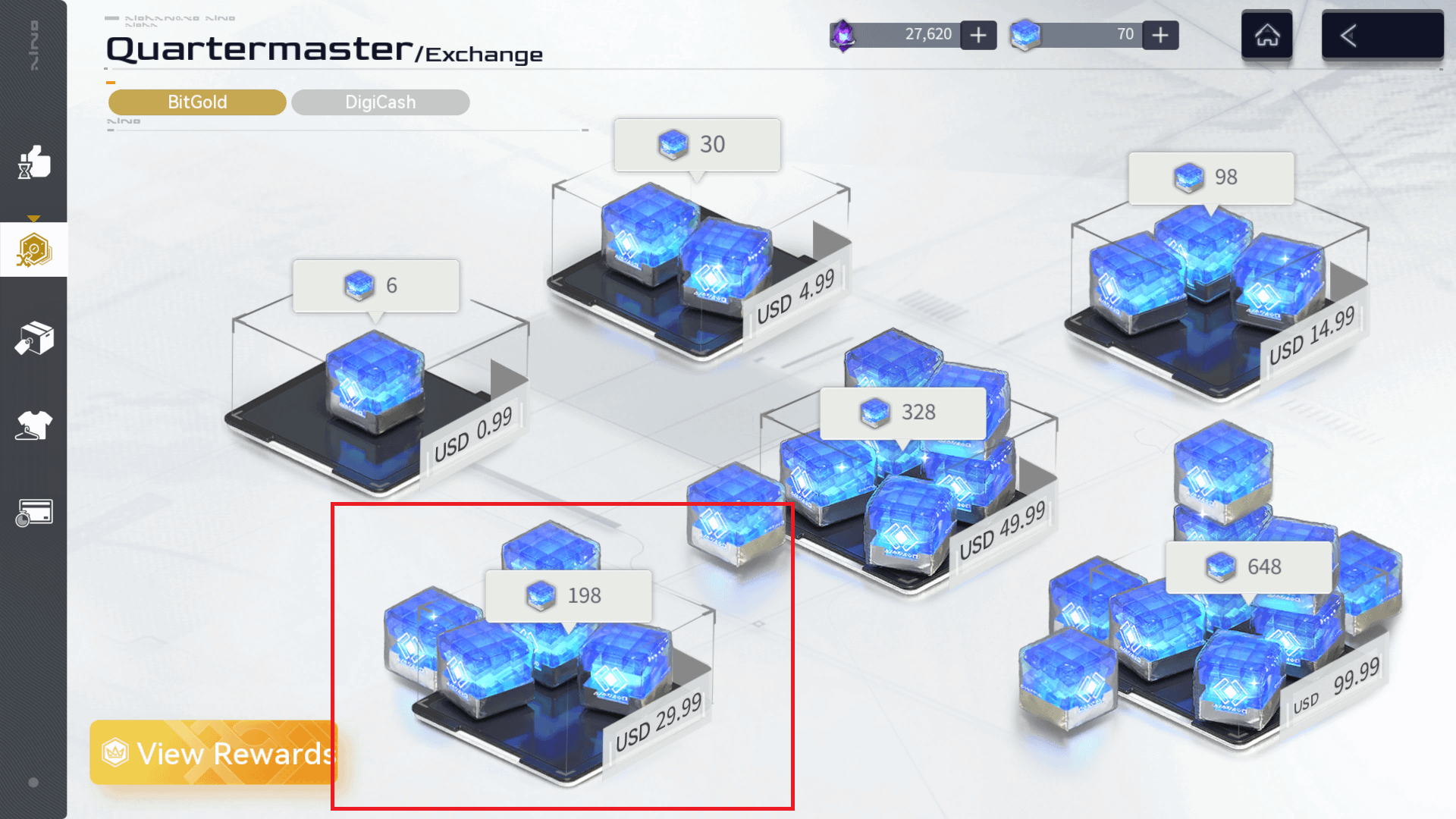
Fixed BitGold packs sit at 6, 30, and 98. Those are the common direct-UID tiers. I do not quote a cash price here because menus move. Check the live listing the day you pay.
| Pack | Amount | Note |
|---|---|---|
| 6 BitGold Pack | 6 BitGold | Entry-level UID delivery. Use it as a probe. |
| 30 BitGold Pack | 30 BitGold | Mid-tier pack after one clean hit. |
| 98 BitGold Pack | 98 BitGold | Higher-tier pack for a real Echo run. |
Start with 6 if this UID has never received an outside order. Prove the pipe. Then climb. Even when I already “know” the ID, I still probe first.
F2P. Take the 6 pack. You are testing copy-paste and the region dropdown. Convert the BitGold to DigiCash only after it shows on your account. Do not bind your hopes to a guest save.
Mid. I would buy the 30 after the 6 lands — enough to feel the conversion into DigiCash without betting a full recruitment binge on a mistype. If you just found the profile screen five minutes ago, skip the sale-window rush and recheck the digits.
Heavy. 98 is fine when you already have a screenshot of the profile UID and a smaller order has landed on it. I would not drop 98 on an unbound guest. Bind first. If you are converting into DigiCash for Operative Recruitment Chits at Echo, wait until the gold is visible in-game.
I pull current tiers from the Snowbreak Bit Gold top-up packs on the product page and I match the region before I confirm. No memorized price. The page is the source of truth that week.
A real top-up asks for two things. A scam asks for the account.
Legitimate checkout: User ID, server region, pay.
Scam checkout: password, SMS, email code, Seasun passport login, “temporary account share,” a remote-desktop tool. Hang up.
You do not share the password. Direct UID recharge never needs it.
UID delivery credits the number you submit. Submit the wrong number and another player gets the BitGold. There is no polite undo on that mechanic. Most reputable stores show the total before you pay and they repeat the UID on the confirm screen. I read that screen like a bomb manual.
I also refuse any seller that cannot validate the ID format. The 35 percent error gap is other people’s gold in the wrong mailbox.
FAQ
Where do I find my Snowbreak UID for top-up?
Open Snowbreak and tap your avatar to open the player profile. The numeric UID sits in the account information section on that card. Copy it from there on iOS, Android, or the PC client after you are fully in-game. Do not copy launcher login fields or chat IDs.
What happens if I enter the wrong UID during BitGold top-up?
The BitGold goes to whatever account owns that ID. Direct UID recharge is not a gift code sitting in limbo. It credits a live character. A mistype is a permanent gift to a stranger.
Do I need to share my account password to top up BitGold?
No. A UID form needs the User ID and the server region. Anyone who wants the password, a code from your email, or a remote session is not selling gold. They are stealing the adjutant.
Why is selecting the correct server region necessary for top-ups?
Accounts live on separate regions: Asia, America, Europe, Taiwan, Hong Kong, and Macau. The wrong region breaks verification or points the order at a different player with a similar ID. Put the same tag you see on your profile into the region field.
Can guest account progress be recovered after a device change?
Unbound guest data sits on the device and can die after an OS update, a data clear, or a new phone. Some support flows ask for receipts, server, character name, power, and the current game ID. Other notes say a replaced device is the end. Bind the account before you spend. I would not argue with a ticket if I skipped that step.
Is my adjutant name the same as the Snowbreak UID?
No. The adjutant is the operative on the card. The UID is the numeric User ID in account information. Only the number belongs on a recharge form. Names, titles, and room codes are noise.
Copy it twice. Then pay once.
I would rather look cheap for thirty seconds than donate a 98 pack to a random America-server stranger. Open the profile. Copy the UID. Paste it into a note. Paste it into the form. Read both lines out loud. Pick the region off the same card.
If the gold is for DigiCash and Echo chits, wait until you see BitGold on the account before you tap convert. Guest accounts get bound first. Chat numbers stay in chat.
When the digits match, complete the order on a direct Snowbreak Containment Zone Bit Gold checkout that only asks for UID and region. The wrong number is almost always a number you should never have copied.






Comments