
Amar Chat Top Up: What is Amar Chat and How Do Coins Work in 2026?
Amar Chat is an interactive social platform designed for live audio rooms, one-on-one video calls, and direct messaging with people across the globe. Users join voice parties, participate in group discussions, play interactive party games, and support their favorite content creators in real time.
Amar Chat coins serve as the central virtual currency within the application. When you recharge coins to your profile, your account gains access to premium engagement features that standard free accounts cannot trigger. In 2026, Amar Chat utilizes this balance for direct creator support, special entry banners, premium chat rooms, and private communication channels.
Core Functions of Amar Chat Coins
- Virtual Gifting: Send animated 2D and 3D gifts to room hosts, broadcasters, and friends during live sessions.
- Private Direct Calls: Spend credits to initiate direct audio or high-definition video connections with other verified profiles.
- VIP Badges and Entrance Effects: Stand out in crowded voice rooms with custom join animations, colored nameplates, and VIP rank indicators.
- Interactive In-Room Games: Participate in live voice-room mini-games and community activities with fellow participants.
Step-by-Step Guide: How to Top Up Amar Chat with UID
Recharging your balance on ArcTopup requires only your user identifier. You do not need to share your login credentials, passwords, or phone verification codes.
- Select Your Coin Package: Browse the Amar Chat coin denomination options available on the ArcTopup product page.
- Input Your Amar Chat UID: Enter your exact numeric User ID in the designated UID field.
- Review Your Order Details: Double-check your entered UID to ensure the coins route to the correct profile.
- Proceed to Checkout: Select your preferred local or international payment method on the live checkout interface.
- Complete the Transaction: Finalize payment. The system processes the order directly to your Amar Chat account balance.
How to Find Your Amar Chat UID
Your Amar Chat UID is a unique series of numbers assigned to your account upon registration. Finding it takes only a few seconds inside the mobile app.
- Launch the Amar Chat app on your Android or iOS device.
- Tap the Profile or Me icon located at the bottom-right corner of the main screen.
- Look directly beneath your profile picture and nickname at the top of the screen.
- You will see your numeric UID displayed clearly.
- Tap the copy icon next to your UID to copy it directly to your device clipboard, then paste it into the ArcTopup order form.
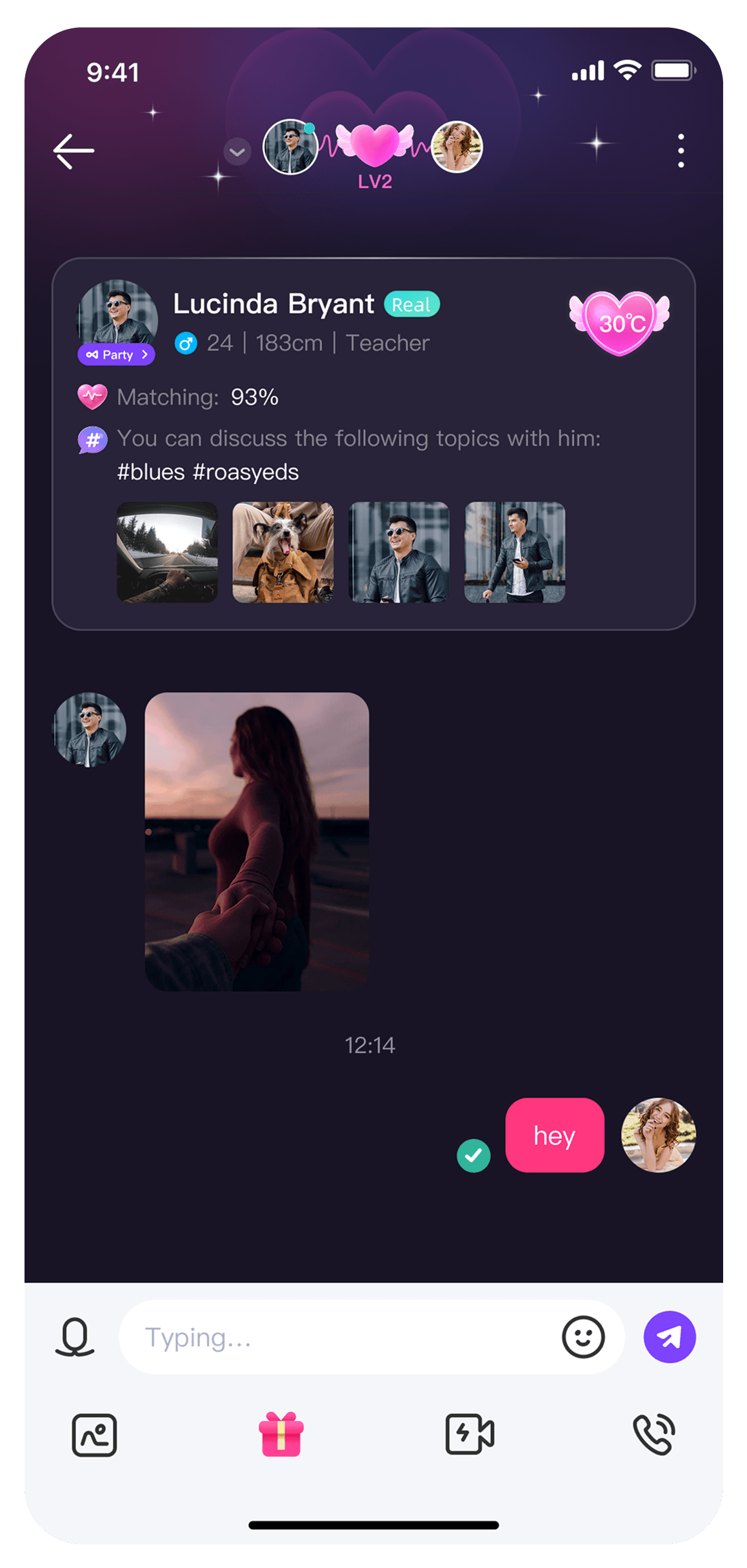
Supported Uses for Amar Chat Coins: Voice Rooms and Video Calls
Amar Chat coins power every interactive feature across the platform. Below is a breakdown of how different coin balances are utilized in the application:
| Feature | Primary Purpose | Coin Requirement |
|---|---|---|
| Live Virtual Gifts | Support room hosts and boost social ranking | Low to High (Varies by gift animation) |
| 1-on-1 Video Calls | Connect directly in private high-definition video | Per-minute coin rate |
| Private Voice Calls | Direct audio calls with friends and creators | Per-minute coin rate |
| Entrance Animations | Display custom visual banners when entering rooms | Unlocked via VIP packages or coin bundles |
| Room Mini-Games | Join social games hosted inside active voice lounges | Per-round entry balance |
Virtual Gifts and Room Ranking
When you send gifts inside a public or private voice room, the value of the gift contributes to the host's popularity score and your personal contributor level. High-tier contributors earn visual badges that appear next to their messages in chat logs, making their presence immediately recognizable.
Direct Calling Privileges
Connecting privately via audio or video call requires a steady balance of coins. The system deducts the rate per minute from your balance as the call progresses, ensuring clear and uninterrupted communication without monthly subscription commitments.
Safe Top-Up Practices: Why You Never Share Your Password
Account safety is essential when purchasing digital credits. Legitimate recharge services operate strictly through direct API or server-side routing using public User IDs (UIDs).
Why UID-Only Top-Up is the Safest Method
- Zero Password Exposure: You never disclose your account password, email login, Facebook credentials, or Google account details.
- No Risk of Account Takeover: Third parties cannot alter your profile settings, steal linked payment options, or lock you out of your account.
- No SMS Verification Required: You will never be asked for temporary SMS one-time passwords (OTPs) or secondary authentication codes.
- Clean Transaction Records: All coin allocations route through server protocols directly to your numeric ID without logging into your client application.
If any seller or website asks for your password or login verification code to process an Amar Chat coin order, cancel the transaction immediately. ArcTopup only requires your UID to complete your recharge.
Why Choose ArcTopup for Amar Chat Recharges
ArcTopup provides a streamlined, secure platform for purchasing digital credits across global social and gaming platforms.
- Direct UID Delivery: Orders route straight to your Amar Chat UID, keeping your personal login credentials completely secure.
- 24/7 Availability: The platform operates non-stop, allowing you to recharge your coin balance at any hour without waiting for manual seller operating windows.
- Live Checkout Transparency: View all available packages, denomination options, and active payment channels directly on the live checkout screen before confirming your order.
- Multi-Language Customer Support: Dedicated customer service agents are available to assist international users with order inquiries and verification assistance.
Troubleshooting Common Amar Chat UID Top-Up Issues
If you encounter an issue after completing your recharge, follow these diagnostic steps to resolve it quickly:
1. The Coins Have Not Appeared in the App
- Restart the App: Close Amar Chat completely from your phone's background app switcher, then relaunch it to refresh your profile balance.
- Check Your Internet Connection: A weak mobile data or Wi-Fi connection can prevent your client application from syncing with the server balance.
- Log Out and Log In: Sign out of your Amar Chat account and log back in to force an immediate balance update.
2. An Incorrect UID Was Entered
- If you submitted an incorrect UID during checkout, contact ArcTopup customer support immediately with your order number.
- Note that if the entered UID belongs to an active, valid third-party account and the order has already been processed by the system, completed server deliveries cannot be reversed.
3. Payment Completed but Status Pending
- Check your email inbox for payment confirmation receipts.
- Verify that your bank or payment provider successfully debited the transaction amount without putting a temporary fraud hold on the payment.
Frequently Asked Questions About Amar Chat Top Up
How does the Amar app work?
Amar Chat connects users through real-time audio rooms, video chat sessions, and social discovery feeds. Users join multi-seat voice lounges to chat with hosts, play interactive games, send animated digital gifts, or initiate private one-on-one calls using in-app coin balances.
How do I find my Amar Chat UID to recharge?
Open Amar Chat and tap the Profile or Me tab at the bottom-right of your screen. Your numeric UID is displayed directly below your profile picture and nickname. Tap the copy icon next to the number to copy your exact ID.
Do I need to provide my password to top up Amar Chat?
No. ArcTopup requires only your Amar Chat UID to deliver coins to your account. You should never share your account password, email login, or SMS verification codes with anyone.
What can I purchase with Amar Chat coins?
Amar Chat coins allow you to send animated virtual gifts to live room hosts, unlock exclusive entrance banners, purchase VIP profile badges, join voice room mini-games, and make private 1-on-1 voice or video calls.
Is Amar Chat free to use without buying credits?
Yes, downloading the app and joining public voice rooms is free. However, premium features such as sending high-tier gifts, displaying custom entry animations, and placing private direct calls require an active coin balance.
What should I do if my Amar Chat recharge does not appear immediately?
First, force-close and restart your Amar Chat application to refresh your account data. If your coins do not reflect within a few moments, verify your transaction status on ArcTopup and reach out to ArcTopup support with your order number and UID for assistance.
Current packages and prices
Current base prices exclude Tax. Tax, payment fees and coupon adjustments are shown at checkout.
| Package | Price |
|---|---|
| Amar chat - Amar chat*5000 | USD 3.88 |
| Amar chat - Amar chat*10000 | USD 7.76 |
| Amar chat - Amar chat*15000 | USD 11.65 |
| Amar chat - Amar chat*20000 | USD 15.53 |
| Amar chat - Amar chat*25000 | USD 19.41 |
| Amar chat - Amar chat*50000 | USD 38.82 |
| Amar chat - Amar chat*100000 | USD 77.64 |
| Amar chat - Amar chat*500000 | USD 388.20 |
| Amar chat - Amar chat*2000 | USD 1.55 |
































































