
Boli Top Up: Instant Gold Recharges via UID
Boli is an interactive social voice chat platform where users join live audio rooms, connect with international communities, participate in casual group games, and share virtual gifts. In-app interactions center around Boli Gold, the core digital currency used across the platform. Having a sufficient Gold balance allows you to participate fully in voice room activities, support community hosts, and customize your profile presence.
ArcTopup offers a direct, self-service top-up system for Boli. By entering your account UID, your Gold order processes automatically without requiring you to share login credentials or link private social accounts. Current Gold pack amounts and live prices are displayed directly on the checkout module above so you can select the package that fits your needs.
How to Top Up Boli Gold on ArcTopup
Adding Boli Gold to your account takes only a few simple steps. Follow this guide to complete your recharge:
- Select Your Gold Package: Review the available Boli Gold amounts listed on the product catalog above and choose the pack you wish to purchase.
- Enter Your Account UID: In the designated player ID field, input your numeric Boli UID.
- Confirm Order Details: Check that the entered UID matches your profile exactly to ensure your Gold reaches the right account.
- Complete Payment: Select your preferred payment method and finalize your transaction.
- Check Your In-App Balance: Once the order is processed, open your Boli app to confirm your updated Gold total.
Where to Find Your Boli UID
Your Boli User ID (UID) is a unique numeric identifier assigned to your account upon registration. You do not need to share your phone number, email, or password to recharge.
To locate your Boli UID:
- Launch the Boli app on your smartphone.
- Tap the Profile or Me tab located in the lower-right corner of the main screen.
- View your profile header directly beneath your avatar and display name.
- Find the row marked ID or UID displaying your numeric account code.
- Tap the Copy icon next to the number to copy your UID directly to your clipboard.
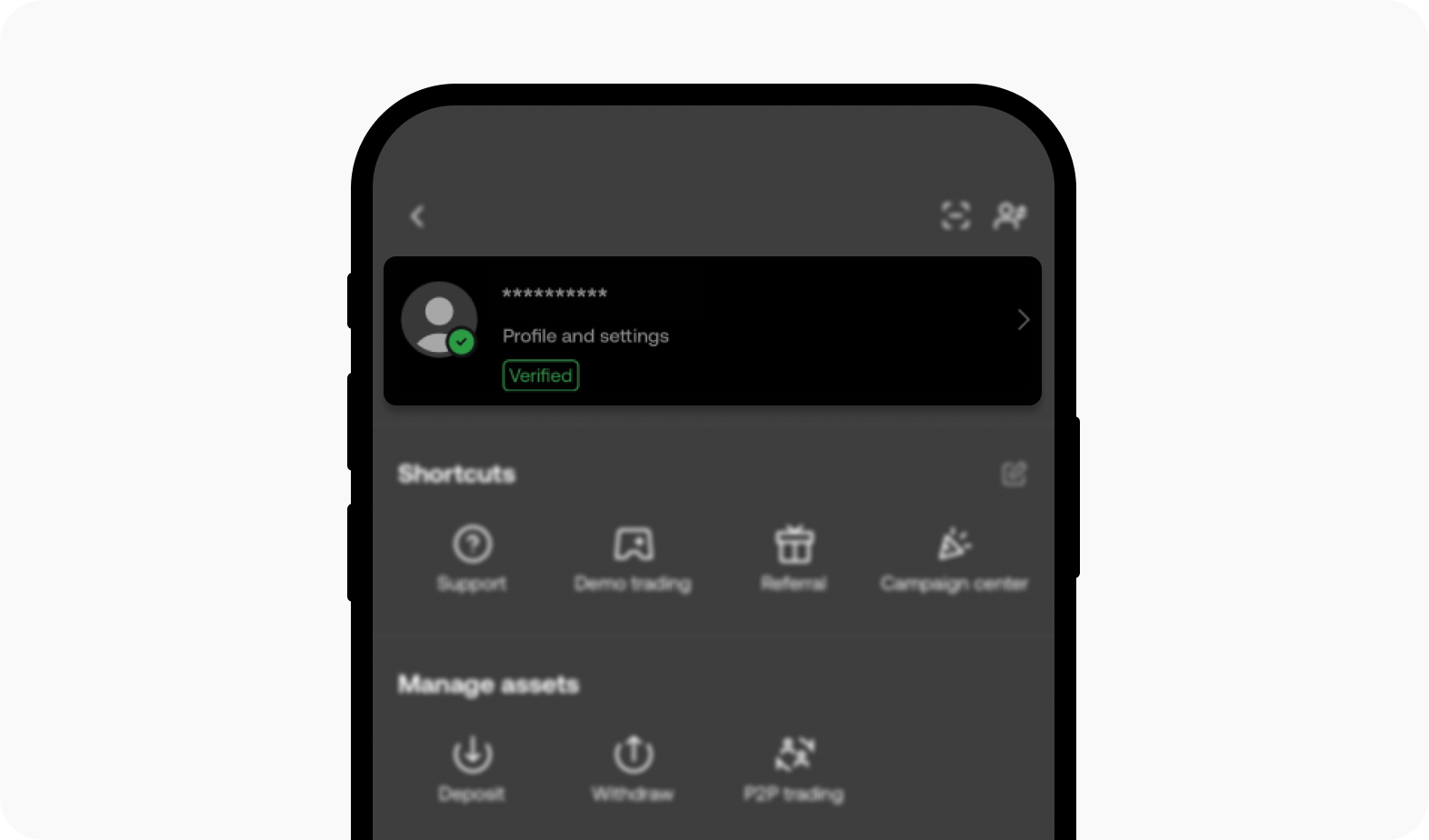
Paste this copied UID directly into the order field on ArcTopup to eliminate any possibility of a typo.
What Is Boli Gold Used For in Voice Rooms?
Boli Gold powers all primary interactive and social features within the app. Maintaining an active Gold balance gives you access to multiple in-room benefits:
- Sending Virtual Gifts: Show appreciation to room hosts, speakers, and friends by sending animated gifts ranging from simple tokens to full-screen dynamic room effects.
- Profile Customization: Purchase premium avatar frames, custom chat bubbles, exclusive entry banners, and animated badges that display when you enter a live voice room.
- Interactive In-Room Games: Join group mini-games and interactive community challenges hosted within live audio spaces.
- VIP Progression: Spending Gold contributes to your in-app wealth level and VIP tier, unlocking distinctive rank badges and privileges in community leaderboards.
Boli Top-Up Verification and Delivery Overview
| Feature | Details | Verification Step |
|---|---|---|
| Account Identifier | User ID (UID) Only | Copy numeric ID from your in-app profile header |
| Password Requirement | None (Never requested) | Checkout requires zero login credentials |
| Balance Delivery | Direct Account Credit | In-game balance updates directly upon payment |
| Gift Recharges | Supported for any user | Enter a friend's UID to send Gold directly |
| Order Tracking | ArcTopup Order Portal | Check status in real time with your Order ID |
Account Security: Password-Free Protection
Account safety is essential when purchasing digital currencies online. ArcTopup uses a direct UID fulfillment system that guarantees zero exposure of your private data.
- No Password Sharing: You are never asked for your Boli password, SMS verification code, Google login, or Apple ID credentials. Top-ups only require your public UID.
- No Account Handover: Your account remains fully in your hands at all times. There is no requirement for third-party operators to log into your account to deliver Gold.
- Safe Third-Party Gifting: Because recharges only require a UID, you can send Gold directly to friends, streamers, or family members safely without asking for their private account access.
Why Choose ArcTopup for Boli Recharges?
ArcTopup delivers a straightforward and secure checkout experience built specifically for mobile social and gaming platforms:
- 24/7 Automated Availability: Process your top-up at any hour of the day or night without scheduled operational blackouts.
- Transparent Live Checkout: The exact amount of Boli Gold and final price are clearly presented on the checkout screen before you pay, with no hidden platform fees.
- Clear Status Tracking: Track the progress of your transaction using your generated ArcTopup order number directly through the platform.
- Dedicated Support: If you ever have a question regarding an order, customer support is available to assist you with order verification.
Troubleshooting Boli Recharge Issues
If you have completed your transaction and your Boli Gold has not appeared in your balance, follow these verification steps:
- Restart the Boli App: Completely close the Boli app from your background apps switcher and relaunch it. This forces the app to refresh its connection to the server and update your balance display.
- Verify the UID Entered: Check the receipt in your ArcTopup order history. Compare the UID on your order confirmation with the UID in your Boli profile to ensure no digits were transposed.
- Check Connection Stability: Make sure your device has a stable internet connection so the app can fetch the latest wallet balance.
- Contact Customer Support: If your balance does not update after restarting the app, submit your ArcTopup Order ID and a screenshot of your in-app profile to our customer support team for prompt review.
Frequently Asked Questions
How do I find my Boli UID for a top up?
Open the Boli app, tap the Profile or Me icon at the bottom right, and look directly below your profile picture and nickname. Your UID is the series of numbers shown next to the ID label. Tap the copy icon beside it to copy it to your clipboard.
Is it safe to top up Boli Gold using only my UID?
Yes. Topping up using only your UID is the safest method available because it requires no passwords or account login details. Your public UID is solely used by the server to direct the Gold credit to your profile.
Do I need to share my Boli login password to recharge?
No. ArcTopup will never ask for your Boli password, phone verification code, or social login credentials. If any service requests your password to top up Gold, do not share it.
What can I use Boli Gold for in the app?
You can use Boli Gold to send dynamic virtual gifts to room hosts, purchase personalized profile frames and room entrance effects, participate in interactive voice room mini-games, and increase your VIP wealth ranking.
How long does it take for Boli Gold to reflect in my account?
Boli Gold is credited automatically once payment confirmation is received. In most cases, the Gold appears in your balance shortly after completing checkout. Restarting the Boli app helps refresh the display.
Can I recharge Boli Gold for a friend using their UID?
Yes. You can recharge Gold for any Boli user. Simply obtain their numeric Boli UID, enter it into the UID field on ArcTopup, select the desired Gold pack, and finish the payment. The Gold will be sent directly to their account.
Current packages and prices
Current base prices exclude Tax. Tax, payment fees and coupon adjustments are shown at checkout.
| Package | Price |
|---|---|
| Boli - Boli*20000 | USD 1.70 |
| Boli - Boli*25000 | USD 2.12 |
| Boli - Boli*50000 | USD 4.25 |
| Boli - Boli*100000 | USD 8.49 |
| Boli - Boli*500000 | USD 42.45 |
| Boli - Boli*1000000 | USD 84.90 |
| Boli - Boli*5000000 | USD 424.49 |
| Boli - Boli*15000 | USD 1.27 |






























































