Marvel Mystic Mayhem Top Up on ArcTopup
Marvel Mystic Mayhem puts players in command of iconic Marvel heroes and villains fighting against Nightmare's corruption. To build a balanced tactical squad, conquer high-tier Nightmare rifts, and unlock top-tier characters, you need steady access to in-game resources like Dreamgems.
ArcTopup provides a direct Marvel Mystic Mayhem top up service designed for convenience and safety. By using your in-game User ID, you can recharge your account directly without sharing sensitive passwords or private login credentials. Whether you need currency for limited-time hero summons or daily energy refreshes, your purchases are credited straight to your account so you can return to the battlefield without interruption.
How to Top Up Marvel Mystic Mayhem on ArcTopup
Recharging your Marvel Mystic Mayhem account on ArcTopup takes only a few simple steps:
- Select the Dreamgems pack or bundle you want to purchase from the product list.
- Enter your Marvel Mystic Mayhem User ID in the required field.
- Verify that your User ID is entered correctly to avoid delivery errors.
- Choose your preferred payment method from the available checkout options.
- Complete the payment process.
- Open Marvel Mystic Mayhem on your mobile device to verify that your new Dreamgems or items have been added to your balance.
Prices and available pack sizes are displayed directly on the live checkout interface. Always double-check your entered ID before completing your transaction.
How to Find Your Marvel Mystic Mayhem User ID
Your User ID (UID) is the unique account identifier that ensures your top-up is routed to the correct profile. Follow these steps to find your ID in the game:
- Launch Marvel Mystic Mayhem on your device and log in to your account.
- Tap your player Avatar icon located in the upper-left corner of the main lobby screen.
- Open the Player Profile / Account Info tab.
- Locate your User ID (UID) displayed beneath your player name or account summary.
- Tap the Copy button next to your User ID to copy it to your clipboard, then paste it directly into the ArcTopup order field.
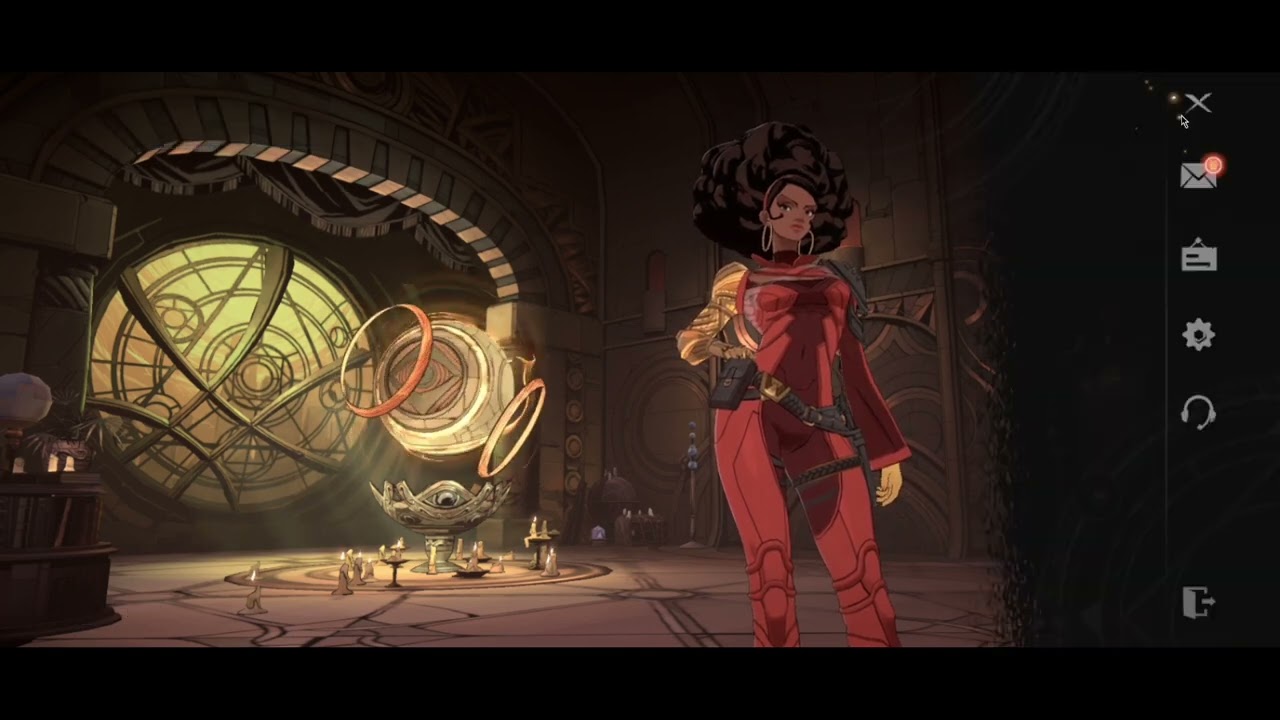
Make sure to copy the full string of numbers without extra spaces to ensure immediate delivery.
Marvel Mystic Mayhem Currency Guide: Dreamgems and Packs Explained
Managing your resources efficiently is essential for assembling high-synergy tactical teams. The table below outlines the primary currencies and resource items available in Marvel Mystic Mayhem:
| Currency / Item | Primary Source | Main Utility | 2026 Strategic Value |
|---|---|---|---|
| Dreamgems | Direct Top-Up / Story Milestones | Premium hero summons, stamina refills, shop bundles | Essential for pulling banner-exclusive heroes and buying daily resources. |
| Dreamstones / Summon Tokens | Event Rewards / Dreamgem Conversion | Standard and rate-up character recruitment | Primary resource for expanding your hero roster and unlocking passive ranks. |
| Energy / Stamina Refills | Dreamgem Purchase / Timed Regen | Running resource dungeons and story stages | Speeds up gear farming and hero level advancement. |
| Growth & Pass Bundles | Direct Purchase / ArcTopup | High-value materials, character shards, cosmetics | High return on investment for steady squad progression over time. |
Dreamgems serve as the core premium currency. You can spend them directly in the summon portal to pull powerful Mystic variants of Doctor Strange, Scarlet Witch, Iron Man, and other heroes, or use them to reset daily material dungeons for faster character rank-ups.
Account Safety: User ID Only Direct Top-Up Without Passwords
Account security is critical when purchasing mobile game currencies. ArcTopup operates on a direct User ID top-up structure. This system delivers several major safety benefits:
- No Passwords Required: You never need to enter your Google Play, Apple ID, social media login, or game password on ArcTopup.
- Zero Account Sharing: Your login session remains strictly on your personal device, eliminating the risks associated with third-party account access.
- Direct System Delivery: Transactions communicate directly with game server endpoints using your unique player identifier.
- Protected Personal Data: Your billing details and player identity are processed through secure, encrypted payment gateways.
Using ID-based top-up protects your account history, summoned heroes, and progress while ensuring full compliance with account safety standards.
Why Top Up Marvel Mystic Mayhem on ArcTopup
ArcTopup is built to provide a reliable, transparent purchasing experience for global mobile gamers. Key reasons to manage your Marvel Mystic Mayhem purchases here include:
- Fast Digital Delivery: Once your payment is confirmed, orders are sent directly to your User ID so you can access your currency right away.
- Clear Pricing: All pack values and current prices are shown clearly on the selection screen before checkout with no hidden charges.
- Multiple Payment Options: Choose from a wide selection of global and regional payment methods tailored to your location.
- Dedicated Customer Support: If you ever mistype a detail or have questions regarding your order status, our support team is available to assist you promptly.
- Global Access: ArcTopup supports players across multiple regions and languages, making top-ups straightforward wherever you play.
Best Ways to Use Dreamgems for Hero Summons and Progression in 2026
To get the most out of every Dreamgem purchase in the 2026 meta, focus your resources on these high-impact areas:
1. Target Limited-Time Rate-Up Banners
Avoid spending premium Dreamgems on standard permanent pools unless you have free summon tokens. Save your Dreamgems for limited-time banners featuring top-tier mystic heroes who provide essential crowd control, shields, or burst damage. Securing featured characters significantly improves your performance in high-difficulty Nightmare stages.
2. Purchase Daily Energy Refills
Progress in tactical RPGs depends heavily on equipment levels and skill upgrades. Spending a small amount of Dreamgems on the first one or two daily stamina refills gives you extra dungeon runs to collect promotion materials without depleting your summon reserves.
3. Unlock Monthly Passes and Milestone Bundles
If you play regularly, monthly cards and milestone progression packs offer the highest Dreamgem return per transaction. These bundles grant immediate currency upon purchase alongside daily login distributions that sustain your summons over weeks.
4. Optimize Skill and Gear Upgrades
Invest your bonus gold and enhancement materials into characters with strong tactical synergy rather than spreading resources too thin. A focused team of well-geared heroes will clear challenging content far more effectively than a wide roster of unranked characters.
Frequently Asked Questions
How do I find my Marvel Mystic Mayhem User ID for top up?
Open Marvel Mystic Mayhem on your device, tap your player profile avatar in the top-left corner of the main screen, and locate the User ID (UID) below your profile name. Tap the copy icon next to the number and paste it into the ArcTopup User ID field.
Do I need to share my Marvel Mystic Mayhem login credentials or password?
No. ArcTopup only requires your in-game User ID to send purchases directly to your account. You should never share your account password, email login, or verification codes.
What currencies can I purchase for Marvel Mystic Mayhem on ArcTopup?
You can purchase Dreamgems packs along with available special bundles and resource packs listed on the ArcTopup product page. Available packs and live pricing are updated directly on the checkout screen.
How fast will my Marvel Mystic Mayhem top up be credited?
Orders are processed digitally as soon as your payment clears. In most cases, your Dreamgems or packs appear in your in-game balance within a few minutes after completing checkout.
Is it safe to top up Marvel Mystic Mayhem using only my User ID?
Yes. Recharging via User ID is safe because it only uses public account routing information. It does not expose your login credentials or personal account settings.
What should I do if my Marvel Mystic Mayhem top up does not show in-game?
First, restart the Marvel Mystic Mayhem app completely to refresh your server connection and balance. If the currency still does not appear, check your payment confirmation and verify that the User ID you entered was correct. You can then contact ArcTopup customer support with your order ID for fast assistance.
Current packages and prices
Current base prices exclude Tax. Tax, payment fees and coupon adjustments are shown at checkout.
| Package | Price |
|---|---|
| 60 Dreamstone | USD 0.67 |
| 300 Dreamstone | USD 3.37 |
| 600 Dreamstone | USD 6.71 |
| 1200 Dreamstone | USD 13.43 |
| 3000 Dreamstone | USD 33.45 |
| 6000 Dreamstone | USD 67.04 |






























































