
Fast Eparty Top Up with Numerical UID
Recharging your Eparty coin balance on ArcTopup is straightforward and requires only your user ID (UID). Whether you want to send animated gifts in live voice party rooms, support your favorite creators, or unlock exclusive chat effects, topping up your account takes just a few clicks.
Follow these quick steps to complete your purchase on ArcTopup:
- Select the Eparty coin package that suits your budget.
- Enter your numerical Eparty UID in the designated player ID field.
- Verify that your UID digits are correct to avoid sending coins to another profile.
- Choose your preferred payment option from the live checkout page.
- Complete your transaction. Your coins will be credited directly to your in-app balance.
Step-by-Step Guide: How to Find Your Eparty UID
To ensure your coins arrive in the correct account, you must enter your exact numerical UID. Your UID is permanently assigned to your profile and differs from your custom display name.
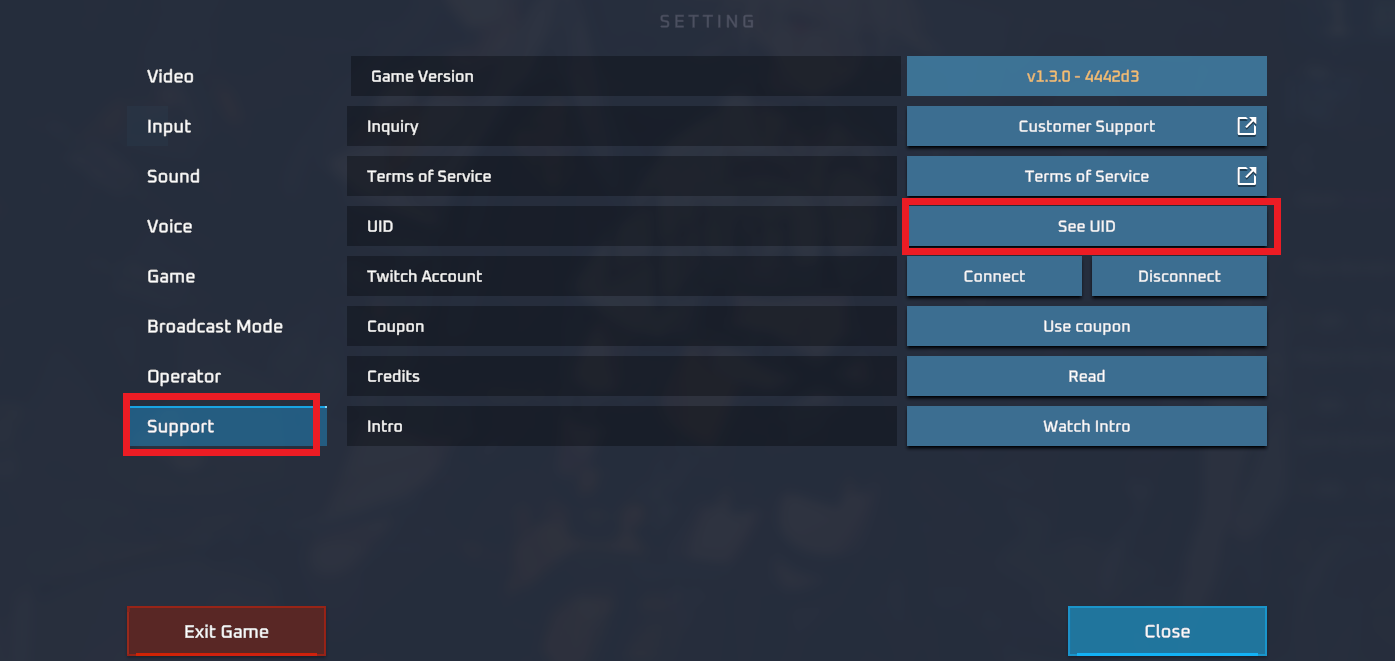
- Open the Eparty application on your mobile device.
- Tap the Profile or Me icon located in the bottom navigation bar.
- Look directly below your profile avatar and username.
- Locate the numeric sequence labeled ID or UID.
- Tap the copy icon next to the number, or write it down carefully.
- Paste this number directly into the UID field on the ArcTopup order form.
Uses of Eparty Coins: Gifting, Chat Rooms, and Special Effects
Eparty coins serve as the primary premium currency across the entire Eparty ecosystem. Topping up coins unlocks a wide variety of interactive features designed to enhance your social experience:
- Interactive Virtual Gifts: Send animated 2D and 3D gifts to room hosts, speakers, and friends in live voice rooms.
- Room Entry Effects: Stand out the moment you enter any public or private voice room with custom arrival animations and spotlight effects.
- Profile Badges & Frames: Display decorative avatar frames and exclusive status badges next to your name in global and local chat feeds.
- VIP Tiers and Privileges: Accumulate spending levels to increase your VIP tier, gaining access to exclusive emoticons, priority seat privileges, and distinctive profile styling.
- Party Room Mini-Games: Participate in social games and community challenges hosted inside voice party rooms.
Safe Top Up Guarantee: No Password or Login Required
Account safety is essential when purchasing digital items. ArcTopup uses a direct-to-account API delivery system that requires only your public numerical UID.
- Zero Password Requests: You never have to provide your password, recovery email, phone verification code, or social login credentials (such as Google, Apple, or Facebook logins).
- No Account Sharing: Your profile remains fully in your control. You do not need to log out or hand your login details to third-party agents.
- Encrypted Checkout: Every transaction on ArcTopup is protected by industry-standard encryption protocols to safeguard your payment details.
Accepted Payment Methods and Currency Options for Eparty
ArcTopup supports a wide selection of local and global digital payment methods, making it simple to complete your Eparty recharge from anywhere. Exact options, local currency conversions, and final totals are calculated and displayed transparently on the live checkout screen.
| Feature | Direct ArcTopup UID Recharge | Manual Bank Transfer Agents |
|---|---|---|
| Account Security | Safe (UID only, no password needed) | High risk (often requests login details) |
| Processing Speed | Automated digital delivery | Requires manual payment slip verification |
| Availability | 24/7 automated order processing | Dependent on agent operating hours |
| Confirmation | Instant digital order confirmation | Manual chat receipts and delayed confirmations |
Troubleshooting Common Eparty Recharge Issues in 2026
If your coins do not reflect in your Eparty app balance immediately after completing payment, review the following troubleshooting steps:
- Restart the App: Force-close the Eparty app and reopen it. This forces the client to pull the latest balance data from the server.
- Check Your Order Status: Review your completed transaction summary on ArcTopup to confirm the payment was processed successfully.
- Verify Your UID: Double-check your confirmation email or order receipt to ensure the UID entered matches your actual in-app numerical ID.
- Contact Customer Support: If the transaction shows as successful on ArcTopup but your balance remains unchanged after a few minutes, copy your Order Number and UID, then contact the ArcTopup customer support team for fast assistance.
Frequently Asked Questions About Eparty Recharge
How do I find my Eparty numerical UID?
Open the Eparty app, tap the Me / Profile tab in the bottom menu, and locate the numeric ID displayed beneath your avatar. Tap the copy button to copy the exact numbers.
Do I need to share my Eparty password to recharge coins?
No. ArcTopup only requires your public numerical UID. You should never share your account password, email login, or verification codes with anyone.
How long does it take for Eparty coins to arrive after payment?
Once your payment is approved at checkout, the automated delivery system credits the coins directly to your Eparty account balance.
What should I do if I entered the wrong Eparty UID?
Recharges are processed automatically based on the UID submitted during checkout. Because deliveries to valid IDs cannot be reversed once processed, always double-check your numbers before completing payment. If you notice an error immediately before processing, reach out to ArcTopup support with your order details.
What can I buy with Eparty coins in the app?
You can use Eparty coins to buy virtual gifts for voice room hosts, purchase dynamic entrance effects, unlock avatar frames, level up VIP status, and participate in in-room activities.
Can I top up Eparty coins for a friend using their UID?
Yes. Simply enter your friend's numerical Eparty UID into the player ID field on ArcTopup, select the coin package, and complete checkout. The coins will be credited directly to their profile.
Current packages and prices
Current base prices exclude Tax. Tax, payment fees and coupon adjustments are shown at checkout.
| Package | Price |
|---|---|
| Eparty - Eparty*100000 | USD 2.86 |
| Eparty - Eparty*500000 | USD 14.32 |
| Eparty - Eparty*1000000 | USD 28.64 |
| Eparty - Eparty*5000000 | USD 143.19 |
| Eparty - Eparty*10000000 | USD 286.38 |
| Eparty - Eparty*50000 | USD 1.43 |






























































