
EZZO CHAT Top Up for Voice Parties and Premium Rooms
EZZO CHAT is a popular voice chat and social entertainment application where users connect through real-time audio rooms, interactive group parties, and creative live broadcasts. To make the most of community interactions, users rely on in-app coins to send animated gifts, support their favorite room hosts, access special entrance effects, and unlock exclusive community perks.
ArcTopup offers a direct EZZO CHAT top up service that credits coins straight to your account using only your numeric User ID (UID). Because our system requires zero account passwords or login credentials, you can complete your top up quickly and keep your profile completely secure. Whether you want to back an active host or surprise friends during a live room session, purchasing coins on ArcTopup ensures quick processing and direct delivery.
Step-by-Step Guide: How to Top Up EZZO CHAT Online
Topping up your EZZO CHAT account takes only a few moments. Follow this simple walkthrough to complete your order on ArcTopup:
- Select Your Coin Package: Browse the available coin amounts on the product page and choose the pack that fits your needs.
- Enter Your EZZO CHAT UID: Type or paste your unique User ID into the designated input field. Double-check the numbers to avoid sending coins to the wrong account.
- Choose Your Payment Method: Pick your preferred payment option at checkout. ArcTopup provides regional and international payment channels with real-time currency pricing.
- Review and Confirm Payment: Finalize your order by completing the transaction through the secure payment gateway.
- Check Your In-App Balance: Once payment confirmation is complete, open EZZO CHAT on your mobile device and refresh your wallet to see your updated coin balance.
Where to Find Your EZZO CHAT UID in the App
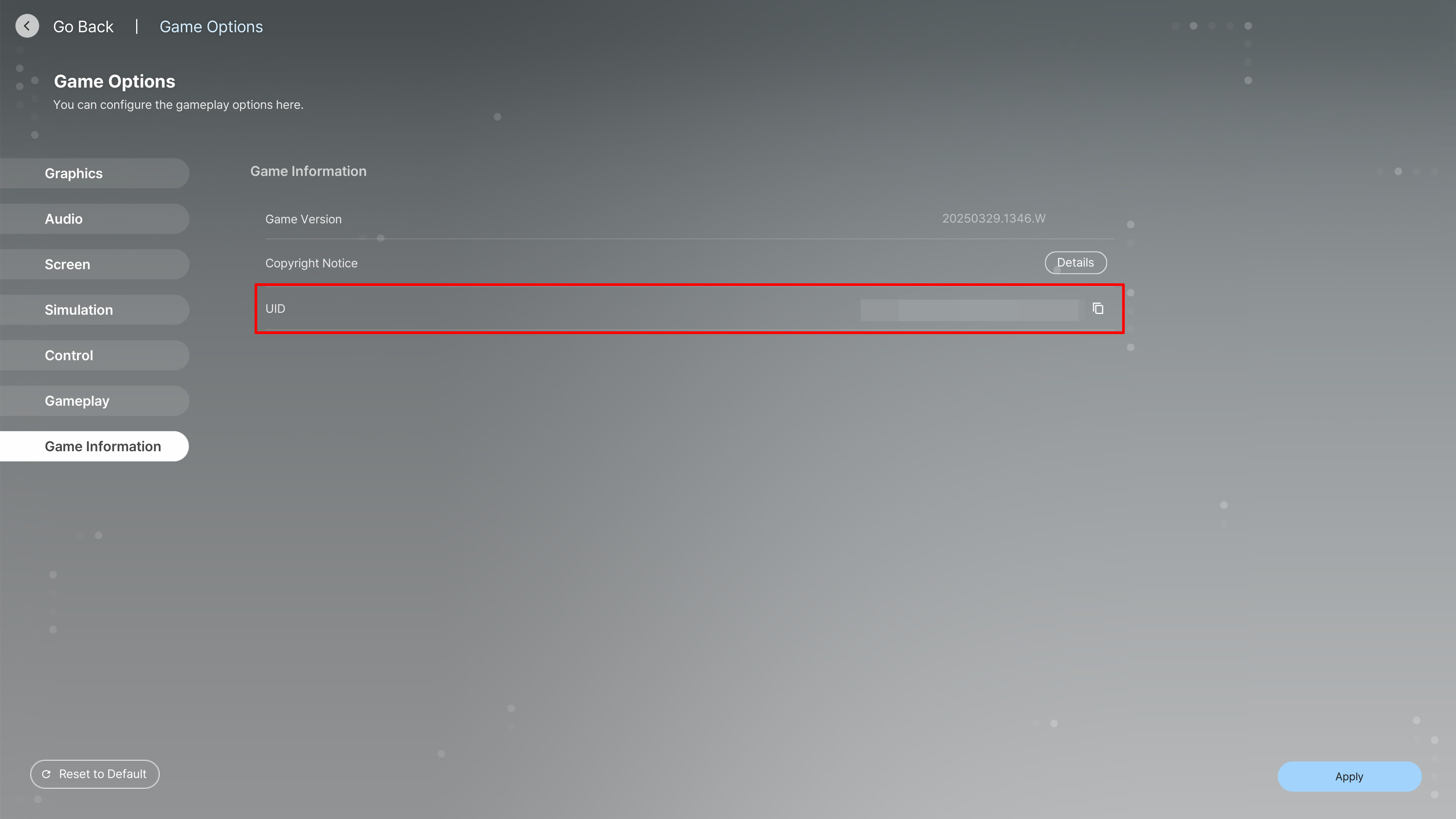
Your User ID (UID) is a permanent numeric identifier linked to your specific EZZO CHAT profile. Finding your UID is quick and straightforward:
- Launch the EZZO CHAT app on your phone.
- Tap the Me or Profile tab located at the bottom-right corner of the home screen.
- Locate your numeric UID positioned directly below your profile picture and nickname.
- Tap the small Copy icon next to the number to copy your UID directly to your clipboard.
| Account Field | What It Represents | Where to Find It |
|---|---|---|
| UID | Unique numeric user identifier used for direct top-up | Directly beneath your avatar in the Profile tab |
| Nickname | Display name shown in voice rooms and chats | Top section of the Profile screen |
| Coin Balance | Total usable currency for virtual gifts and room perks | Inside the My Wallet / Recharge menu |
Benefits of Topping Up EZZO CHAT: Gifts, Social Features, and Voice Rooms
Recharging your EZZO CHAT coin balance unlocks the full range of interactive features across community voice channels:
- Send Virtual Gifts: Surprise hosts and fellow speakers with animated 3D gifts, seasonal tokens, and lucky reward boxes that spark special animations across the entire room.
- Support Content Creators: Gifting helps room hosts climb the regional and global leaderboards, giving them greater visibility on the app’s discovery feed.
- Unlock Special Entry Effects: High-tier contributors and active coin holders gain access to custom entrance banners, avatar frames, and animated entry cars when joining voice parties.
- Access Premium Room Features: Use coins to bid for special microphone spots, activate interactive room mini-games, and organize community giveaways for your listeners.
Account Safety: UID-Only Recharge Without Password Sharing
Account safety is a top priority when purchasing digital currencies online. When you order an EZZO CHAT top up on ArcTopup, you never have to provide your login credentials, email address, or social media passwords.
- Zero Password Requirement: Our recharge system processes deliveries strictly through your public UID, keeping your login details entirely in your hands.
- No Account Handover: You never have to share verification codes, link temporary third-party accounts, or risk unauthorized logins.
- Encrypted Checkout: ArcTopup processes all transactions through secure, industry-standard encrypted payment gateways to safeguard your billing details.
Topping Up EZZO CHAT for Friends and Family
Because ArcTopup uses a direct UID delivery system, you can easily send coin recharges to other users as gifts or community prizes.
To send coins to another user:1. Ask your friend or host for their EZZO CHAT UID.2. Enter their UID in the player ID field on ArcTopup.3. Complete the checkout process.
The coins will be credited directly to their in-app wallet balance without notifying them of your personal billing details. It is a convenient way to support guild members, reward tournament winners, or surprise friends during special events.
Available Payment Methods on ArcTopup Checkout
ArcTopup supports a wide selection of payment options suited for global and regional buyers. Available channels include credit and debit cards, secure digital wallets, bank transfers, and localized payment gateways tailored to your region.
To view exact options and dynamic pricing, select your desired coin denomination and proceed to the live checkout page. The system automatically displays active rates and regional currency conversions with clear order summaries.
What to Do If Coins Do Not Appear in EZZO CHAT
Top-ups on ArcTopup are processed promptly once payment verification is confirmed. If your coins do not show up immediately, follow these troubleshooting steps:
- Restart the Application: Completely close EZZO CHAT from your recent apps list and reopen it to force a fresh data sync with the server.
- Check Your In-App Wallet: Navigate to your profile's wallet page to confirm whether the coin balance has updated.
- Verify Your Order Status on ArcTopup: Check your order confirmation page to ensure your payment completed successfully.
- Verify the Submitted UID: Review your receipt to confirm that the UID entered matches your profile number.
- Contact Customer Support: If the coins remain uncredited after a short wait, reach out to ArcTopup customer support with your Order ID, submitted UID, and proof of payment for quick resolution.
Frequently Asked Questions About EZZO CHAT Top Up
How do I find my EZZO CHAT UID for topup?
Open EZZO CHAT, tap the Me or Profile tab in the bottom menu, and locate the numeric UID displayed right under your profile avatar. Tap the copy icon next to it to copy the exact numbers.
Do I need to provide my account password to top up EZZO CHAT?
No. ArcTopup only requires your numeric EZZO CHAT UID. You should never share your account password, SMS verification codes, or personal login information with anyone.
How long does it take for EZZO CHAT coins to reflect in my account?
Orders are fulfilled directly upon successful payment verification. In most cases, the coins will appear in your EZZO CHAT wallet right after you refresh or reopen the app.
Can I top up EZZO CHAT for another user using their UID?
Yes. You can recharge coins for any player, friend, or live host simply by entering their numeric UID during checkout on ArcTopup.
What payment methods are accepted for EZZO CHAT recharge on ArcTopup?
ArcTopup supports major credit and debit cards, digital wallets, bank transfer options, and regional checkout solutions. View the live checkout screen to see all active payment methods and localized currency pricing for your region.
What should I do if I entered an incorrect UID during checkout?
Because UID-based coin deliveries are processed automatically through direct account routing, transfers sent to an existing incorrect UID cannot be reversed once processed. Always double-check your UID before finalizing payment. If you realize an error occurred before order processing finishes, contact ArcTopup customer support immediately with your Order ID.






























































