
Wyak Top Up: How to Recharge Coins Using Your UID
To recharge your account balance on Wyak, you only need your unique User ID (UID). Recharging through ArcTopup is straightforward, direct, and avoids any need to log in or share private account credentials. Follow these quick steps to complete your order:
- Select Your Coin Package: Browse the product listings on ArcTopup and choose the number of Wyak coins you want to purchase.
- Enter Your UID: Type your numeric Wyak User ID into the designated field. Double-check your numbers to ensure direct delivery to your profile.
- Select a Payment Method: Choose your preferred secure payment option from the available checkout methods.
- Complete the Transaction: Confirm your order details and finish the payment.
- Check Your In-App Balance: Open Wyak on your device to see your updated coin balance immediately.
| Top-Up Step | Action Required | Details |
|---|---|---|
| 1. Coin Selection | Pick denomination | View live coin amounts and current rates |
| 2. Identity Verification | Provide Wyak UID | Numeric identifier only; no password needed |
| 3. Checkout | Select payment option | Fast, encrypted checkout channels |
| 4. Delivery | Automatic account credit | Coins appear directly in your Wyak wallet |
Step-by-Step Guide: How to Find Your Wyak UID
Finding your Wyak User ID takes only a few seconds within the mobile application. Your UID is a fixed numeric identifier assigned to your account upon registration, ensuring that coin deliveries reach the correct profile.
- Launch the Wyak app on your iOS or Android device.
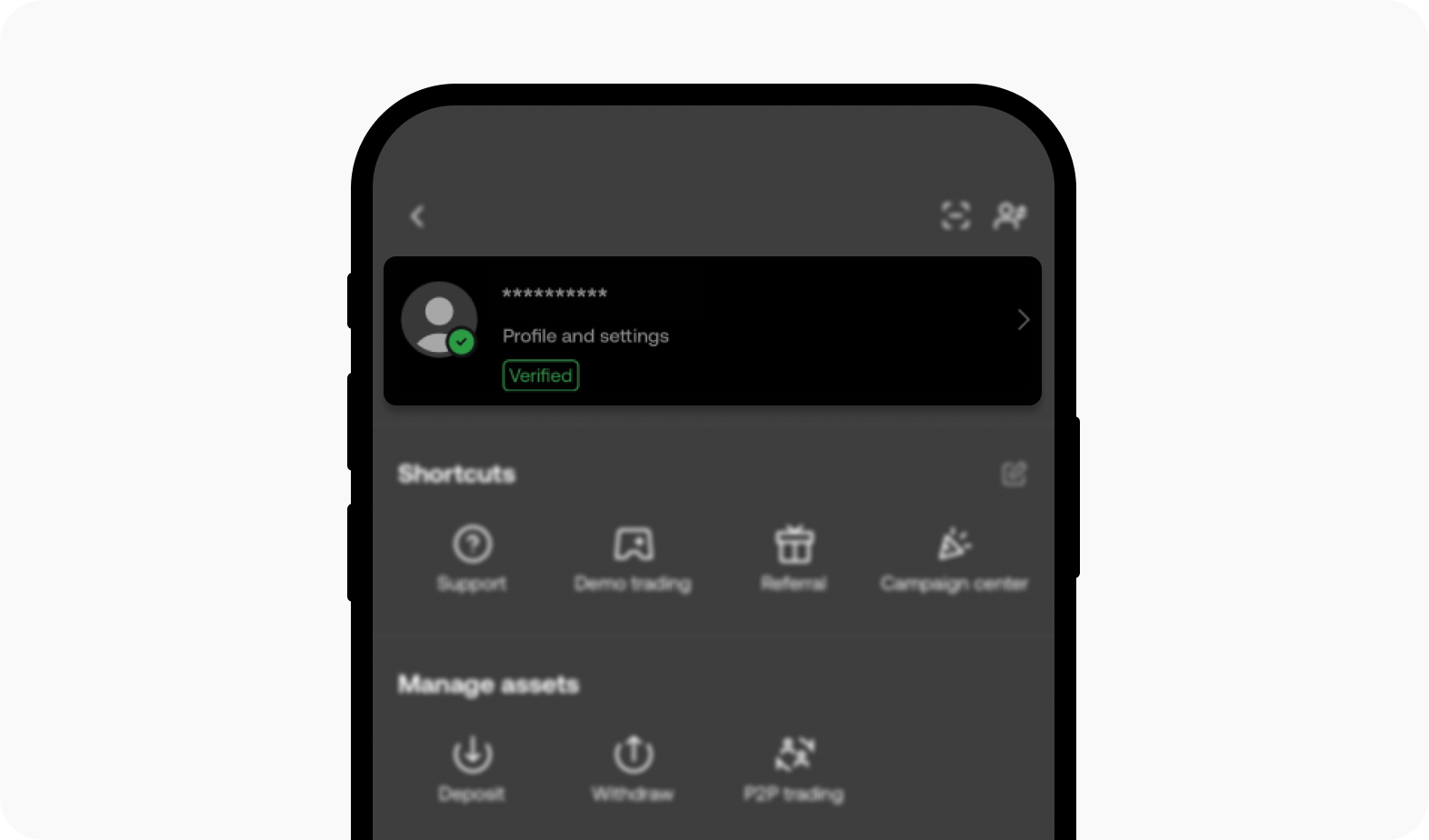
- Tap the Profile (or Me) icon located in the bottom-right corner of the main navigation bar.
- Locate your profile header at the top of the screen, which displays your avatar, nickname, and account details.
- Your UID is displayed directly beneath your username as a sequence of numbers.
- Tap the copy icon next to your UID or write down the numbers precisely to paste them into the ArcTopup UID field.
What Are Wyak Coins and What Can You Buy With Them?
Wyak coins serve as the primary premium in-app currency across the entire Wyak social and voice room ecosystem. Having an active coin balance allows you to participate in community activities, support room hosts, and personalize your presence.
Interactive Voice Room Gifts
Express appreciation to your favorite room creators, friends, and streamers by sending animated virtual gifts. Gifts range from casual tokens to full-screen dynamic effects that highlight your profile inside any active voice room.
Exclusive Badges and Profile Decoration
Stand out in public chat rooms and member lists with premium cosmetic items. Coins can be used to acquire distinct avatar frames, chat bubble designs, specialized nameplate badges, and striking entrance banners that announce your arrival when joining a voice room.
Mini-Games and Community Activities
Participate in interactive mini-games hosted directly inside Wyak group rooms. Using coins gives you access to social game modes, community challenges, and seasonal events that reward active participation.
| Coin Utility | Primary Benefit | In-App Location |
|---|---|---|
| Virtual Gifts | Support broadcasters & trigger visual animations | Voice Rooms & Live Stages |
| Avatar Frames & Banners | Customize profile aesthetics & room entrances | Profile Mall / Personal Center |
| Chat Badges | Highlight status in member lists and room chats | Chat Streams & User Cards |
| Social Mini-Games | Engage in interactive challenges with room members | Room Activity Center |
Wyak Coin Delivery Speed and Safe Checkout Protocols
When ordering your Wyak coins on ArcTopup, security and reliability remain top priorities. Every transaction uses direct API processing to ensure prompt crediting straight to your Wyak account balance.
Password-Free Safety
ArcTopup operates entirely on UID-based fulfillment. You are never asked for your account password, email login, or two-factor verification codes. This eliminates any risk to your personal account data while ensuring your social profile remains completely protected.
Transparent Pricing with No Hidden Fees
The price you see on the live checkout page is the exact price you pay. ArcTopup maintains clear, upfront pricing across all coin package sizes, allowing you to select the exact quantity of coins you need for your voice room interactions.
Troubleshooting and Support for Wyak Top-Up Orders
While most coin recharges credit automatically within moments of payment confirmation, occasionally network variations or input errors can cause questions. Use the following guide to resolve common situations:
- Coins Haven't Appeared Yet: Completely close the Wyak app from your device's recent app tray and relaunch it. Check your in-app wallet under the Profile tab. A quick refresh resolves local display caching issues.
- Incorrect UID Entered: If you accidentally submitted the wrong UID during checkout, contact ArcTopup customer support immediately with your order ID, transaction receipt, and the correct UID. If the order has not yet been processed by the automated system, support can assist in correcting the destination.
- Payment Marked Pending: Check with your payment provider to ensure the transaction cleared successfully. Once the gateway marks your payment as complete, your coins will be dispatched automatically.
Why Choose ArcTopup for Wyak Recharges in 2026
ArcTopup provides an efficient, trustworthy platform for topping up social apps and gaming accounts in 2026. Here is why users choose ArcTopup for Wyak coins:
- Zero Account Sharing: We only require your Wyak UID, ensuring complete account privacy.
- Live, Transparent Checkout: View real-time currency pricing without unexpected fees.
- Broad Payment Support: Complete your purchase using trusted local and international payment methods.
- Dedicated Support: Our customer support team is available to help resolve any questions regarding your top-up orders.
Frequently Asked Questions About Wyak Top Up
How do I find my Wyak UID for a top-up?
Open Wyak, tap the Profile icon in the bottom-right corner, and locate the numeric ID displayed beneath your username and profile photo. Tap the copy icon next to the number to copy it directly.
Do I need to share my Wyak password to recharge coins?
No. ArcTopup never asks for your password, social login credentials, or verification codes. You only need to provide your public Wyak UID to receive your coins.
What can I use Wyak coins for in the app?
You can use Wyak coins to send animated gifts to room hosts, unlock decorative avatar frames and entrance effects, acquire special badges, and participate in in-app mini-games.
How long does it take for Wyak coins to arrive in my balance?
Coin deliveries are processed automatically upon successful payment confirmation. Once the transaction completes, coins appear in your Wyak balance almost immediately.
Can Wyak coins be used on both iOS and Android?
Yes. Because Wyak coins are tied directly to your unique Wyak account UID, your coin balance is accessible regardless of whether you log in on an iOS or Android device.
What should I do if my Wyak coins are not credited immediately?
First, restart the Wyak app to refresh your profile balance. If the balance remains unchanged after a few minutes, check your payment status and contact ArcTopup customer support with your order number for assistance.
Current packages and prices
Current base prices exclude Tax. Tax, payment fees and coupon adjustments are shown at checkout.
| Package | Price |
|---|---|
| Wyak - Wyak*5000000 | USD 9.09 |
| Wyak - Wyak*10000000 | USD 18.18 |
| Wyak - Wyak*50000000 | USD 90.90 |
| Wyak - Wyak*100000000 | USD 181.80 |
| Wyak - Wyak*1000000 | USD 1.82 |






























































