
Tada Top Up: What Are Tada Diamonds and How They Work
Tada is a popular interactive voice chat and social party app designed for users who enjoy real-time audio rooms, community live streaming, and interactive room activities. Note that this service is specifically for the Tada Voice Chat & Live Entertainment App, not the unrelated Tada shopping rewards or cash back platform.
Inside the Tada app, Diamonds serve as the primary premium virtual currency. When you top up diamonds, your balance enables you to participate actively in voice rooms, support room owners, and personalize your profile. Specifically, diamonds are used for:
- Sending Animated Virtual Gifts: Reward talented broadcasters, voice actors, and room hosts with interactive screen animations.
- Activating Premium Entrance Effects: Make an impression whenever you enter a popular party room with custom vehicles, banners, and sound effects.
- Participating in Room Games: Join community mini-games, lucky draws, and interactive room challenges with other members.
- Climbing Event Leaderboards: Send diamonds during weekly or seasonal room competitions to boost host rankings and gain exclusive room badges.
With a direct Tada top up on ArcTopup, you can reload your diamond wallet securely using only your User ID (UID), ensuring you never miss a moment during live events.
Step-by-Step Guide: How to Top Up Tada Diamonds on ArcTopup
Recharging your Tada account on ArcTopup is straightforward, fast, and does not require complex account authorizations. Follow these steps to complete your order:
- Select Your Diamond Package: Choose the diamond amount you wish to purchase from the product options. Exact pricing and current available denominations are displayed directly on the live checkout interface.
- Enter Your Tada UID: Type your numeric Tada User ID into the designated input field. Double-check your numbers to prevent sending diamonds to an incorrect account.
- Confirm Your Order Details: Review your package selection and UID to verify account accuracy before finalizing.
- Complete the Payment: Choose your preferred payment method on the secure checkout screen and complete the transaction.
- Receive Your Diamonds: Once payment confirms, diamonds credit directly to your in-app Tada wallet. Open your app to verify your updated balance.
How to Find Your Tada User ID (UID) in the App
To ensure your Tada diamond recharge is sent to the correct profile, you must provide your exact numeric UID from within the mobile app.
Here is how to locate your UID in seconds:
- Launch the Tada app on your mobile device.
- Log in to your account using your standard login method.
- Tap the Profile / Me icon located in the bottom-right corner of the main screen.
- Locate your profile banner at the top of the screen. Your numeric ID is displayed directly beneath your profile avatar and username.
- Tap the Copy icon next to your ID to copy the digits directly to your clipboard.
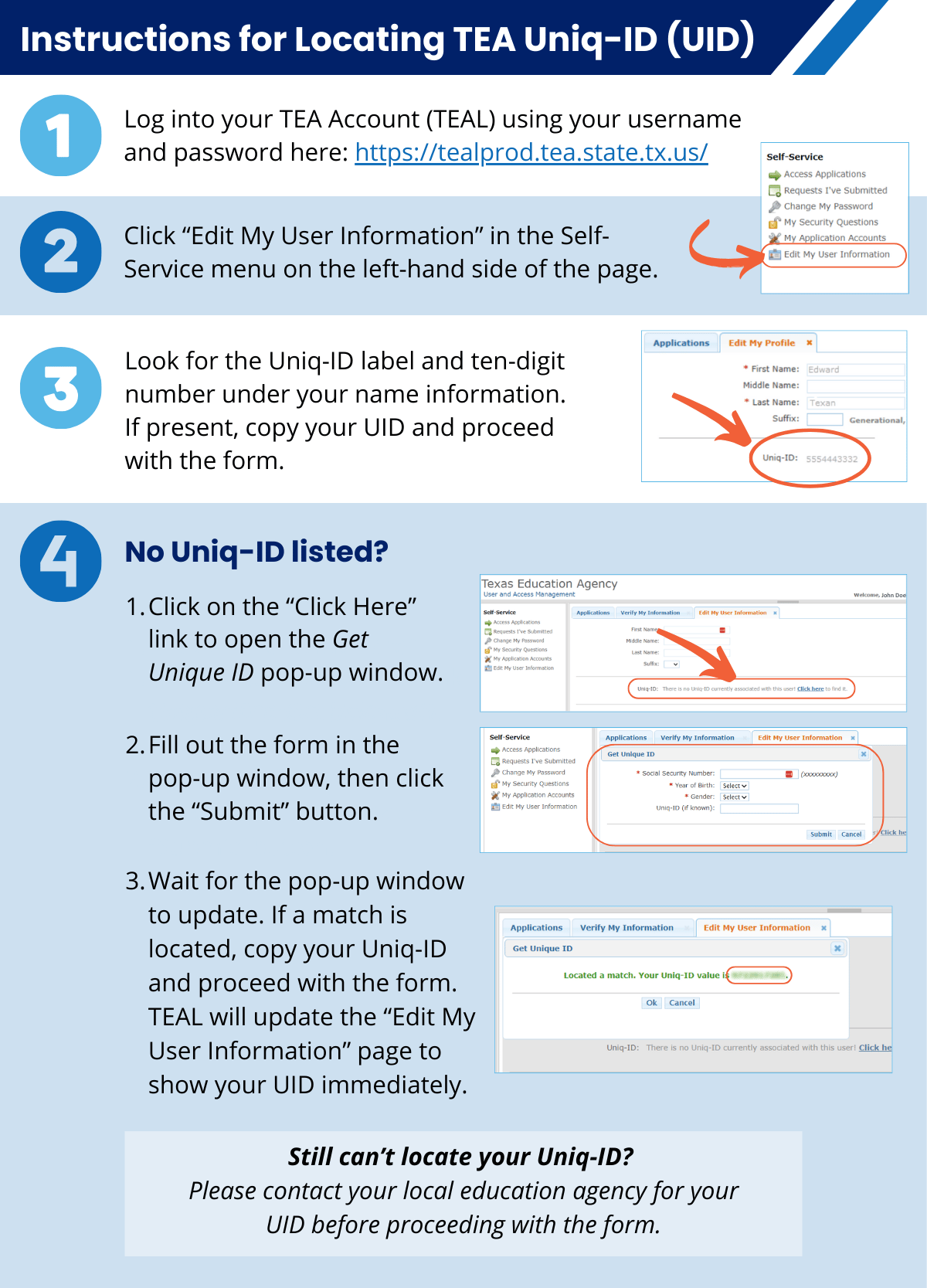
Paste the copied UID into the player ID field on ArcTopup before proceeding to checkout.
Security First: Why You Only Need Your Tada UID and Never Your Password
Account safety is essential when purchasing digital currencies online. ArcTopup uses a direct UID delivery system, meaning you never need to provide your account password, email login, or temporary verification codes.
Why UID-Only Top Up Is Safer:
- Zero Credential Sharing: Your personal login details stay on your device. ArcTopup never asks for your password or social login credentials.
- No Risk of Account Takeover: Because no login session is created, your account remains completely secure from unauthorized modifications.
- Gift for Friends Easily: Since only a UID is required, you can top up diamonds directly for friends, content creators, or room hosts by entering their UID during checkout.
Always protect your account security. Never share your Tada login passwords with third-party sellers or individuals claiming to offer direct balance injections.
Supported In-App Activities: Party Rooms, Live Streams, and Entrance Effects
Having an active diamond balance on Tada allows you to engage with the community across various in-app features.
| Tada Feature | Diamond Application | Benefit to User |
|---|---|---|
| Voice Chat Rooms | Send interactive 2D & 3D virtual gifts | Supports room hosts and increases your user nobility ranking |
| Room Entrance | Purchase exclusive vehicle animations & frames | Highlights your arrival in high-capacity audio rooms |
| In-Room Mini Games | Use diamonds for game rounds and lucky events | Play alongside room members and earn reward items |
| Special Events | Contribute to seasonal host contests | Helps room hosts rank on global and regional leaderboards |
| VIP Badges | Maintain VIP or aristocratic status | Displays premium profile badges and chat bubble custom styles |
Troubleshooting Delivery and Verifying Your In-App Diamond Balance
Diamonds delivered through ArcTopup are processed automatically via system routing. If you have completed your purchase and want to verify your balance, follow these verification steps:
How to Check Your Balance in Tada:
- Open Tada and tap the Profile / Me tab.
- Select Wallet or My Diamonds.
- Check the displayed diamond total.
If Diamonds Do Not Appear Immediately:
- Refresh Your Room Session: If you were inside an active voice room during top up, exit the room and re-enter to trigger a data refresh.
- Restart the Application: Completely close the Tada app from your device's recent apps list and reopen it.
- Check Order Confirmation: Verify that your payment status on ArcTopup shows as successful.
- Verify the Submitted UID: Check your receipt to confirm that the UID entered matches your actual in-app ID.
- Contact Customer Support: If your balance does not update within a few minutes after a successful transaction, reach out to ArcTopup customer support with your Order ID for assistance.
Frequently Asked Questions About Tada Diamond Top Up
Is Tada a legitimate app?
Yes, Tada is a legitimate social audio party and live voice chat application available on mobile app platforms. It connects users worldwide for group voice conversations, music streaming, and interactive room entertainment. Ensure you are purchasing diamonds for the Tada voice chat platform rather than unrelated third-party services with similar names.
How do I find my Tada User ID (UID) for diamond top up?
Open the Tada app, tap the Me or Profile tab in the bottom-right corner, and find the numeric ID listed directly under your display name and avatar. Tap the copy icon next to the number to paste it accurately on ArcTopup.
Do I need to give my Tada password to recharge diamonds?
No. ArcTopup requires only your Tada UID. You should never share your account password, SMS verification codes, or login credentials with anyone during a top up process.
Can I top up Tada diamonds for a friend using their UID?
Yes. Because the recharge system only requires a valid Tada UID, you can purchase diamonds for any user by entering their specific UID into the order field on ArcTopup.
What should I do if my Tada diamonds do not appear after top up?
First, restart the Tada app and check your in-app Wallet section. If you were active in a room, exit and rejoin to update the server cache. If the balance still does not reflect, check your ArcTopup order status and contact support with your order details.
What can I use Tada diamonds for in the voice chat app?
Tada diamonds can be used to send animated gifts to room hosts, purchase VIP entrance effects, unlock custom chat bubbles and profile frames, and participate in room-based interactive mini-games.
Current packages and prices
Current base prices exclude Tax. Tax, payment fees and coupon adjustments are shown at checkout.
| Package | Price |
|---|---|
| Tada - Tada*2000 | USD 2.21 |
| Tada - Tada*5000 | USD 5.53 |
| Tada - Tada*10000 | USD 11.06 |
| Tada - Tada*15000 | USD 16.59 |
| Tada - Tada*20000 | USD 22.12 |
| Tada - Tada*25000 | USD 27.65 |
| Tada - Tada*50000 | USD 55.29 |
| Tada - Tada*100000 | USD 110.59 |
| Tada - Tada*1000 | USD 1.11 |






























































