
UM NOW Top Up: Instant Recharge with Player ID
Recharge your UM NOW balance directly on ArcTopup to send gifts, access exclusive interactive features, and support your favorite content creators. When you complete a UM NOW top up through ArcTopup, you only need to provide your in-app Player ID. There is no requirement to share your login credentials, passwords, or linked social media accounts.
ArcTopup processes orders directly to your user account, ensuring quick delivery so you can return to your live broadcasts, chat rooms, and community events without delay.
What Is UM NOW and How Virtual Credits Work
UM NOW is an interactive live streaming and social entertainment platform that connects users with broadcasters, artists, and global communities. Inside the app, virtual credits act as the primary platform currency. These credits enable several core interactive functions:
- Virtual Gifting: Send animated digital gifts to streamers to show appreciation and trigger on-screen visual effects.
- VIP Badges & Chat Highlights: Access special chat effects, unique user frames, and priority entry notices in popular live rooms.
- Interactive Mini-Games: Participate in live audience activities, community voting, and special seasonal platform events.
- Direct Creator Support: Help your favorite hosts climb the daily, weekly, and monthly ranking leaderboards.
Adding credits directly to your account ensures that your balance is ready whenever special interactive moments happen live.
How to Find Your UM NOW Player ID in the App
To ensure your recharge arrives at the correct account, you must enter your exact Player ID during checkout. Follow these steps on your mobile device to retrieve your ID:
- Open the UM NOW application on your mobile device.
- Tap the Profile (or Me) icon located in the bottom navigation bar.
- Locate your user profile header at the top of the screen.
- Your numeric or alphanumeric Player ID (or User ID) is displayed directly beneath your display name and avatar.
- Tap the Copy icon next to your ID to copy it directly to your clipboard.
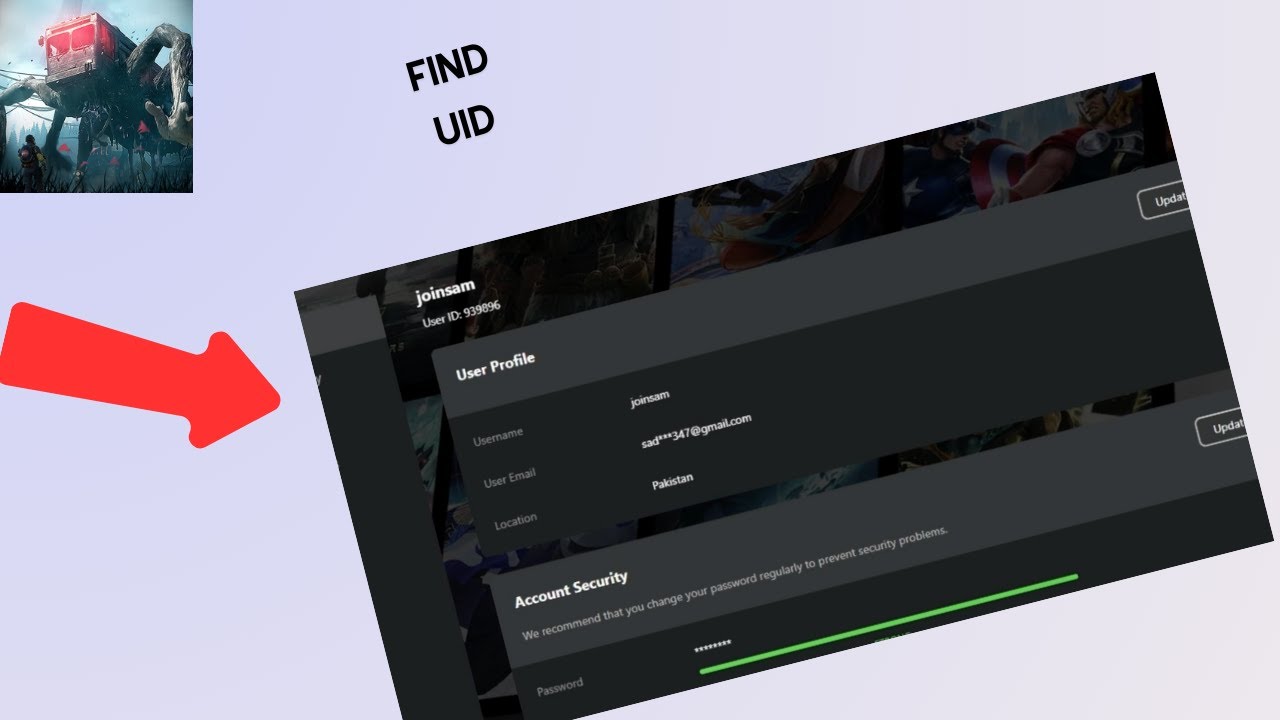
Double-check that you copied the full sequence of digits. Using the copy button avoids accidental typing errors and ensures smooth order processing.
Step-by-Step Guide: How to Top Up UM NOW Using Player ID
Buying credits on ArcTopup is straightforward and requires only your in-app ID. Complete your order in a few simple steps:
- Select Your Credit Amount: Choose the credit denomination that suits your planned gifting and interaction needs from the package list above.
- Enter Your Player ID: Paste your copied UM NOW Player ID into the designated input field on the page.
- Review Order Details: Confirm that your entered Player ID is accurate and matches your in-app profile.
- Choose a Payment Option: Pick your preferred payment method from the available local and global options shown at checkout.
- Complete Checkout: Finalize your payment. Live prices, fees, and currency conversions are clearly displayed before you confirm.
- Check Your In-App Balance: Once the transaction is confirmed, open UM NOW to view your updated virtual credit balance.
Available UM NOW Packages and Features in 2026
ArcTopup supports a wide selection of credit tiers designed for casual gifting as well as high-volume community support during 2026 live streaming events. Live pricing and regional currency options are updated dynamically on the checkout screen.
| Package Tier | Primary Use Case | Required Info | Delivery Mode |
|---|---|---|---|
| Starter Packs | Quick chat gifts, basic room entry effects, entry-level badges | UM NOW Player ID | Direct In-App Credit |
| Popular Packs | Daily livestream support, animated sticker gifts, leaderboards | UM NOW Player ID | Direct In-App Credit |
| VIP Event Packs | Major event gifting, full-screen effects, high-tier rank pushes | UM NOW Player ID | Direct In-App Credit |
Check the live product cards above for current rates, available bundle sizes, and checkout currency conversions.
Account Safety: Password-Free Direct Top Up
Account security is essential when purchasing digital goods online. ArcTopup uses a direct ID-based fulfillment process, meaning your personal login credentials remain completely private:
- No Password Required: We never ask for your UM NOW password, verification SMS codes, or linked email credentials.
- Zero Account Sharing: You do not need to log out of your mobile device or grant temporary account access to anyone.
- Direct System Delivery: Credits are assigned straight to your registered Player ID through automated delivery channels.
- Secure Payment Processing: All checkout transactions are encrypted and processed through verified payment channels.
Keep your account secure by never sharing your password or verification codes with third parties on any platform.
Troubleshooting UM NOW Recharge and Delivery Questions
If your credits do not appear immediately after completing checkout, use this checklist to resolve the issue:
- Restart the App: Completely close the UM NOW application from your background apps list and reopen it to force an account balance refresh.
- Verify Your Player ID: Review your ArcTopup order confirmation receipt to verify that the Player ID entered matches your current profile ID.
- Check Transaction Status: Ensure your payment method completed successfully and that you received an order confirmation email from ArcTopup.
- Contact Customer Support: If your balance does not update after a short time, contact the ArcTopup support team with your order number and Player ID for assistance.
Frequently Asked Questions
What is a topup and how does it work for UM NOW?
A top up is an online purchase that adds virtual credits directly to your UM NOW account balance. When you choose a credit package on ArcTopup and submit your Player ID, our platform routes the credits directly to your in-app profile so you can spend them on gifts and interactive room features.
Where can I find my UM NOW Player ID?
Open the UM NOW app, go to your Profile or Me tab, and locate the numeric identifier beneath your profile photo and display name. Tap the copy icon next to the number to paste it accurately during checkout.
Do I need to share my UM NOW password to complete a top up?
No. ArcTopup never requires your password, security PIN, or login credentials. The entire recharge process is completed using only your public Player ID, keeping your account completely secure.
How long does it take for UM NOW credits to arrive after recharge?
Credits are usually added to your balance shortly after your payment is successfully verified. During peak network times, it may take a brief moment for the app servers to sync. Restarting the UM NOW application helps refresh your displayed balance.
What payment methods can I use to buy UM NOW credits on ArcTopup?
ArcTopup provides a variety of payment methods depending on your region, including major credit/debit cards, digital wallets, and local online banking options. The full list of available payment methods and live rates is shown on the checkout page.
What should I do if I entered the wrong UM NOW Player ID during checkout?
Because top-up deliveries are processed automatically to the ID provided, credits sent to an existing, valid ID cannot be reversed. If you notice a typo before the order finishes processing, reach out immediately to ArcTopup customer support with your transaction details to see if the order can be intercepted.
Current packages and prices
Current base prices exclude Tax. Tax, payment fees and coupon adjustments are shown at checkout.
| Package | Price |
|---|---|
| UM NOW - UM NOW*10000 | USD 2.12 |
| UM NOW - UM NOW*30000 | USD 6.36 |
| UM NOW - UM NOW*50000 | USD 10.61 |
| UM NOW - UM NOW*70000 | USD 14.85 |
| UM NOW - UM NOW*100000 | USD 21.21 |
| UM NOW - UM NOW*200000 | USD 42.42 |
| UM NOW - UM NOW*500000 | USD 106.06 |
| UM NOW - UM NOW*700000 | USD 148.48 |
| UM NOW - UM NOW*1000000 | USD 212.11 |
| UM NOW - UM NOW*2000000 | USD 424.22 |






























































