
How to Top Up Vilaa Credits Online with Player ID
Topping up your Vilaa account on ArcTopup takes only a few straightforward steps. You do not need to share login credentials or private access codes. Follow these clear instructions to process your order:
- Select Your Credit Bundle: Choose the coin or credit package that matches your balance needs from the product list.
- Enter Your Vilaa Player ID: Input your accurate numerical Player ID into the designated account field. Make sure to double-check the digits to prevent delivery delays.
- Select Your Preferred Payment Method: Pick your payment gateway from the live checkout selection, which supports local and international channels.
- Complete the Transaction: Confirm the order details and complete payment through the secure processing screen.
- Check Your In-App Balance: Once payment verification finishes, open your Vilaa application and check your updated wallet balance directly.
Your purchase is routed straight to your profile, giving you immediate access to gifts, live room interactions, and premium community features.
How to Find Your Vilaa Player ID in the App
Your Vilaa Player ID is a distinct set of numbers linked directly to your profile. You only need this number to complete any balance top-up.
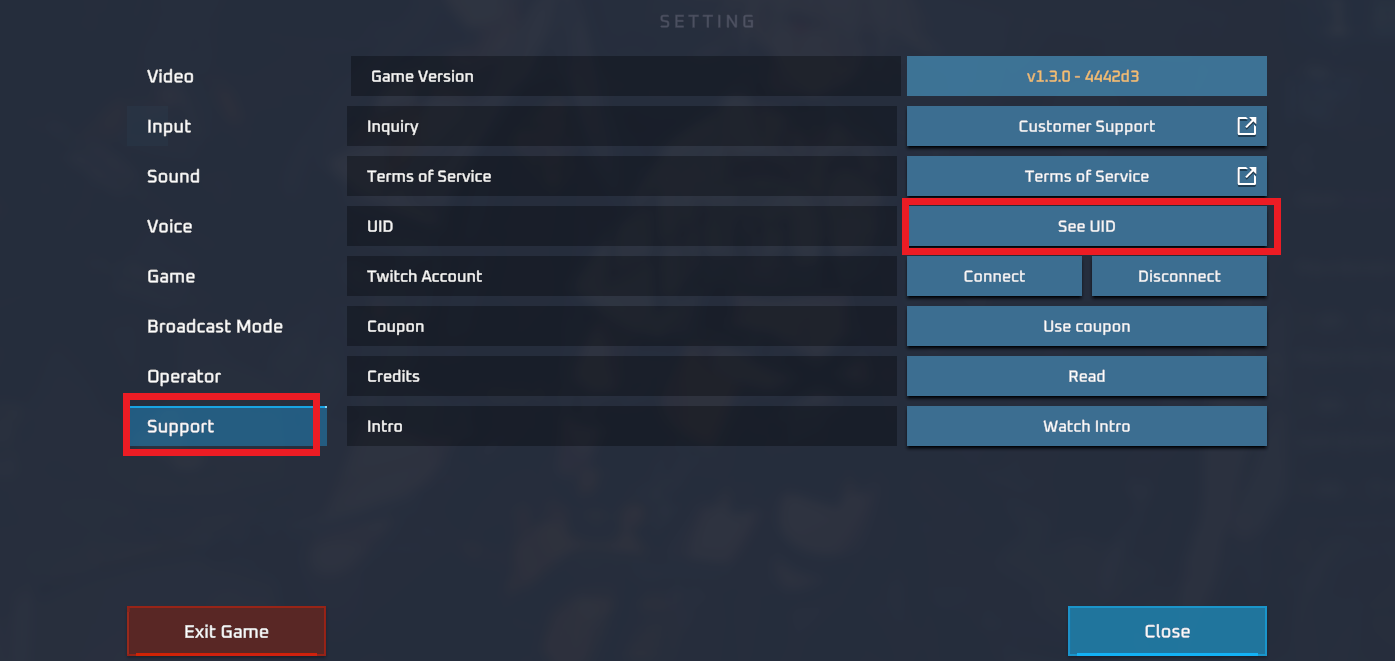
Locating your Player ID takes just a few taps:
- Open the Vilaa app on your mobile device.
- Tap the Profile or Me icon located in the bottom navigation bar.
- Look directly beneath your profile picture and display name.
- Find the numerical string labeled ID or User ID.
- Tap the Copy icon next to the digits to copy your Player ID to your clipboard, avoiding typing mistakes when placing your order on ArcTopup.
Using the built-in copy button is the safest way to ensure your credits land in the correct account every single time.
Available Vilaa Coin Packages and Credit Bundles
ArcTopup provides various package sizes designed for different user preferences. Whether you need a small top-up to send virtual gifts to a host or a substantial bundle for regular group room activities, you can select the exact volume required.
| Package Tier | Best Suited For | Information Required |
|---|---|---|
| Starter Packs | Casual chat rooms, micro-gifting | Vilaa Player ID |
| Standard Bundles | Regular interactive streaming, creator support | Vilaa Player ID |
| Premium Packs | Exclusive VIP perks, high-tier gift animations | Vilaa Player ID |
| Custom Orders | Large-scale group events and community gifting | Vilaa Player ID |
All real-time exchange rates, pack volumes, and live costs are visible directly on the live checkout interface. Select your country and preferred currency to view exact totals prior to payment.
Secure Payment Options for Vilaa Recharges
ArcTopup supports a comprehensive range of payment methods to serve international buyers with smooth, localized checkout experiences. Available payment channels include:
- Credit and Debit Cards: Visa, Mastercard, and major regional card networks.
- Digital E-Wallets: Popular domestic and cross-border digital payment wallets.
- Online Bank Transfers: Direct and secure local banking interfaces.
- Instant Payment Gateways: Quick QR-code and mobile-supported payment methods.
Payment options dynamically adapt according to your location. All transactions pass through encrypted payment channels, protecting your financial data at every step.
Why Choose ID-Only Vilaa Top Up (No Account Password Required)
Security is the top priority when managing online entertainment purchases. ArcTopup operates on an ID-only fulfillment model, bringing significant safety benefits:
- Zero Account Risk: You never have to share your account password, email login, or two-factor verification codes. Your personal data stays completely private.
- Send Gifts to Friends: Because only the Player ID is needed, you can surprise friends, family members, or favorite creators by entering their Player ID at checkout to send credits straight to their accounts.
- Automated Direct Fulfillment: Orders are processed directly into the game server balance based on the numerical ID, eliminating manual account handling.
- Fast and Dependable: Without the friction of login verifications or temporary account locks, your transaction proceeds smoothly from start to finish.
Troubleshooting Vilaa Delivery and Account Issues
If your coins do not appear immediately or if you suspect an error during checkout, follow these troubleshooting recommendations:
- Restart the Vilaa App: Completely close the application from your background tasks and relaunch it. In-app balances often require a fresh session to update visual counters.
- Verify Your Internet Connection: Weak network connectivity can delay balance updates. Switch between Wi-Fi and mobile data to refresh the client.
- Check Transaction Status on ArcTopup: Review your order summary to ensure your payment status shows as successful.
- Confirm the Submitted Player ID: Review your order confirmation receipt. If you mistakenly submitted an incorrect Player ID, contact customer support immediately with your order details.
- Contact Customer Support: If your balance has not refreshed after a short period, reach out to ArcTopup support with your Order ID, payment proof, and Vilaa Player ID for rapid resolution.
Frequently Asked Questions
How do I find my Vilaa Player ID for recharge?
Open the Vilaa app, navigate to the Profile or "Me" section, and find the numerical ID printed below your display name. Tap the copy icon next to the number to copy it directly.
Do I need to share my Vilaa login password to top up?
No. ArcTopup only requires your Vilaa Player ID to credit your account. You will never be asked for your account password, phone number, or login credentials.
How long does it take for Vilaa credits to reflect in my account?
Credits are dispatched directly upon payment confirmation. Most orders update your in-game balance shortly after the transaction is authorized.
Can I recharge Vilaa credits for a friend using their Player ID?
Yes. You can top up for anyone by entering their specific Vilaa Player ID in the designated field during checkout on ArcTopup. The credits will be delivered directly to their balance.
What payment methods are supported for Vilaa top ups?
ArcTopup supports various payment solutions, including major credit/debit cards, localized digital wallets, and bank transfer options. Available methods are displayed on the live checkout page based on your region.
What should I do if my Vilaa coins do not appear after purchase?
First, restart your Vilaa application to refresh your balance display. If the credits still do not show, check your order confirmation on ArcTopup and submit a ticket with your Order ID and Player ID to customer support for prompt assistance.
Current packages and prices
Current base prices exclude Tax. Tax, payment fees and coupon adjustments are shown at checkout.
| Package | Price |
|---|---|
| Vilaa - Vilaa*50000 | USD 1.20 |
| Vilaa - Vilaa*70000 | USD 1.67 |
| Vilaa - Vilaa*100000 | USD 2.39 |
| Vilaa - Vilaa*200000 | USD 4.78 |
| Vilaa - Vilaa*500000 | USD 11.96 |
| Vilaa - Vilaa*700000 | USD 16.75 |
| Vilaa - Vilaa*1000000 | USD 23.92 |
| Vilaa - Vilaa*2000000 | USD 47.84 |
| Vilaa - Vilaa*5000000 | USD 119.61 |
| Vilaa - Vilaa*10000000 | USD 239.22 |






























































