
You can fund your Growtopia Gems using a Google Play gift card, but you must redeem the voucher to your Google Play balance on an Android client and link a permanent GrowID to carry those gems over to desktop or iOS platforms.
Gems serve as the primary currency in Growtopia, powering everything from basic World Locks to rare items and booster packs. If you want to skip linking a credit card or prefer paying with physical cash, a Google Play card gets the job done. Just make sure you understand the platform hurdles, recent pack rebalances, and strict account rules before you start scratching off silver foil.
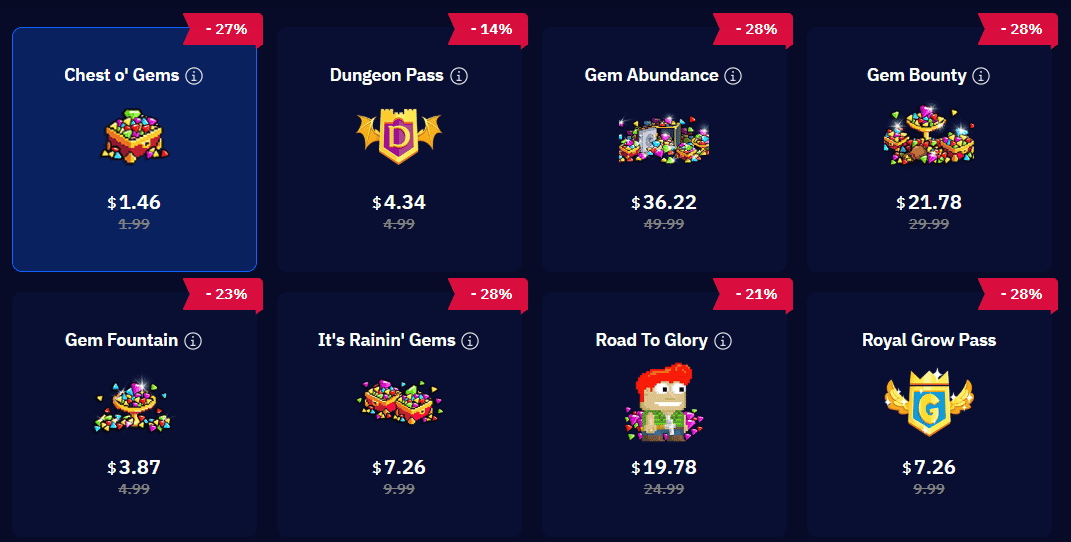
Official In-App Store Packs vs Alternative Options
Official store Gem packs underwent an adjustment on September 1, 2026, lowering gem yields across every standard tier. If you check older community guides, the numbers will not match what you actually receive inside the client today.
Here is how the rebalanced store packs compare against base pricing on web channels like ArcTopup:
| Pack Name | Image | Contents & Bonus Items | Official Store Price (USD) | ArcTopup Base Price (USD) |
|---|---|---|---|---|
| Chest O' Gems | 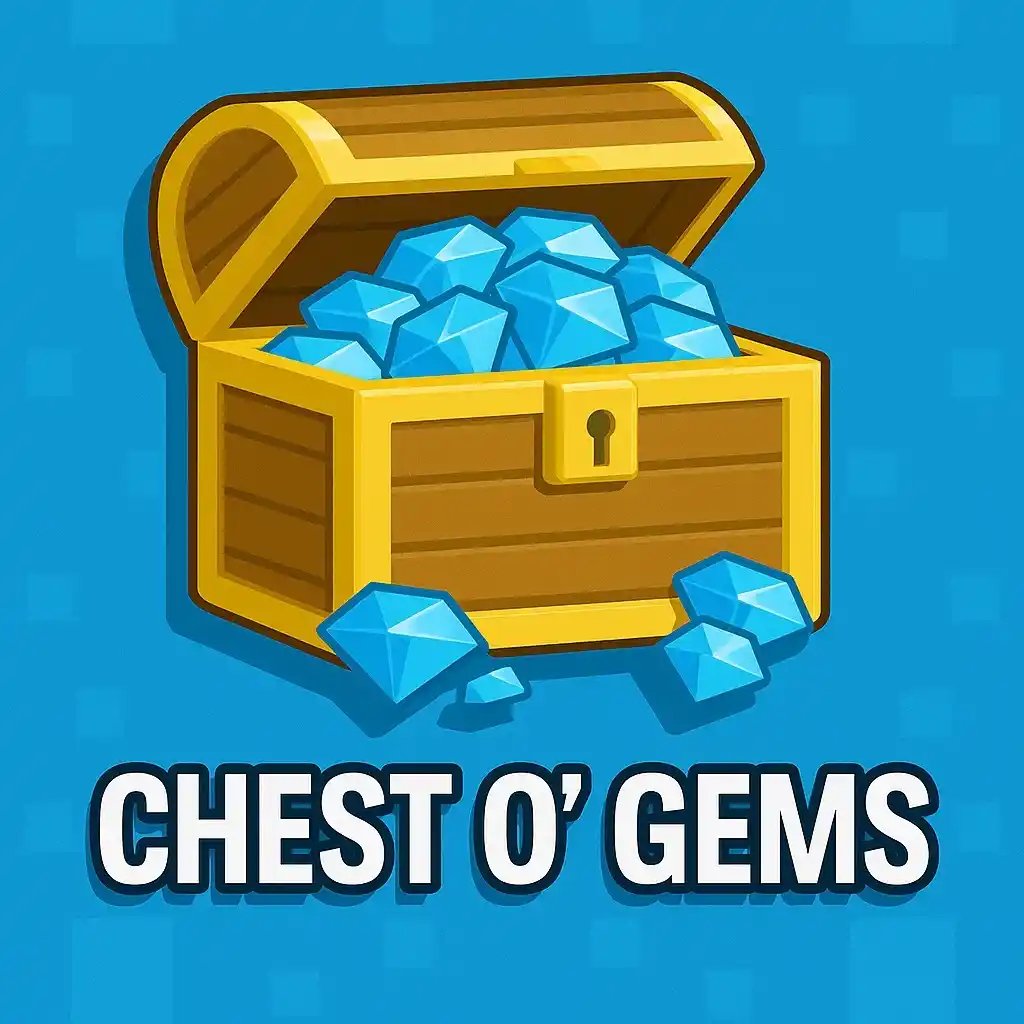 | 250,000 Gems (+ 84 World Locks) | $1.99 | $1.28 |
| Gem Fountain | 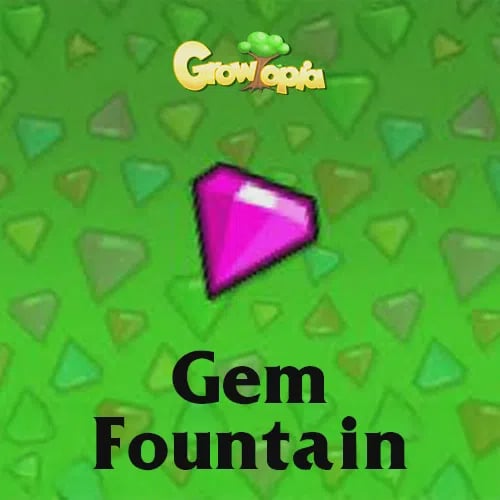 | 900,000 Gems (+ 260 World Locks, 1 Growtoken) | $4.99 | $3.37 |
| It's Rainin' Gems | 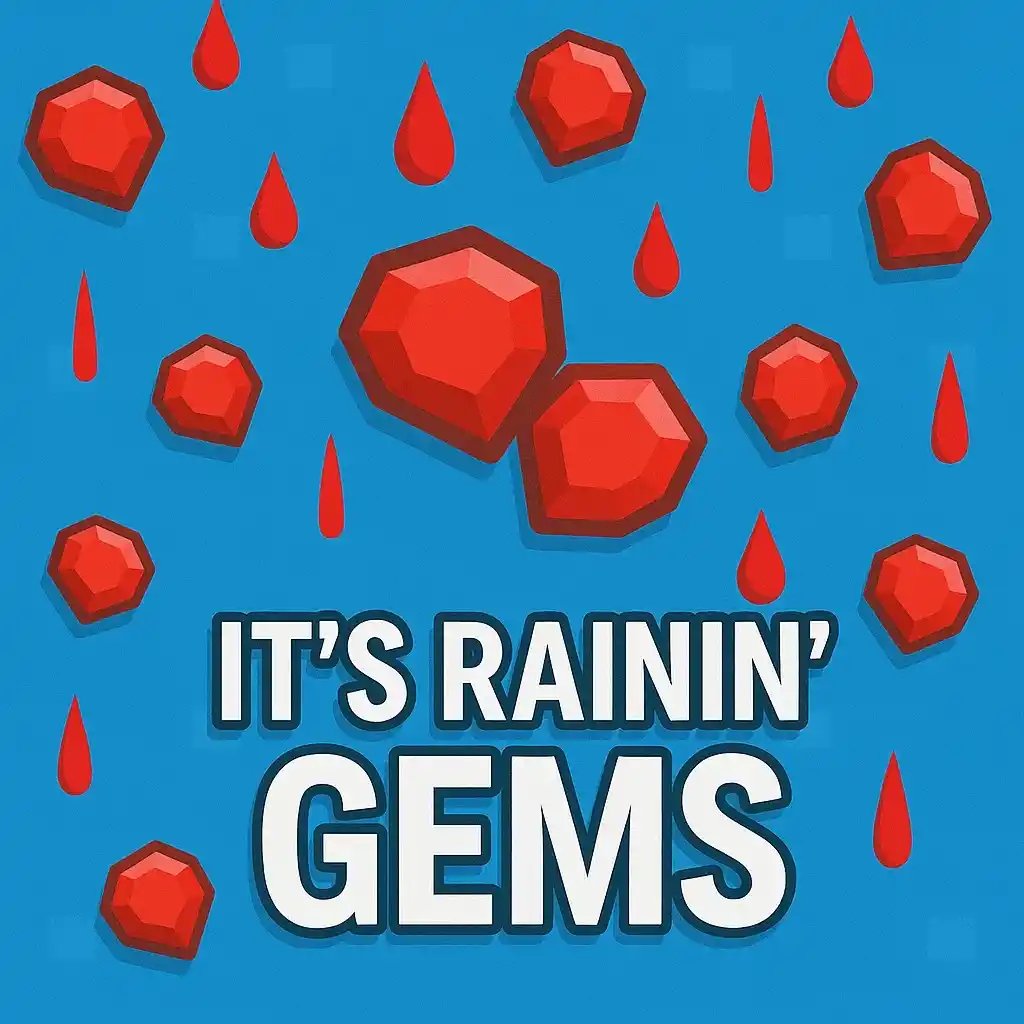 | 2,500,000 Gems (+ 540-630 World Locks, 2 Growtokens, 1 Megaphone) | $9.99 | $6.74 |
| Gem Bounty | 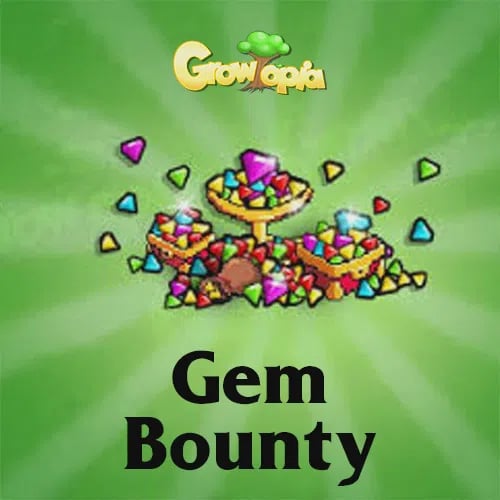 | 9,000,000 Gems (+ 2,100 World Locks, 6 Growtokens, 3 Megaphones) | $29.99 | $20.22 |
| Gem Abundance | 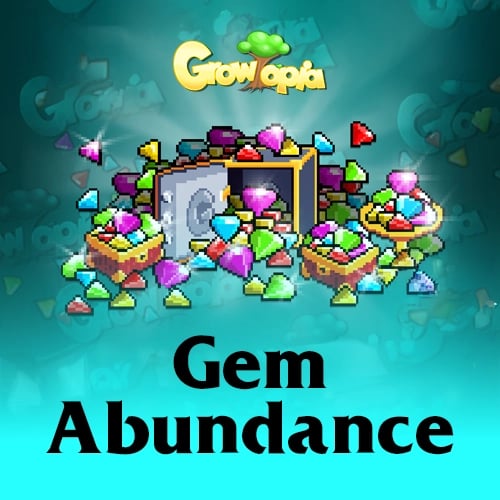 | 17,500,000 Gems (+ 3,680 World Locks, 10 Growtokens, 5 Megaphones) | $49.99 | $33.71 |
Note: In-game gem adjustments documented on September 1, 2026 via Growtopia Wiki. Third-party base USD rates documented via ArcTopup Storefront. Note that World Lock counts for "It's Rainin' Gems" show discrepancies between sources: the wiki general breakdown lists 540 World Locks, while its May 28, 2025 rebalance note and platforms like Codashop list 630 World Locks. Official prices reflect direct Google Play in-app purchases before local taxes.
Buying via Google Play cards means paying standard in-app store prices ($1.99 up to $49.99). The advantage is simple: you bypass credit cards completely by funding your Google Play balance at a local store.

Chest O' Gems
 Chest O' GemsUSD 1.28Buy Now
Gem Fountain
Gem FountainUSD 3.37Buy NowIt's Rainin' Gems
It's Rainin' GemsUSD 6.74Buy NowRoyal Grow Pass
Royal Grow PassUSD 6.74Buy NowGem Bounty
Gem BountyUSD 20.22Buy Now1 Year Subscription Token
1 Year Subscription TokenUSD 33.71Buy NowGem Abundance
Gem AbundanceUSD 33.71Buy Now
The Desktop Trap: Why PC Gems Require an Android Bridge
Here is the catch: you cannot redeem a Google Play gift card directly on the Growtopia PC or Mac client. The desktop client connects to desktop-oriented processors and web portals, completely ignoring Google Play's billing framework.
To use a Google Play card for your PC gameplay, you must purchase the gems on an Android device or emulator first. This route requires a permanent GrowID account.
| Account Type | Cross-Platform Sync | Password Requirements | Preserves Balance Across Reinstalls |
|---|---|---|---|
| Guest Account | No (Local device only) | None | No |
| Registered GrowID | Yes (Android, iOS, PC, Mac) | 8-18 chars, 1 letter, 1 number, 1 valid symbol (@, #, !, $, ^, &, ., ,) | Yes |
Account criteria verified via WikiHow Growtopia Guide and ArcTopup.
A guest account does not preserve purchases across hardware. If you buy gems on an Android guest profile, those gems stay locked to that specific mobile install.
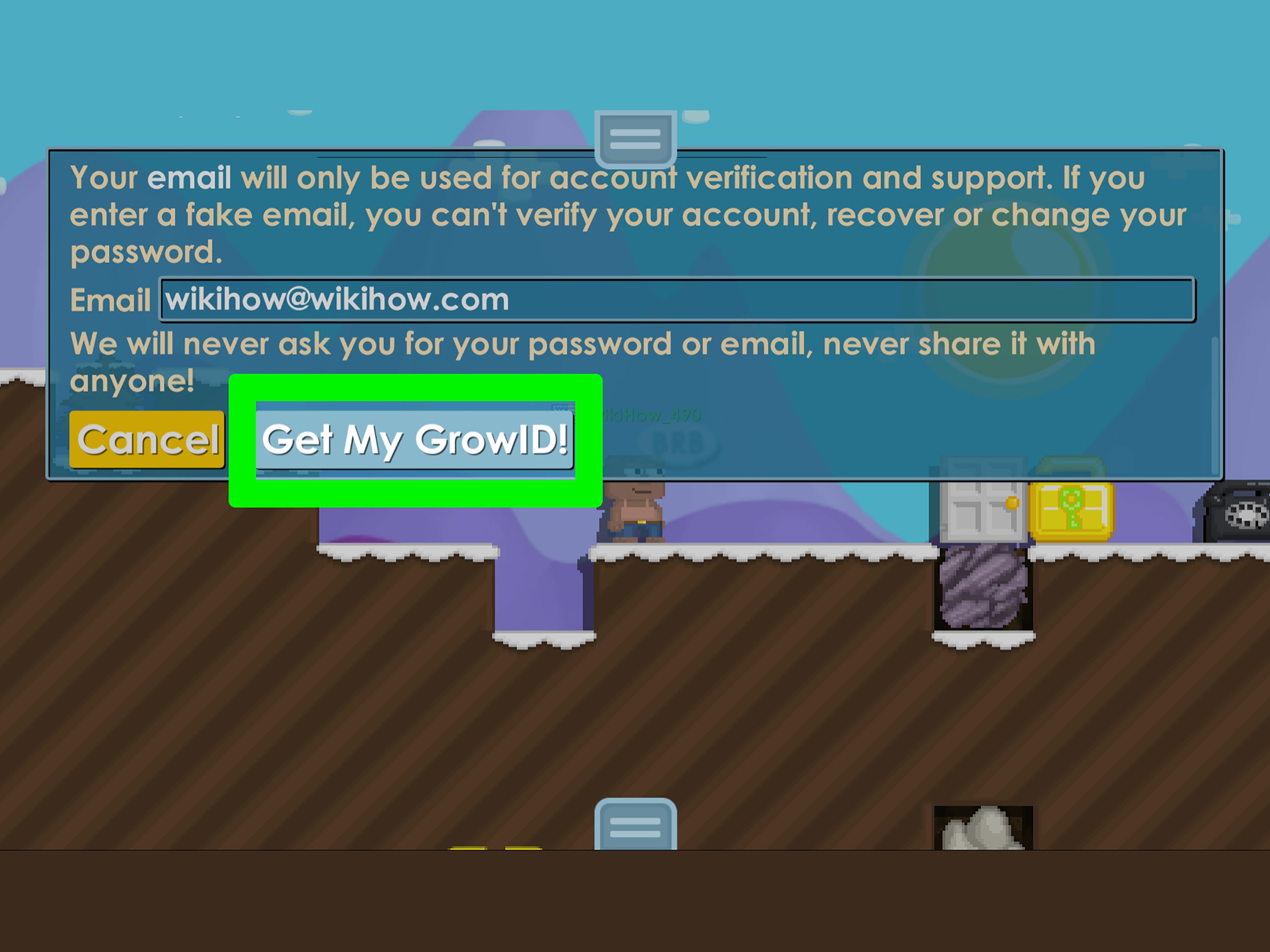
Creating a permanent GrowID requires an 8-18 character password containing at least 1 letter, 1 number, and 1 specified symbol (@, #, !, $, ^, &, ., or ,) alongside a valid email address. Once bound to your GrowID, game progress, items, and gems sync directly across Android, iOS, Windows, and Mac clients. Buy the gems inside Android's Play Billing system, log out, fire up your PC, and your gems will be waiting in your balance.
Step-by-Step: Redeeming Cards to Google Play and Checking Out
Funding your account takes two distinct phases: adding the voucher code to your Google wallet, and checking out inside Growtopia.
- Open the Google Play Store on your Android device.
- Tap your profile icon in the top right corner and select "Payments & subscriptions".
- Select "Redeem code".
- Type in your gift card code and confirm redemption. Your Google Play balance updates immediately.
- Launch Growtopia and log in with your registered GrowID.
- Tap the in-game Shop / Store icon.
- Select your desired gem package (such as Chest O' Gems for $1.99 or Gem Fountain for $4.99).
- When the Google Play payment overlay appears, choose "Google Play balance" as your payment method.
- Complete authentication via fingerprint, biometrics, or password.
Your gem balance inside Growtopia will update on screen. If you play on desktop, close the app on your phone and open your PC client. Log in with the same GrowID to verify your new balance.
Google Play Restrictions and Regional Roadblocks
Google Play gift cards carry rigid operational conditions. Ignoring them will lock your balance or leave you holding an unredeemable piece of plastic.
| Issue / Check | Condition Documented by Google Support | Required Fix or Limitation |
|---|---|---|
| Region Lock | Play cards only work in the country and currency of purchase (Google Support) | Play profile country must match the card's purchase country; balances do not transfer between regions |
| Discontinued Regions | Expired in Singapore (Feb 1, 2025) and Malaysia (Feb 1, 2026) (Google Support) | Prepaid Play balance unusable; request refund via Google Support or use other payment methods |
| Redemption Limits | Play balance hits total or daily maximum cap (Google Support) | Spend existing balance and wait 24 hours before retrying code redemption |
| Daily Game Purchase Cap | Growtopia imposes an unmodifiable daily purchase limit (Ubisoft Support) | Cannot be bypassed or raised; wait until the following day to make more transactions |
Regional locking is absolute. If you live in one country and buy a digital card denominated in another currency, Google Play will refuse the redemption. According to Google Play support, your Play account's registered country must strictly match the card's designated origin. Changing your Play region will not rescue the money: previously redeemed balances do not follow you to the new country.
Google has also phased out prepaid gift cards in certain territories. Official Google Play terms state that gift cards and prepaid balances expired in Singapore on February 1, 2025, and in Malaysia on February 1, 2026. If you hold a Malaysian Google Play balance, you can no longer spend it on apps or Growtopia gems, though you can request an account refund via Google support.
Be mindful of volume caps. If you load multiple high-value cards, you might see the error: "You have reached your redemption limit. You can try redeeming your card/code when your limit resets." As outlined by Google Help, you must spend some of your current balance and wait a full 24 hours before trying again.
On the game side, Ubisoft enforces a daily spending ceiling across all accounts. If the transaction declines inside Growtopia despite having adequate Play funds, you likely struck the game's hard spending ceiling. That cap cannot be adjusted by customer support—you have to wait until tomorrow.
Troubleshooting Delayed Delivery and Payment Glitches
If Google deducted the funds from your balance but Growtopia shows no new gems, do not panic and do not immediately file chargebacks. Chargebacks on digital transactions risk account suspensions.
First, restart the game client completely. Force close Growtopia on Android and relaunch it. A fresh handshake with the authentication servers often catches pending inventory updates.
If the gems still do not appear, collect your proof before contacting support. Ubisoft's support team specifies that you need four data points when submitting an inquiry through their in-game Help menu: - Your registered GrowID - The Google Play Order/Transaction ID (found on your Google payment receipt email) - The exact date and timestamp of the purchase - The specific gem bundle purchased (e.g., Gem Fountain or It's Rainin' Gems)
Avoid gray-market account sellers or unverified top-up shops offering to log into your account with their cards. Handing your GrowID credentials to third parties breaches game terms. Using your personal Google Play balance through the official mobile client remains the secure, legitimate path to cash-based gem purchases.
Frequently Asked Questions
Can I buy Growtopia gems directly on PC using a Google Play gift card?
No. Google Play gift cards can only be redeemed within the Google Play Store environment on Android devices. To use that balance, you must log into Growtopia on an Android client, execute the transaction via Google Play In-App Billing, and verify your account uses a registered GrowID. Once completed, your gem balance automatically syncs to your PC client.
What should I do if my Google Play balance transaction completed but gems did not appear?
Restart your game client to force a server synchronization. If your gems do not populate, submit a ticket through the in-game support portal or the Ubisoft mobile help center. Make sure to provide your GrowID, Google Play Transaction ID, purchase date, and the specific package name.
Why does Google Play reject my gift card with a country mismatch error?
Google Play cards are strictly geo-restricted to the country and currency where they were purchased. If your Google Play payment profile country does not match the card's origin territory, the redemption will be rejected. Changing your store country will not migrate previously redeemed balances.
Follow ArcTopup for more Growtopia Gems news~






Comments