Learn how to join Ragnarok M Eternal Love advance server in 2026. Secure early build access, setup your client, and test upcoming patch features today.
Testing unreleased builds gives players a distinct edge in Ragnarok M: Eternal Love. Gravity Interactive routinely pushes balance changes, upcoming class mechanics, and new zones to dedicated test clients before deploying them to live regional clusters. These closed builds allow developers to evaluate server stability under load and collect telemetry on unreleased balance formulas.
Access requires specific client setups and quick action during recruitment windows. Data created during test phases never carries over to retail servers. Advance access serves primarily as a sandbox for guild leaders and theorycrafters looking to test skill formulas and prepare builds before patches go live.
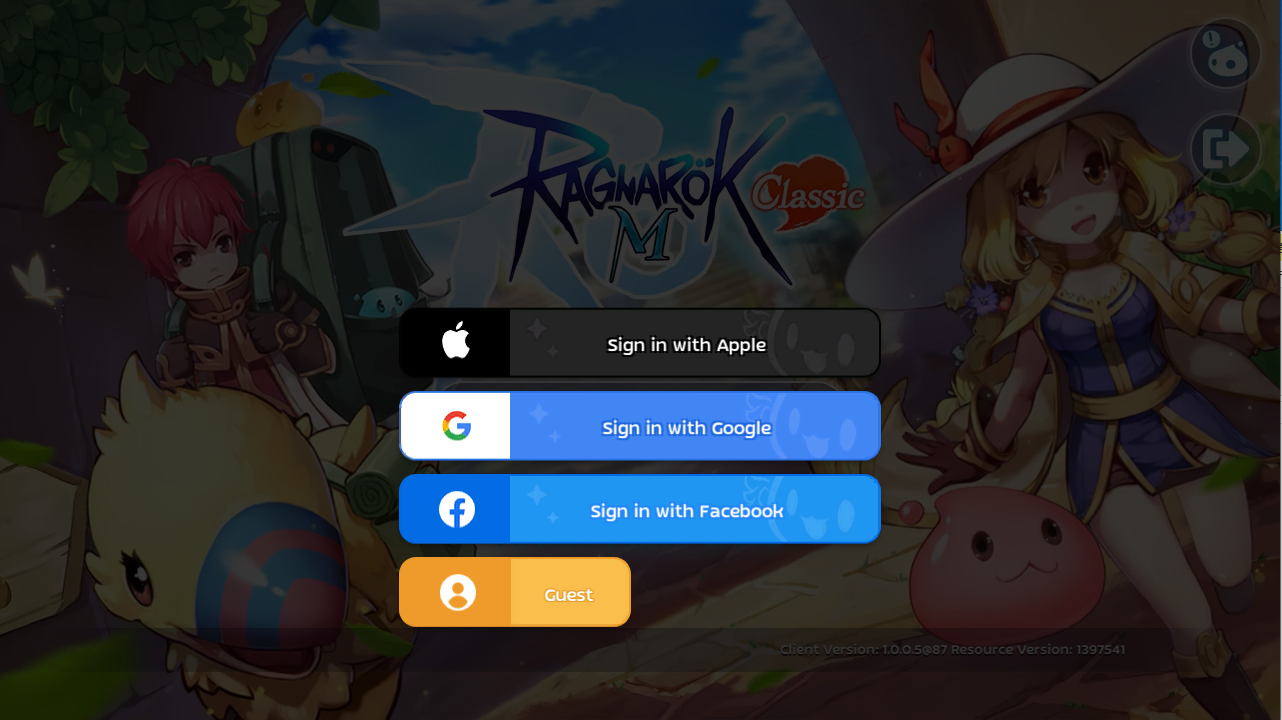
Understanding the Ragnarok M Advance Testing Environment
The advance server operates as Gravity's public test server (PTS) for Ragnarok M: Eternal Love. Here, experimental builds run in an isolated environment detached from live production clusters.
Test builds run on accelerated economies, and unreleased features remain subject to direct revision or removal. In-app purchases inside preview builds cost no real money, but items purchased do not transfer to live accounts. Data is purely temporary; Gravity routinely wipes character records once a test phase wraps up.
If you want to build up resources on live servers while waiting for an advance slot, you can buy Ragnarok M Eternal Love Big Cat Coins to prepare for the live deployment.

18 + 3 Big Cat Coins
 18 + 3 Big Cat CoinsUSD 2.23Buy Now
24 + 4 Big Cat Coins
24 + 4 Big Cat CoinsUSD 3.01Buy Now30 + 6 Big Cat Coins
30 + 6 Big Cat CoinsUSD 3.71Buy NowLimited Special Gift
Limited Special GiftUSD 5.89Buy Now60 + 12 Big Cat Coins
60 + 12 Big Cat CoinsUSD 7.28Buy Now120 + 25 Big Cat Coins
120 + 25 Big Cat CoinsUSD 14.32Buy Now298 + 75 Big Cat Coins
298 + 75 Big Cat CoinsUSD 35.56Buy Now598 + 150 Big Cat Coins
598 + 150 Big Cat CoinsUSD 71.07Buy Now1196 + 300 Big Cat Coins
1196 + 300 Big Cat CoinsUSD 143.02Buy Now2990 + 750 Big Cat Coins
2990 + 750 Big Cat CoinsUSD 356.36Buy Now
Hardware and System Requirements for 2026 Test Builds
Because preview builds carry uncompressed assets, debugging code, and verbose logging scripts, the advance client demands noticeably higher system specifications than standard retail builds.
While legacy live installations function on older Android hardware with minimal memory, test packages demand at least 4 GB RAM on Android 7.0+ alongside a mandatory 10 GB storage buffer for unpacking asset files.
| Platform | Minimum Specs | Recommended Specs | Required Storage |
|---|---|---|---|
| Mobile (iOS) | iOS 10.0 / iPhone 6s (2 GB RAM) | iOS 14.0+ / iPhone XS (4 GB RAM) | 10 GB free space |
| Mobile (Android) | Android 7.0+ / 8.0+ (2 GB RAM) | Android 8.0+ (4 GB RAM) | 10 GB free space |
| PC Standalone | Windows 7 SP1/8.1/10 64-bit, Intel i5, 8 GB RAM, GT 1030, DirectX 11 | Windows 10 64-bit, Intel i7, 16 GB RAM, GTX 1060 | 6 GB free space |
Clear the required 10 GB before launching the installer to avoid patch corruption.
How to Install the Advance Client on Android, iOS, and PC
Each operating system relies on a distinct distribution method managed through official Gravity channels.
Android Installation via Direct APK
Android provides the most direct installation path through pre-registration branches and downloadable APK files.
- Download the official advance server APK from verified publisher announcements.
- Open device settings and enable installation from unknown sources for your browser or file manager.
- Run the installer package and accept the requested storage permissions.
- Launch the client and allow the built-in patcher to complete the initial 10 GB asset download.
iOS Beta Access Configuration
iOS testing operates under strict capacity limits and requires Apple's beta utility to deploy builds.
- Install the official mobile beta testing utility on your iOS device.
- Open the official Ragnarok M test invitation link directly in Safari.
- Accept the testing terms to link your device profile.
- Install the preview package and download all subsequent in-game patch data.
PC Standalone Client Setup
Gravity provides standalone Windows testing clients directly through its official community hubs.
- Join the official Discord server at discord.gg/romofficial or discord.gg/romclassic.
- Locate the
#Global-official-linkschannel for the latest standalone desktop test installer. - Run the setup executable as an administrator to ensure proper file write permissions.
- Complete the asset download and verify your firewall allows outbound network traffic for the client.
Advance Server Access Caps and Build Restrictions
Gravity regulates server load by enforcing hard participant caps and expiration dates across every testing channel.
| Distribution Channel | Slot Capacity | Build Expiration | Installation Method |
|---|---|---|---|
| iOS Beta Invitation | 10,000 tester cap | 90 days from upload | Official public invite link opened in Safari; up to 30 associated devices |
| Android Direct APK / Beta | Capped by test phase | Varies by test cycle | Direct package installation from official announcements or pre-registered tester branch |
| PC Standalone Client | Open during active phases | Active until test wipe | Direct installer package from official community download channels |
Because test progress never transfers to production accounts, players recharge Ragnarok M Eternal Love BCC directly on live servers where their gear and progression remain permanent.

2026 Roadmap and Upcoming Patch Features Under Review
Current preview builds focus on gear progression reworks, map additions, and trade adjustments.
Confirmed Features
- Guaranteed +15 Enhancement: Classic branch test versions feature a gear progression rework removing item breakage, offering 100% guaranteed enhancement up to +15.
- Single-Currency Economy: Test builds feature an economy centered entirely on Zeny, standardizing trade across server types.
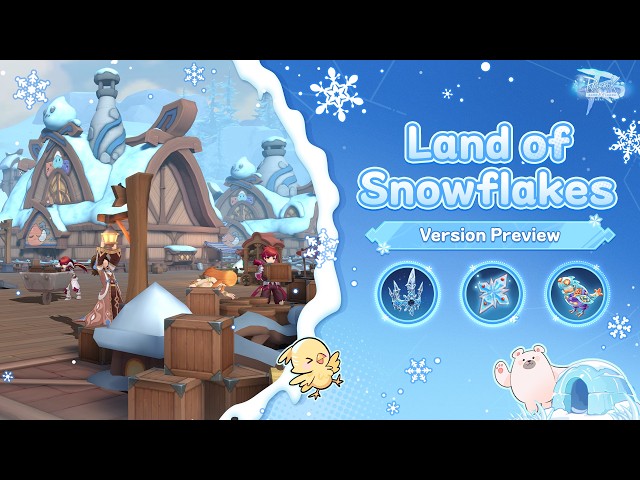
- Land of Snowflakes Map: Update 1.1.1 test branches introduced the Land of Snowflakes expansion zone alongside specialized Snowflake equipment sets.
Features in Active Evaluation
- Collaborative Class Integration: Update 1.1.1 builds included preliminary combat testing for specialized collaborative event classes.
- Cross-Platform Input Optimization: Desktop standalone builds continue to receive input adjustments for skill targeting and camera panning.
Preview Testing Confidence Tracker
Evaluating upcoming content requires tracking verified test builds against patch documentation.
| Feature / Content Branch | Implementation Status | Source Channel | Confidence Level |
|---|---|---|---|
| Update 1.1.1 Land of Snowflakes Map | Active on preview clients | Official build patch notes | High |
| Snowflake Specialized Equipment | Active on preview clients | Official build patch notes | High |
| Guaranteed +15 Enhancement (No Breakage) | Confirmed on Classic test branch | Official announcement release | High |
| Collaborative Event Classes | In active testing | Preview client build 1.1.1 | Medium |
| Single-Currency Zeny Economic Model | Confirmed on branch tests | Official test server notes | High |
Core mechanics like guaranteed enhancement and the Land of Snowflakes expansion have high verification across official preview builds.
Troubleshooting Connection Errors and Stuck Logins
When encountering crashes or authentication drops on preview builds, work through these standard fixes:
- Disable Proxy Connections: Proxies can disrupt the advance server authentication handshake, triggering connection errors. Turn off all active VPNs and proxies.
- Run as Administrator on PC: Patch download failures often occur when Windows restricts file writes in program directories. Always launch the client via right-click "Run as administrator".
- Resolve Stuck Session Locks: If the client displays an "already logged in" error, log into an alternate server partition first. Loading a character elsewhere clears the stuck session lock on your account.
- Verify Free Storage Space: Ensure your mobile device has at least 10 GB of free space so asset extraction does not corrupt game files.
Bug Reporting Channels and Beta Reward Redemption
Gravity collects bug logs, crash screenshots, and reproduction steps through dedicated rooms at discord.gg/romofficial and discord.gg/romclassic. When developers run testing events, they distribute promotional redemption codes to participating players.
To redeem test compensation codes on your account:
- Open the game client and tap the More button in the top menu.
- Select Settings from the drop-down list.
- Enter your case-sensitive reward code into the voucher input field.
- Claim the items directly from your in-game mailbox.
Once testing concludes, you can top up Ragnarok M Eternal Love on Arctopup to equip your main character on official live servers.
FAQ
How do I download the Ragnarok M Advance Server on iOS?
Install the official mobile beta testing utility on your device and open the publisher's public invitation link in Safari. Slots are limited to 10,000 testers, so you must accept the invitation before capacity is reached.
How can Android users join the Ragnarok M Advance Server?
Pre-register for the preview test branch or download the official APK directly from Gravity announcements. Ensure your device meets the minimum operating system requirements and has at least 10 GB of free storage.
Will my character progress on the advance server transfer to live servers?
No, progress on advance test servers is wiped once the testing cycle concludes. Some test phases offer top-up rebates or voucher codes for production accounts, but character levels and items do not carry over.
How much storage space is required to install the Ragnarok M test client?
Mobile test clients require at least 10 GB of free storage space to unpack patch assets, while the PC client requires 6 GB or more. Always verify your device memory before starting the installation.
Where are official Ragnarok M Advance Server download links published?
Official links are distributed through Gravity's verified Discord channels and official Ragnarok M community hubs. Avoid downloading test clients from untrusted third-party re-upload websites.
How do I fix connection errors when trying to enter the advance server?
Verify that your client patch is fully updated, run the PC application as an administrator, and disable any active proxies. If you encounter a stuck login loop, authenticate on an alternate server first to clear the session lock.
The Final Take on Advance Server Testing
Joining the advance server provides immediate access to upcoming balance reworks, the Land of Snowflakes expansion, and guaranteed +15 enhancement changes before they hit retail servers.
If you prefer permanent progression without wipes, stay on live servers. Advance clients are sandboxes designed for discovering bugs and testing combat numbers. For players who want to master mechanics ahead of global updates, securing an advance server slot is the most practical research tool available in 2026.






Comments