
If your Onmyoji Arena Jade top-up has not arrived after payment clears, close the game completely and relaunch it to force the client to query the server for an updated balance, then inspect your in-game mailbox where promotional bonus items require manual collection. If the counter stays flat after several minutes, the stall typically stems from an operating system restriction on third-party web portals, a regional server mismatch, or an incorrect User ID that requires customer support intervention with your transaction order number.
Quick Client Triage: Force-Refresh and In-Game Mailbox
Seeing money leave your account while your Jade balance stays frozen is an instant headache. Jade unlocks Onmyoji Arena's top-tier Shikigami, exclusive skins, battle pass tiers, and battlefield effects—so when a drop stalls, your first instinct might be to buy another bundle. Don't.
Start with a hard client refresh. Mobile interfaces routinely display a stale wallet figure long after the payment processor clears the transaction. Swipe Onmyoji Arena completely out of your device's app switcher rather than just dropping back to your home screen. A fresh launch forces the client to ping the server on boot and poll your true balance, as outlined in ArcTopup's recharge documentation.
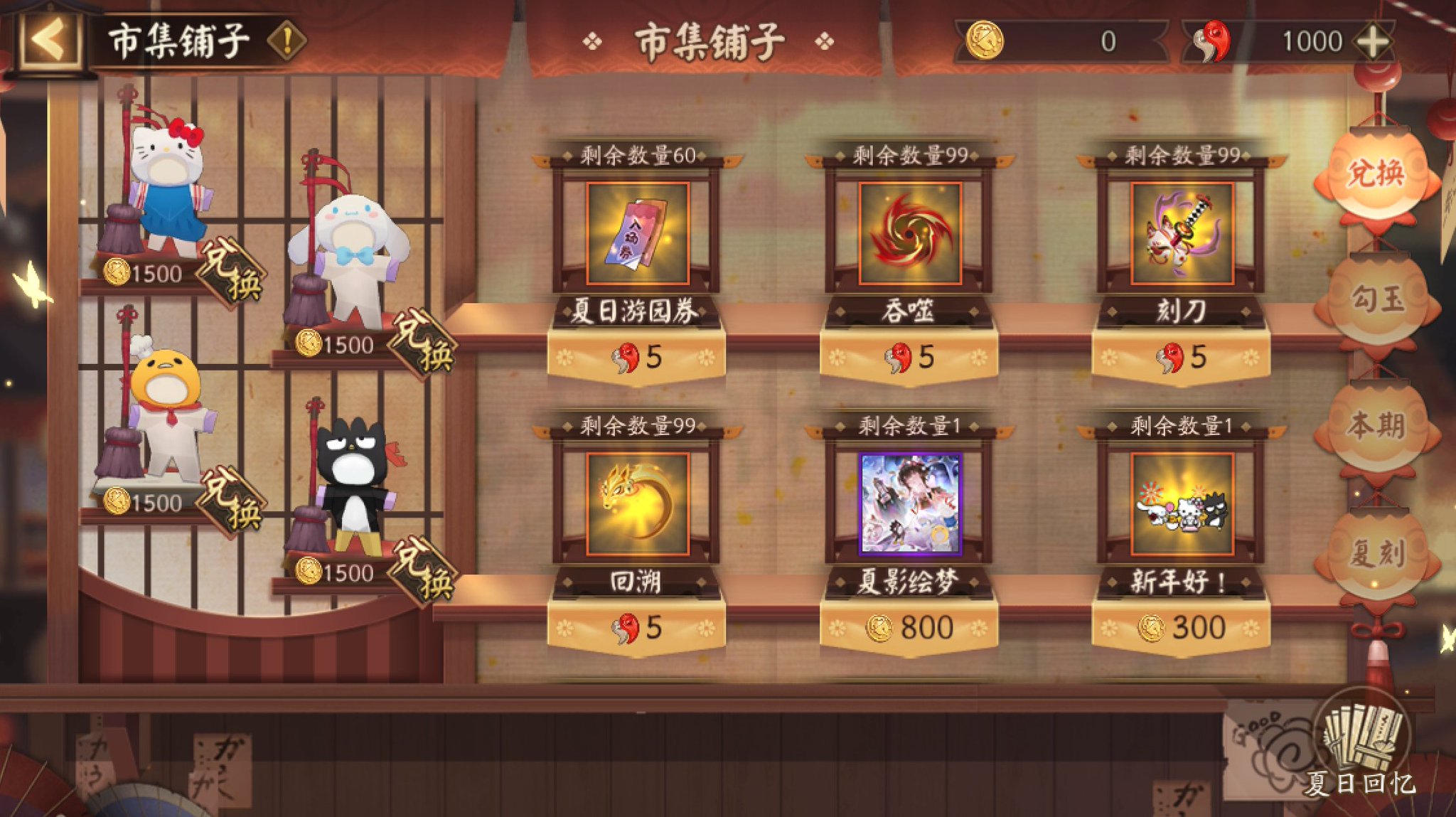
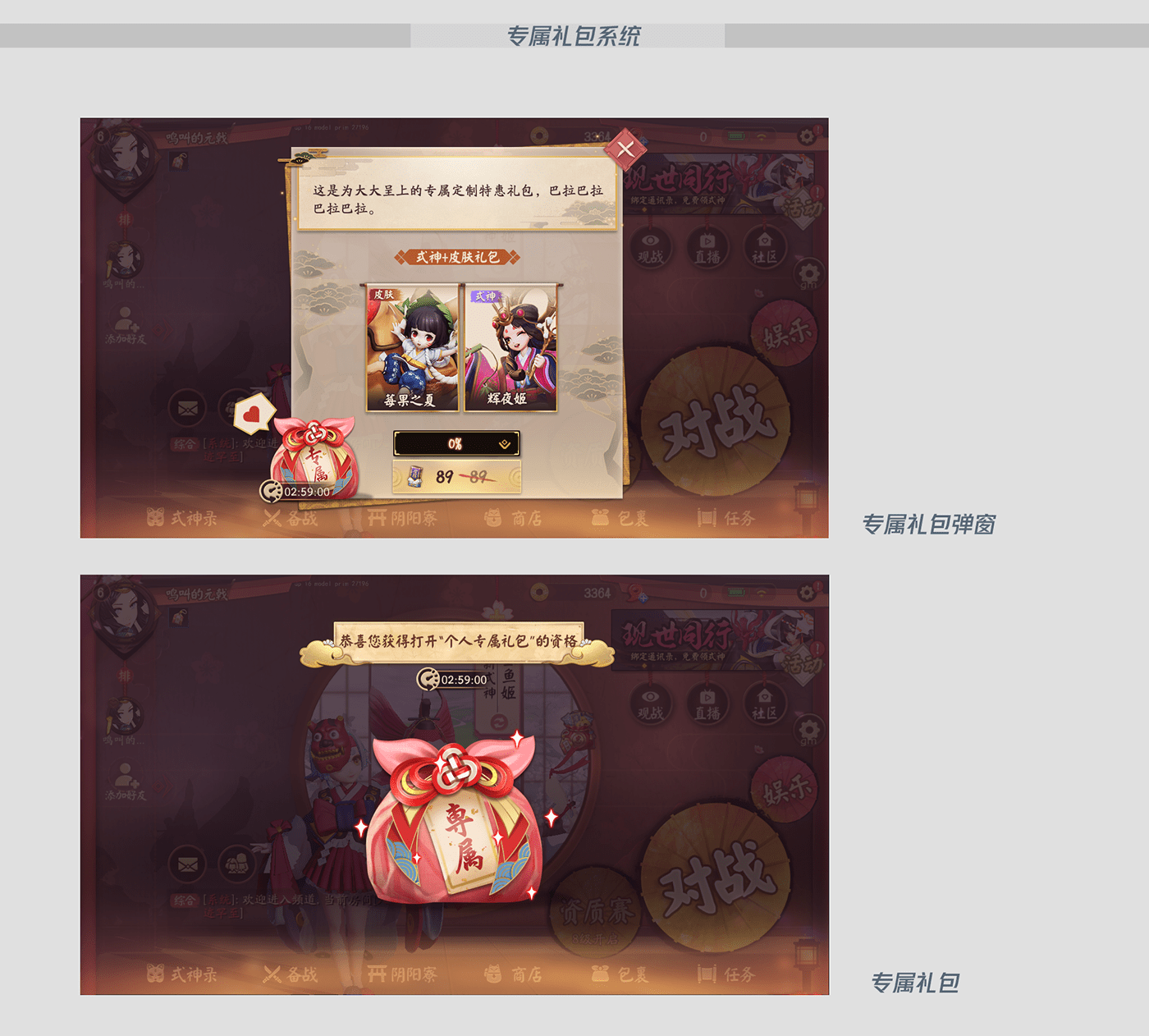
If your balance still hasn't moved after a cold restart, check your mailbox. As ArcTopup notes, event perks and promotional top-up tiers rarely credit to your wallet automatically. They land in your in-game inbox as attachments, sitting dormant until you crack open each message and claim them yourself.

Server Matching: Preventing Split-Profile Delivery
NetEase runs segregated servers for different geographic territories. If your client switches regions before you pull your account details, you risk funding an empty ghost profile on the wrong side of the world.
Always verify your active server before copying your numeric User ID for an off-client top-up. Switch regional nodes by accident, and the game quietly spins up a fresh alternate profile tied to your existing login. If you paste that secondary UID into a third-party checkout, your Jade delivers straight to a blank shell account you never touch, a common misstep detailed by ArcTopup.
| Regional Server | Supported Geographic Coverage | Interface Preview | Technical Requirement |
|---|---|---|---|
| Global / North America | US, Canada, Latin America, Europe | 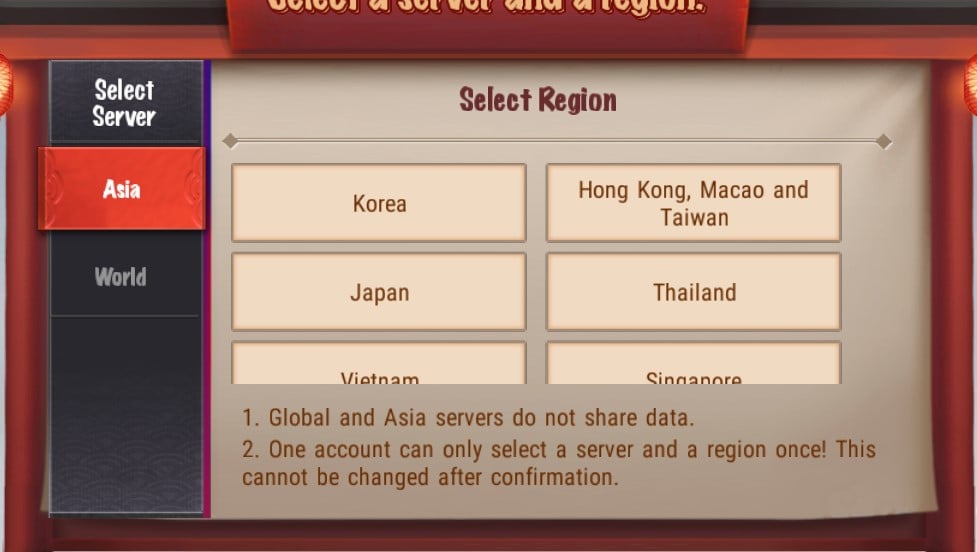 | Public in-game User ID (ArcTopup) |
| Southeast Asia (SEA) | Singapore, Malaysia, Philippines, Indonesia, Thailand | 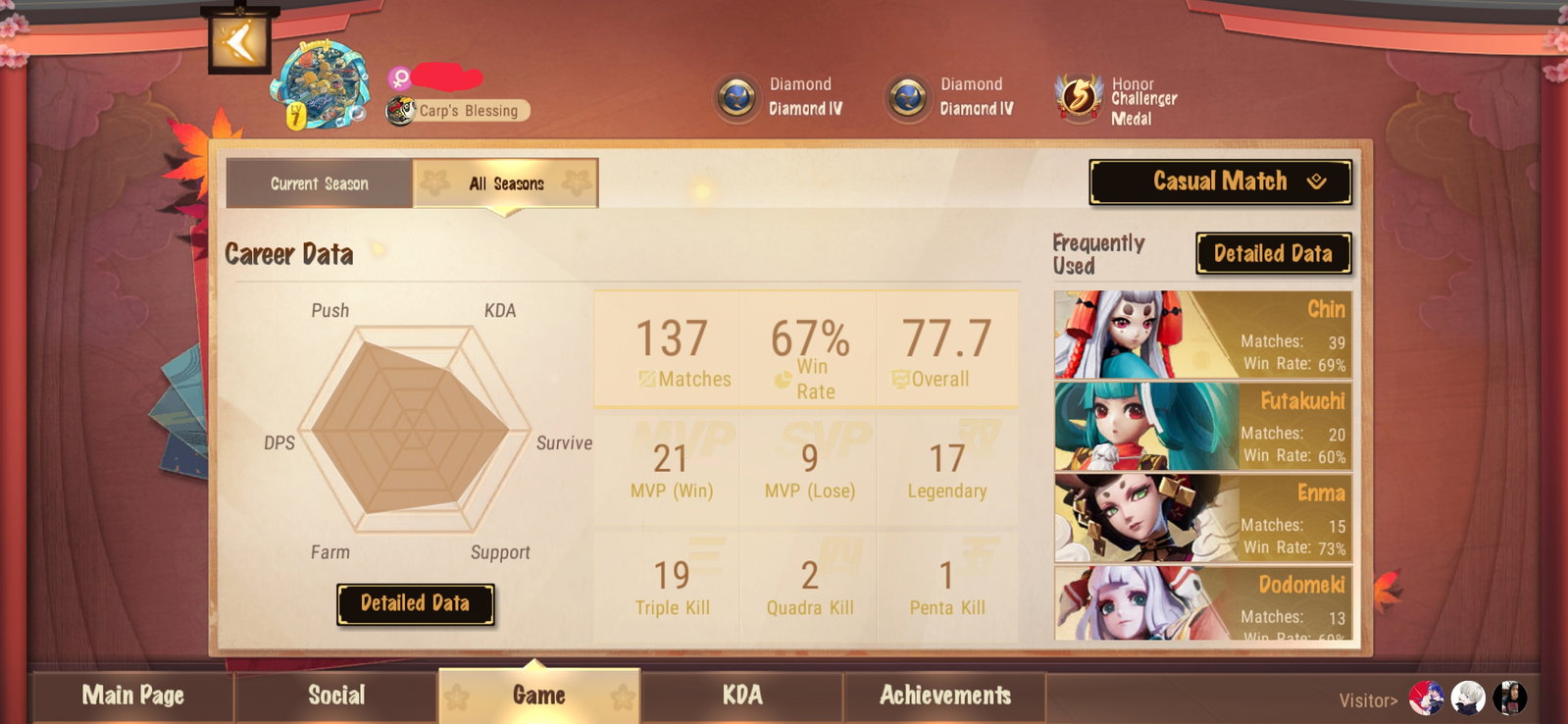 | Public in-game User ID (ArcTopup) |
| Asia / Japan | Japan, South Korea | 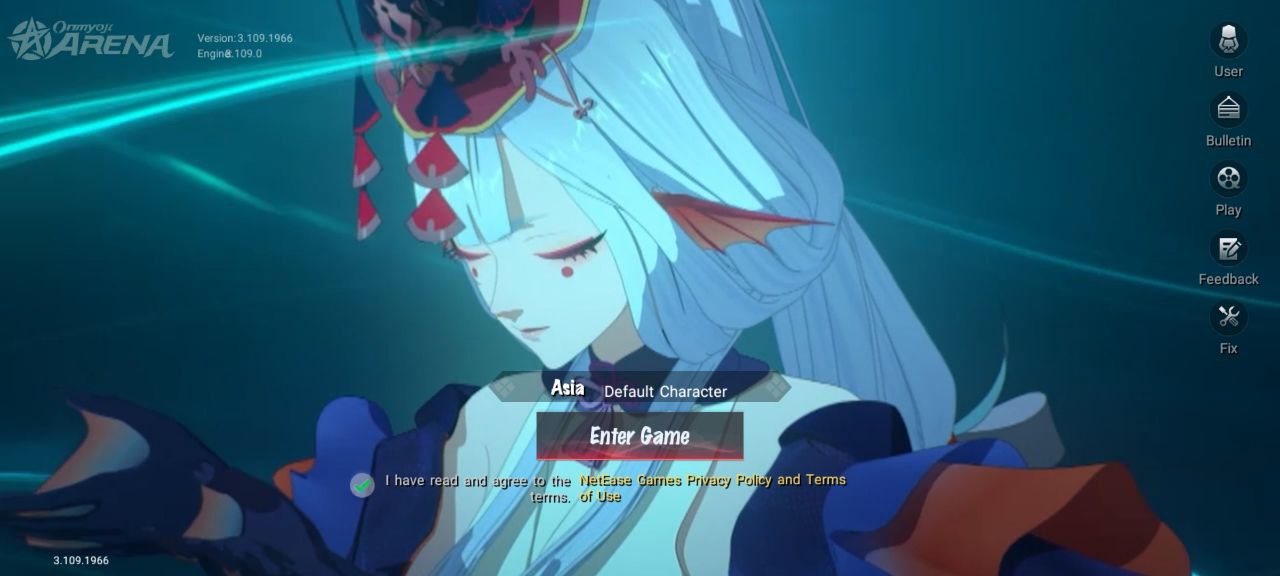 | Public in-game User ID (ArcTopup) |
| Hong Kong / Macau / Taiwan | Regional Chinese Client Servers |  | Public in-game User ID (ArcTopup) |
Finding Your Correct User ID
A single wrong digit in your player ID either sends your money to a stranger or leaves the order hanging in limbo. To make matters worse, storefront guides offer conflicting instructions on where to find the real number inside the client.
The standard route, per ArcTopup, is straightforward: head to the game lobby, tap your avatar in the top-left corner, and read the string displayed beside your character name in the profile overview.
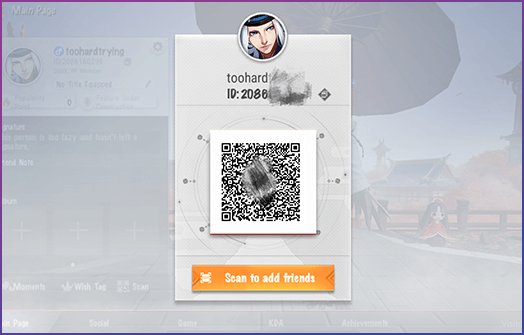
Yet third-party recharge site TOPUPlive gives a different direction: open the lobby, tap your avatar, jump to the "My Page" tab, and tap the QR icon to reveal the true User ID. If your profile screen looks different after a patch or numbers don't match, that QR icon view is your safest bet for pulling the verified numeric ID.
Platform Lockouts: The Android vs. iOS Web Top-Up Trap
Here is the fine print that catches iOS users off guard: web storefronts do not handle mobile operating systems equally for Onmyoji Arena.
Recharge portals on sites like SEAGM and TOPUPlive explicitly lock their Onmyoji Arena orders to Android accounts. Try pushing a purchase through those specific gateways for an iPhone or iPad, and your transaction risks stalling indefinitely or failing without delivering a single coin.
ArcTopup's Onmyoji Arena recharge portal, however, routes delivery directly through your public in-game User ID across every primary server (Global, SEA, Asia/Japan, and HK/MO/TW), bypassing the Android-only restriction. Still, take ten seconds to check any storefront's platform rules before entering your card details if you play on iOS.
Delayed vs. Missing Jade: Diagnostic Matrix
Before panicking, isolate the symptom. It tells you whether you are dealing with a routine five-minute payment sync or a dead-end order that demands immediate customer support.
| Issue Symptom | Underlying Cause | Immediate Verification Action | Next Step |
|---|---|---|---|
| Jade not showing up after payment confirmation | Client cache showing stale balance | Force-close Onmyoji Arena completely and relaunch client | Check if wallet counter refreshes (ArcTopup) |
| Base pack arrived but bonus missing | Event rewards routed to mailbox | Open in-game mailbox in the lobby | Claim bonus attachments manually (ArcTopup) |
| Currency credited to empty new profile | Client connected to secondary region | Check current regional server before copying UID | Switch back to primary server and verify account ID (ArcTopup) |
| Delivery failure on third-party web store | Channel locked to Android | Check storefront device policy | Verify whether store supports iOS or Android only (TOPUPlive, SEAGM) |
| Order status complete but balance uncredited | Processing delay or delivery stall | Wait a few minutes after restart | Escalate to customer support with order number (ArcTopup) |
Contacting Support: Required Order Details
Once you have restarted the app, cleared your inbox, and confirmed your server, stop waiting. Missing currency does not magically sort itself out after an hour.
If your Jade has not arrived after a few minutes, ArcTopup recommends contacting support directly with your transaction order number. Whether you use ArcTopup's 24/7 team or open an in-game ticket with NetEase, support reps cannot trace an uncredited purchase with an account handle alone.
Have these four details ready before opening a ticket:
- Your transaction order number (found in your store receipt or checkout email confirmation).
- Your exact numeric User ID copied directly from the client.
- Your current regional server (Global/NA, SEA, Asia/Japan, or HK/MO/TW).
- A clear payment receipt screenshot showing the timestamp, billing amount, and payment status.
Follow ArcTopup for more Onmyoji Arena Jade news~






Comments