
Redeeming a Roblox Gift Card PIN cannot be completed inside sandbox developer tests or experimental desktop builds; official redemptions remain strictly routed to the live web portal at roblox.com/redeem, where a $10.00 to $100.00 card provides between 800 and 10,000 baseline Robux via a two-stage Roblox Credit deposit. While users enrolled in client testing channels encounter updated billing wrappers and staged catalog entries for monthly bonus items, real card PINs interact solely with live production databases.
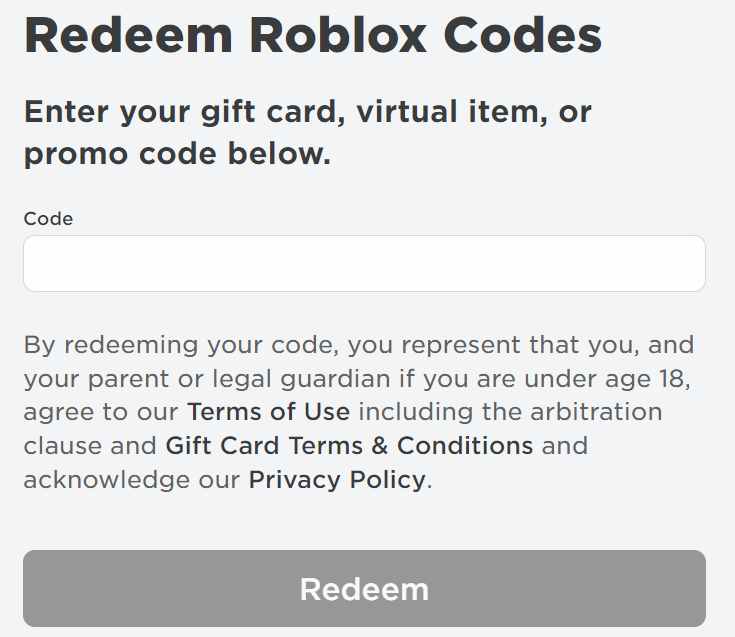
How the Roblox Beta Client Handles Gift Card Redemption
Players enrolled in the Roblox desktop app beta program or preview test channels often look for an embedded billing portal. The desktop beta client does not process live card PINs internally. Instead, modern client testing updates focus on UI wrappers and web redirects.
Roblox centralizes gift card redemption on a single web portal at roblox.com/redeem, as detailed by MyGiftCardSupply. Console builds and standard mobile apps omit redemption fields, with Samsung Galaxy mobile devices serving as the only exception. When a redemption button appears inside preview navigation menus on the desktop beta client, clicking it triggers a handoff to the live browser page.
Developer testing environments and sandbox places cannot validate or consume physical or digital gift card PINs. Attempting to enter real retail codes into unverified game experiences or sandbox mock-ups will fail or expose your code to theft. Real codes belong solely on the official production endpoint.
The Two-Stage Conversion Flow: Credit Before Robux
Beta testers often expect card PINs to grant virtual currency immediately. The redemption system instead routes every card through a mandatory two-stage deposit.
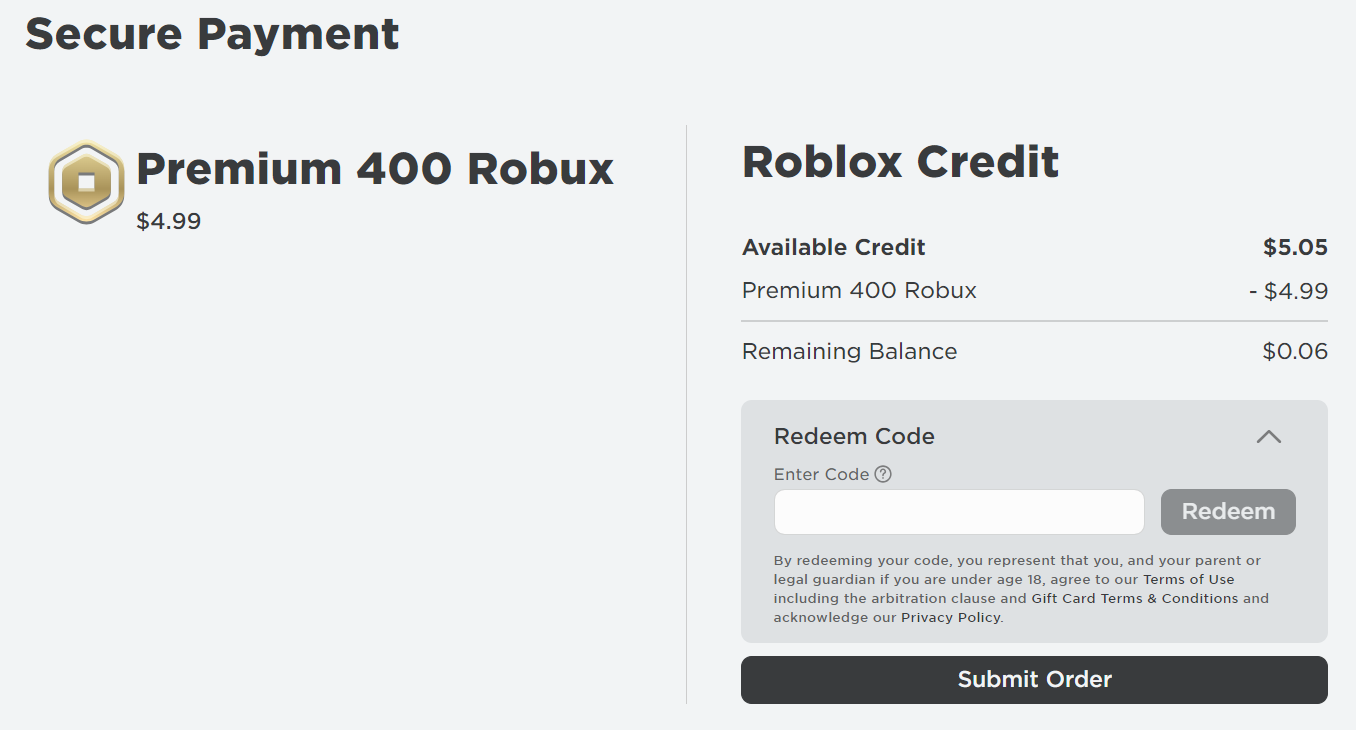
Submitting a digital or physical gift card PIN on the web portal adds a fiat-equivalent Roblox Credit balance to your profile rather than direct Robux, as documented by ArcTopup.
Once the Roblox Credit reflects on your balance, you must manually select "Convert to Robux" on the redemption dashboard or apply the credit at checkout toward a recurring Roblox Premium tier. The table below illustrates the official baseline conversion yields established on the live web portal:
| Denomination | Baseline Robux Yield | Conversion Alternatives & Details | Interface Preview |
|---|---|---|---|
| $10.00 Gift Card | 800 Robux | Option for 1 Month Premium 450 + Extra Credit (ArcTopup) | 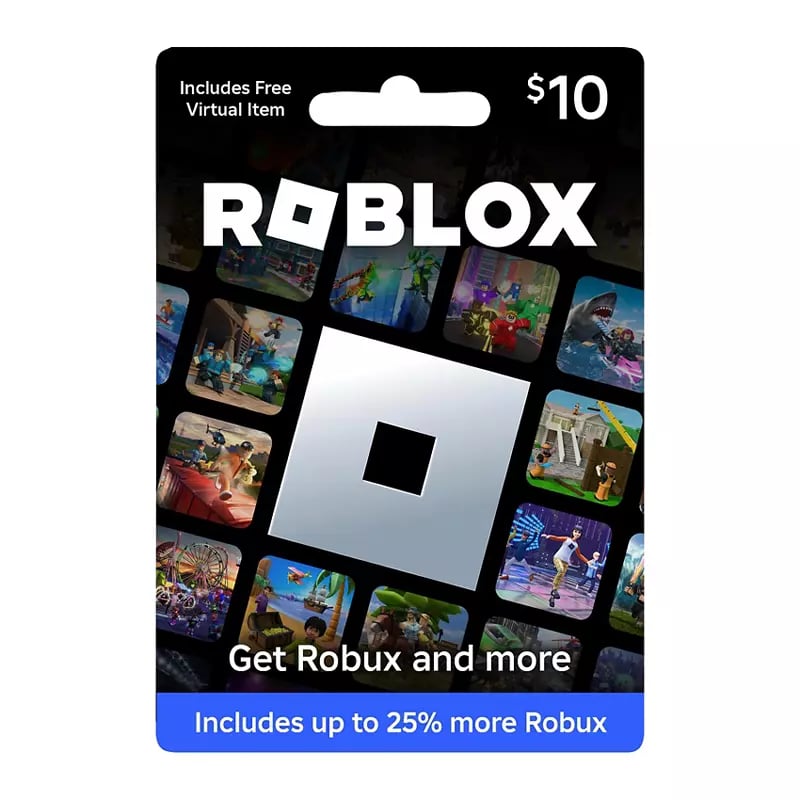 |
| $25.00 Gift Card | 2,000 Robux | Option for 1 Month Premium 1000 + Extra Credit (ArcTopup) | 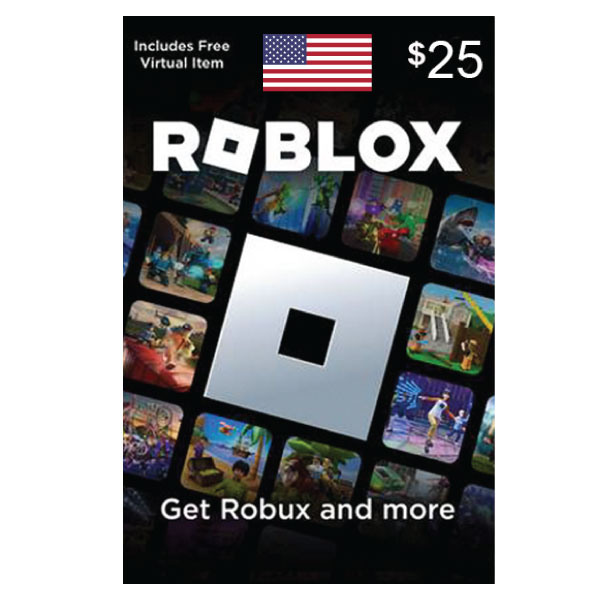 |
| $50.00 Gift Card | 4,500 Robux | Option for 1 Month Premium 2200 + Extra Credit (ArcTopup) | 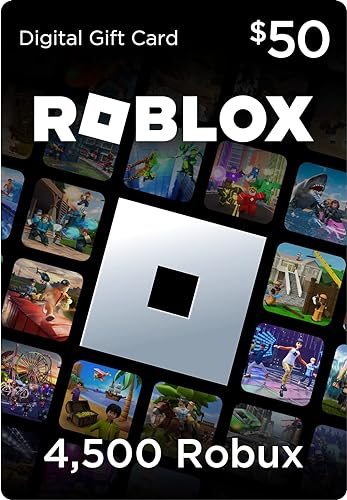 |
| $100.00 Gift Card | 10,000 Robux | Option for Multiple Premium Cycles or Bulk Packs (ArcTopup) |  |
Physical retail cards and promotional digital codes vary in character length and packaging across regional markets, but every genuine variant submits through the identical web verification field.
Bonus Items Catalog Testing and Monthly Rotations
In addition to currency balances, client testers frequently track promotional accessories staged in the catalog backend before their global monthly release.
Every official gift card grants a bonus avatar item upon redemption, rotating on the first day of each month, according to Mistplay. The awarded item depends on which retailer sold the card.
Before a monthly item rotation goes live to the global user base, assets are staged, tagged, and tested within the Roblox catalog backend. When staging new accessory IDs, developers verify that the asset attaches correctly to R1 and R6 avatar rigs. However, players cannot redeem live PINs early to grab unreleased gear; bonus items trigger strictly based on the server-side date and the retailer ID bound to the verified PIN.
Account Location Locking and Regional Constraints
Attempting to redeem a foreign card while experimenting with regional settings or proxies triggers immediate transaction errors.
Roblox locks account currency to the country registered on your profile, as documented by Cardtonic. If a gift card's currency does not match your registered country, the redemption API rejects it. Users with outdated location data can update their country setting once under Settings > Account Info in the Personal section.
| Issue Condition | Observed System Reaction | Resolution Method | Reference |
|---|---|---|---|
| Regional Currency Mismatch | Code rejection; error flag on submission | Update registered location once under Settings > Account Info (Personal section) | Cardtonic |
| Staged App Cache Conflict | Interface freeze or failed script handoff | Clear %localappdata%\Temp Roblox folder and purge browser site data | Cardtonic |
| Unconverted Credit Balance | Zero change in Robux counter after code entry | Access roblox.com/redeem and click "Convert to Robux" manually | ArcTopup |
| Console / App Entry Attempt | Missing redemption field | Open an external mobile or desktop web browser to roblox.com/redeem | MyGiftCardSupply |
Troubleshooting Desktop Beta and Cache Glitches
Running experimental client versions or beta web extensions can lead to local caching conflicts that break page handoffs during billing tasks.
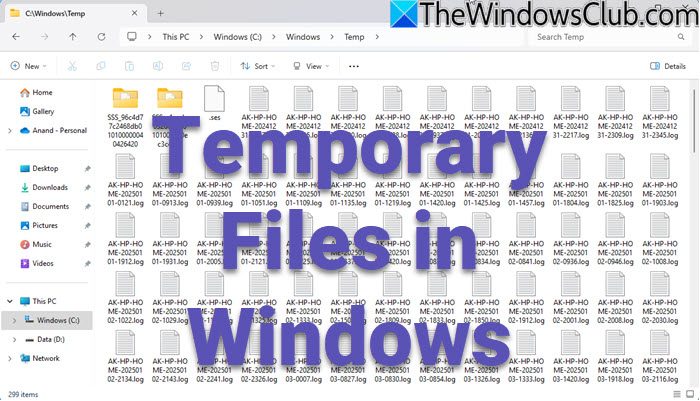
When a code input stalls, Cardtonic details an exact local repair sequence:
- Close the Roblox desktop client and your active browser windows.
- Open the Windows Run dialog by pressing the Windows Key + R.
- Type
%localappdata%into the search field and press Enter. - Open the
Tempfolder in the directory listing. - Locate the folder named
Robloxand delete it entirely. - Relaunch your standard web browser, purge stored site cookies for roblox.com, and navigate directly back to the redemption portal.
Clearing these stale local temporary files removes corrupted session flags. Once completed, entering an unused Roblox Gift Card PIN on the clean page restores standard validation prompts without client-side interference.
Frequently Asked Questions
Can you redeem a Roblox Gift Card directly inside the standard mobile app or console client?
No. As documented by MyGiftCardSupply, redemption must take place via a web browser at roblox.com/redeem. Standard mobile apps and console clients do not feature code redemption fields, with Samsung Galaxy mobile devices noted as a specific exception.
Why does a redeemed card show up as Roblox Credit instead of Robux?
Official codes deposit cash-equivalent Roblox Credit by default. ArcTopup confirms that you must manually click "Convert to Robux" on the web redemption page or apply the stored credit balance toward a monthly Roblox Premium membership plan.
Do Roblox gift card PINs or account credit balances expire?
No. Roblox gift card PIN codes and account credit balances do not have an expiration date according to ArcTopup and Cardtonic. Funds remain attached to your profile until manually converted or spent.






Comments