Mobile Legends: Adventure M-Cash Top Up on ArcTopup
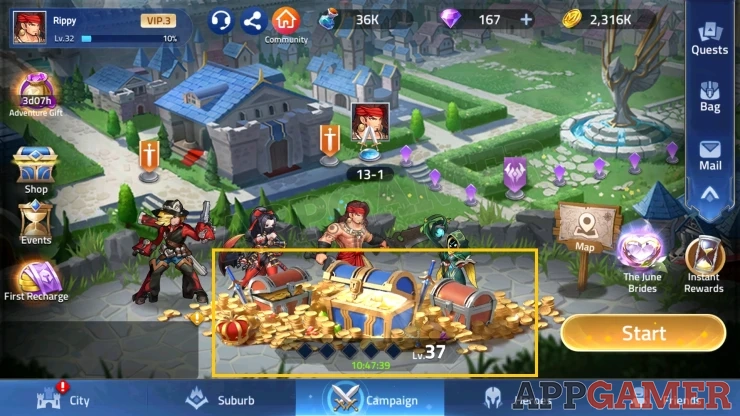
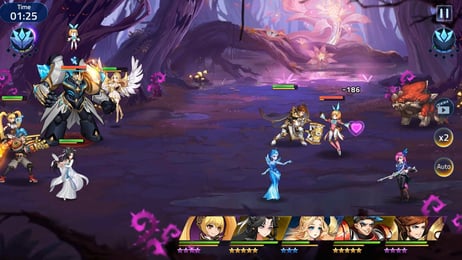
Mobile Legends: Adventure (MLA) is an idle RPG set in the Mobile Legends universe, featuring tactical team building, hero progression, and campaign battles. M-Cash serves as the primary premium currency in MLA, enabling players to acquire summon scrolls, hero skin packs, monthly passes, and limited-time event bundles.
ArcTopup provides a direct player ID top-up service for Mobile Legends: Adventure M-Cash. Using only your in-game User ID and Server ID, your selected M-Cash denomination is credited straight to your game account without requiring any login credentials or password sharing.
How to Top Up Mobile Legends: Adventure M-Cash on ArcTopup
Recharging your M-Cash balance is quick and straightforward. Follow these steps to complete your purchase:
- Select the M-Cash denomination you want to purchase from the product catalog.
- Enter your Mobile Legends: Adventure User ID and Server ID in the designated input boxes.
- Verify that your entered IDs match your active profile to prevent delivery to the wrong character.
- Select your preferred payment option available at the checkout screen.
- Complete the payment process. Your M-Cash will be sent directly to your in-game balance.
All current package rates, local currency options, and payment methods are displayed live during checkout.
Step-by-Step Guide to Finding MLA User ID and Server ID
To ensure your M-Cash arrives without delay, you must provide the exact User ID and Server ID associated with your MLA account.
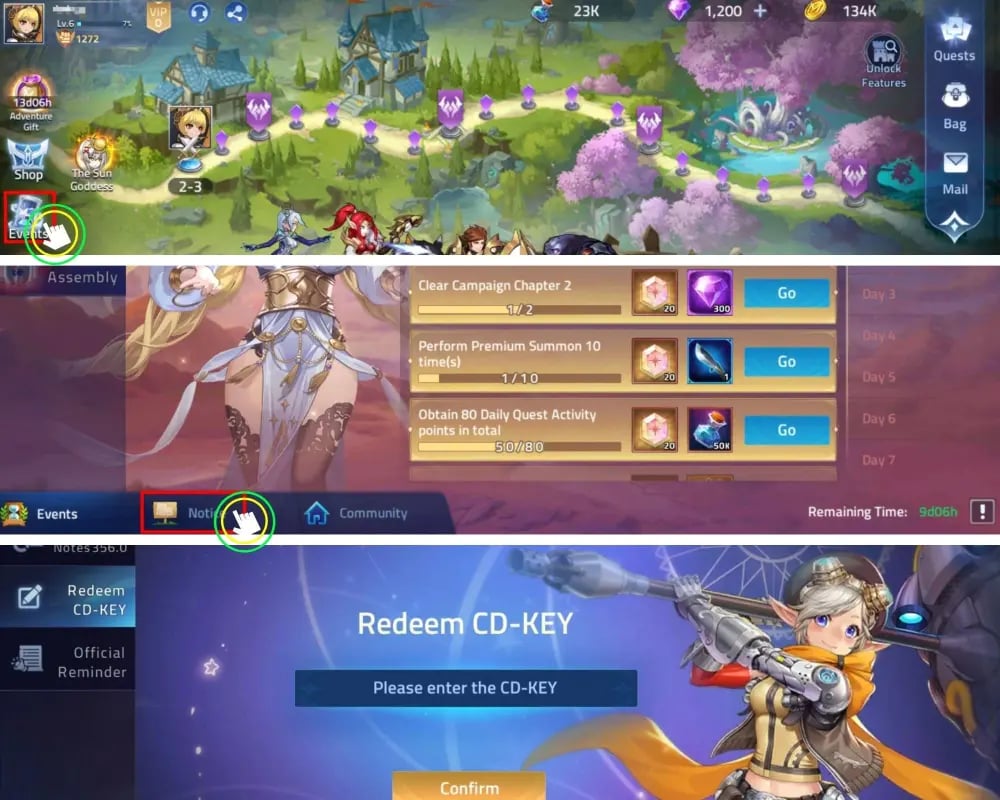
- Launch Mobile Legends: Adventure on your mobile device or emulator.
- Tap your Player Avatar located in the top-left corner of the main city screen.
- On your Profile screen, locate the numerical string displayed next to your account name.
- Your User ID is the primary 6 to 8-digit number (for example,
12345678). - Your Server ID is the 5-digit number enclosed in parentheses right beside your User ID (for example,
(70012)).
Make sure to input the full User ID in the first field and the exact 5-digit Server ID in the second field when submitting your order.
Difference Between MLA M-Cash and MLBB Diamonds
A frequent point of confusion among players is the distinction between Mobile Legends: Adventure (MLA) and Mobile Legends: Bang Bang (MLBB). Although both games share characters and lore from Moonton, they operate on completely independent servers, account systems, and currency structures.
| Feature | Mobile Legends: Adventure (MLA) | Mobile Legends: Bang Bang (MLBB) |
|---|---|---|
| Game Type | Idle RPG / Hero Collector | 5v5 Multiplayer Online Battle Arena (MOBA) |
| Premium Currency | M-Cash | Diamonds |
| Required Account IDs | User ID + 5-Digit Server ID | User ID + 4-Digit Zone ID |
| Primary In-Game Uses | Hero Summons, Passes, Growth Funds | Hero Skins, Emotes, Starlight Membership |
| Cross-Game Transfer | Cannot be converted or sent to MLBB | Cannot be converted or sent to MLA |
Always verify that you are recharging currency for Mobile Legends: Adventure before finalizing your order. M-Cash cannot be redeemed or converted for use in Mobile Legends: Bang Bang.
What is M-Cash and How to Use It for Summons, Skins, and Packs
M-Cash functions as an equivalent to real-money purchasing power inside Mobile Legends: Adventure. Once credited to your account balance, M-Cash can be spent on various progression tools and cosmetics:
- Premium and Sacred Oath Summons: Convert M-Cash into summon resources to recruit Chaos, Order, and hybrid heroes to power your team compositions.
- Monthly Passes & Funds: Purchase the Monthly Pass, Diamond Pass, or Campaign Growth Funds directly using M-Cash to maximize daily resource generation.
- Exclusive Hero Skins: Buy limited-edition legendary and epic skins that provide visual enhancements and stat bonuses to your lineup.
- Event Bundles & VIP Progress: Buying M-Cash packages grants corresponding VIP experience points, unlocking daily perks, expanded idle reward limits, and raid conveniences.
Safe Checkout Guarantee: Password-Free Direct Top-Up
Account safety is essential when purchasing digital currencies. ArcTopup uses a direct ID fulfillment system, which guarantees that:
- No Passwords Required: You never have to share your Moonton account password, Google Play login, Apple ID, or social network credentials.
- No Account Sharing: Your profile remains strictly under your control at all times.
- Secure Data Handling: Input fields only process public identification numbers (User ID and Server ID) to direct the credit to your character.
Delivery Verification and Troubleshooting Common Top-Up Errors
After completing your purchase on ArcTopup, M-Cash is delivered directly to your account. Follow these steps to verify your order and troubleshoot common issues:
- Check In-Game Balance: Open MLA and view your M-Cash balance at the top of the store menu. In some cases, you may need to restart the game client or switch game menus to refresh your balance.
- Check In-Game Mailbox: Certain package items or bonuses associated with M-Cash purchases may appear in your system mailbox.
- Incorrect Server ID: If you manage accounts across multiple servers, ensure you entered the Server ID of the specific character you want to credit. Top-ups cannot be transferred across different server profiles once delivered.
- Contact Support: If your balance does not update within a reasonable timeframe after checkout, prepare your order confirmation number, User ID, and Server ID, then reach out directly to ArcTopup customer support for rapid assistance.
Frequently Asked Questions
How do I find my Mobile Legends: Adventure User ID and Server ID?
Tap your player avatar in the top-left corner of the main game screen. Your User ID is the 6 to 8-digit number shown on your profile, and your Server ID is the 5-digit number located inside the parentheses next to it.
What can I buy with M-Cash in Mobile Legends: Adventure?
M-Cash can be spent on Premium Summon scrolls, Sacred Oath pulls, hero skins, Monthly Passes, Growth Funds, and special event bundles. Spending M-Cash also contributes directly to your VIP level progress.
Is Mobile Legends: Adventure M-Cash the same as MLBB Diamonds?
No. MLA M-Cash is exclusive to the idle RPG Mobile Legends: Adventure. MLBB Diamonds belong to the MOBA title Mobile Legends: Bang Bang. Currencies cannot be transferred or shared between the two games.
Do I need to provide my MLA login password to top up M-Cash?
No. ArcTopup only requires your User ID and Server ID. You should never share your game password or third-party login credentials with anyone.
How fast will M-Cash reflect in my MLA account after purchase?
M-Cash is credited directly to your account after payment processing is confirmed. Simply restart your MLA application if the new balance does not display right away.
What should I do if I entered the wrong User ID or Server ID?
Double-check your numbers carefully before completing payment. Because digital top-ups are processed directly to the IDs submitted, incorrect IDs that match an active player cannot be reversed once processed. If your order has not yet been fulfilled, contact ArcTopup customer support immediately with your order details.
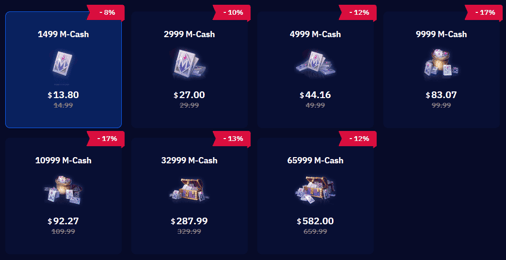
Current packages and prices
Current base prices exclude Tax. Tax, payment fees and coupon adjustments are shown at checkout.
| Package | Price |
|---|---|
| o1499 M-Cash | USD 13.72 |
| o2999 M-Cash | USD 27.43 |
| o4999 M-Cash | USD 42.52 |
| o9999 M-Cash | USD 85.09 |
| o10999 M-Cash | USD 94.00 |
| o32999 M-Cash | USD 280.13 |
| o65999 M-Cash | USD 540.53 |