Mr7ba Top Up: Fast and Direct In-App Currency Recharges
Mr7ba brings people together through dynamic group voice chat rooms, interactive audio broadcasts, and virtual social spaces. Coins serve as the primary currency within the Mr7ba app, allowing you to send animated gifts, activate exclusive room entry effects, unlock profile frames, and support your favorite hosts or content creators.
ArcTopup offers direct Mr7ba top up services designed for speed and reliability. Instead of sharing private credentials or waiting for third-party account logins, you can purchase the exact coin amount you need using only your Mr7ba User ID (UID). Your order processes through automated delivery pipelines, ensuring your account balance updates quickly so you can continue participating in voice parties and events without interruption.
How to Find Your Mr7ba UID in the Mobile App
To complete an order on ArcTopup, you only need to provide your unique numerical Mr7ba UID. Follow these steps on your mobile device to copy your ID accurately:
- Launch the Mr7ba app on your phone or tablet.
- Tap the Profile or Me tab located in the lower-right corner of the main screen.
- Look beneath your avatar picture and display name at the top of the profile page.
- You will see a numeric string marked as ID or UID.
- Tap the copy icon next to the number or record the exact sequence to use during checkout.
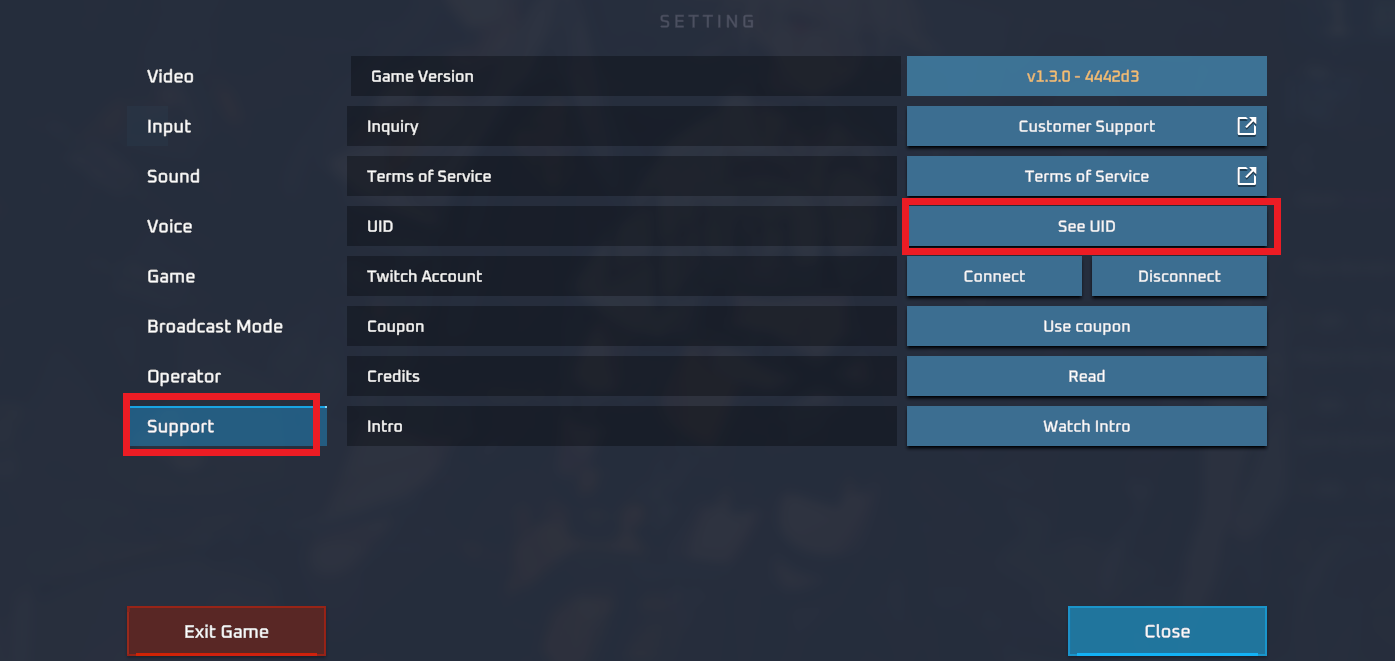
Double-check that the ID contains only numbers before placing your order to prevent delays in balance crediting.
Step-by-Step Guide to Top Up Mr7ba Coins on ArcTopup
Recharging your Mr7ba balance takes only a few quick steps on ArcTopup. Review the process below:
- Select Your Coin Package: Review the live coin denominations on the product page and choose the amount that fits your needs. Current pricing and coin quantities are updated in real time on the catalog table.
- Input Your Mr7ba UID: Paste your numeric User ID into the required account field. You do not need to enter your password or phone number.
- Choose Your Payment Method: Select from the wide range of local and international payment methods supported on the checkout screen.
- Confirm Your Order: Verify the account UID and selected package, then complete the transaction.
- Check Your In-App Balance: Once the order status shows completed, open Mr7ba and check your wallet to verify that the coins have arrived.
| Top-Up Step | Action Required | Key Detail |
|---|---|---|
| 1. Select Package | Choose coin amount | Live prices displayed on the selection grid |
| 2. Enter UID | Provide numeric User ID | Found under your profile avatar in the app |
| 3. Checkout | Pick payment option | Secure processing with zero hidden fees |
| 4. Delivery | Automated direct credit | Coins reflect in your in-app wallet balance |
Mr7ba Currency Uses: Gifts, Chat Rooms, and Special Privileges
Coins in Mr7ba unlock a broad selection of social features and interactive tools across the platform:
- Virtual Gifting: Send animated gifts to room hosts, guest speakers, and friends during live voice parties to show support and boost room popularity rankings.
- Room Entry Animations: Make an entrance with custom arrival effects, luxury vehicle animations, and exclusive banner announcements when entering voice rooms.
- Profile and Mic Frames: Customize your appearance across the community with special badge borders, glowing microphone rings, and VIP status indicators.
- Interactive Mini-Games: Use coins to join in-room events, spin reward wheels, and participate in community challenges hosted by creators.
- Chat Room Customization: Active room owners can utilize balance rewards to host giveaways, upgrade room visual themes, and increase visitor capacity.
Supported Global and Local Payment Options for Mr7ba
ArcTopup supports a wide spectrum of payment channels to ensure users worldwide can complete transactions smoothly. You can select from credit and debit cards, digital wallets, bank transfers, and region-specific payment channels based on your location.
All currency conversions and final amounts appear clearly during checkout before you finalize your purchase. There are no surprise service charges or hidden deductions added after payment. The price shown on the ArcTopup order confirmation screen is the exact total you pay.
Safe and Secure Recharge: Why Password-Free Top-Up Matters
Account safety is a core priority when topping up online. Traditional third-party methods that require you to hand over your login credentials, email codes, or linked social accounts create unnecessary security risks.
ArcTopup operates entirely on a direct-to-ID delivery model:
- No Passwords Required: You never share your login credentials, password, or security questions.
- Zero Social Login Exposure: Your linked Google, Facebook, Apple, or phone numbers remain completely private.
- Safe for Friends and Family: Because only the UID is needed, you can easily send coins as a surprise gift to friends, creators, or community members without needing access to their devices.
- Encrypted Transactions: Checkout channels use industry-standard encryption protocols to safeguard your personal payment information.
Troubleshooting Common Mr7ba Balance and Delivery Questions
If you experience any delay or question regarding your coin delivery, use these practical troubleshooting steps:
- Refresh the Mr7ba Application: If your balance does not update immediately after your order finishes, close the Mr7ba app completely from your background applications and open it again. You can also exit the current voice room and re-enter to refresh your wallet cache.
- Verify Your UID Submission: Check your ArcTopup order confirmation to ensure the UID entered matches your actual in-app account number.
- Check Your In-App Transaction History: Navigate to your profile settings in Mr7ba, open the wallet or coin history tab, and review the recent incoming credit logs.
- Contact ArcTopup Support: If your balance has not updated within a short window following order completion, reach out to the ArcTopup customer support team with your order number and UID for prompt assistance.
Frequently Asked Questions About Mr7ba Top Up
Where can I find my Mr7ba UID for topping up?
Open the Mr7ba app and tap the Profile icon on the bottom navigation bar. Your numeric UID is displayed directly beneath your profile image and username. Tap the copy icon next to it to paste it directly into the ArcTopup checkout field.
Do I need to provide my Mr7ba password to recharge?
No. ArcTopup only requires your numeric Mr7ba User ID. We will never ask for your account password, SMS verification codes, or linked social media logins.
How fast will the recharged coins be credited to my Mr7ba account?
Orders placed on ArcTopup are processed through an automated delivery system. Once your payment is confirmed, the coins are sent directly to your Mr7ba UID. In most cases, the balance updates almost immediately.
Can I top up Mr7ba coins for a friend using their UID?
Yes. Because the top-up process only requires a valid User ID, you can enter your friend's Mr7ba UID in the player field. The coins will be deposited directly into their in-app wallet upon payment completion.
What should I do if I entered an incorrect UID during checkout?
Double-check your UID carefully before completing payment. Because automated top-ups credit accounts instantly, transactions sent to a valid but incorrect UID cannot be reversed once processed. If you notice an error immediately before payment processing finishes, contact ArcTopup customer support right away with your order details.
What payment methods are supported for Mr7ba recharge?
ArcTopup supports various international and local payment channels, including credit and debit cards, digital e-wallets, and localized bank payment solutions. You can review all available payment methods for your region during checkout.
Current packages and prices
Current base prices exclude Tax. Tax, payment fees and coupon adjustments are shown at checkout.
| Package | Price |
|---|---|
| Mr7ba - Mr7ba*10000000 | USD 3.15 |
| Mr7ba - Mr7ba*50000000 | USD 15.75 |
| Mr7ba - Mr7ba*100000000 | USD 31.50 |
| Mr7ba - Mr7ba*5000000 | USD 1.58 |































































