Party Star Diamonds Top Up: What Are Diamonds and How They Work
Party Star is an interactive voice party and live entertainment platform where users join live audio rooms, interact with content creators, play mini-games, and celebrate special events with friends. Party Star Diamonds serve as the official premium virtual currency within the application. Diamonds allow you to fully experience the social features of the platform by acquiring exclusive digital items, participating in community activities, and interacting with popular broadcasters.
When you maintain an active balance of Party Star Diamonds, you can:
- Send Animated Virtual Gifts: Support your favorite room hosts and creators by sending interactive gifts ranging from standard visual effects to room-wide luxury animations.
- Unlock Noble and VIP Privileges: Gain elite status badges, special profile frames, and exclusive nickname colors that stand out in crowded voice rooms.
- Purchase Custom Entry Effects: Announce your presence whenever you join a voice room with custom vehicle animations and audio-visual entry banners.
- Participate in Room Events: Join live PK battles, host community games, and support your team during scheduled community competitions.
Recharging Diamonds through ArcTopup is straightforward. By using your public User ID (UID), the system sends Diamonds directly to your in-app account balance without requiring private login credentials.
Step-by-Step Guide: How to Top Up Party Star Diamonds on ArcTopup
Recharging your Party Star account takes only a few simple steps. Follow this guide to complete your purchase:
- Select Your Diamond Package: Browse the available denomination options on the ArcTopup product page and choose the amount of Party Star Diamonds you want to purchase.
- Enter Your Party Star UID: Type your numeric Party Star User ID into the designated input box. Make sure the number matches the ID shown in your in-app profile.
- Confirm the Order Details: Review your package selection and UID entry to ensure accuracy before moving forward.
- Proceed to Checkout: Select your preferred payment method from the available checkout options.
- Receive Diamonds Instantly: Once the payment completes, our automated 24/7 delivery system credits the Diamonds directly to your Party Star account. Open the app to view your updated balance.
| Order Step | Action Required | Processing Details |
|---|---|---|
| 1. Package Selection | Choose your desired Diamonds pack | Pricing shown at live checkout |
| 2. UID Input | Enter your numeric Party Star ID | UID only, no password needed |
| 3. Checkout | Complete payment securely | Automated payment confirmation |
| 4. Account Credit | Check balance in Party Star app | Delivered directly via automated queue |
How to Locate Your Party Star UID
To ensure your Party Star Diamonds top up reaches the correct account, you need your unique numeric User ID (UID). You can find your UID directly inside the mobile app within seconds.
- Open the Party Star app on your mobile device.
- Tap the Me (Profile) icon in the bottom right corner of the main screen.
- Look directly beneath your profile avatar and username.
- Locate the numeric string labeled ID or UID.
- Tap the small Copy icon next to the number to copy it directly to your clipboard.
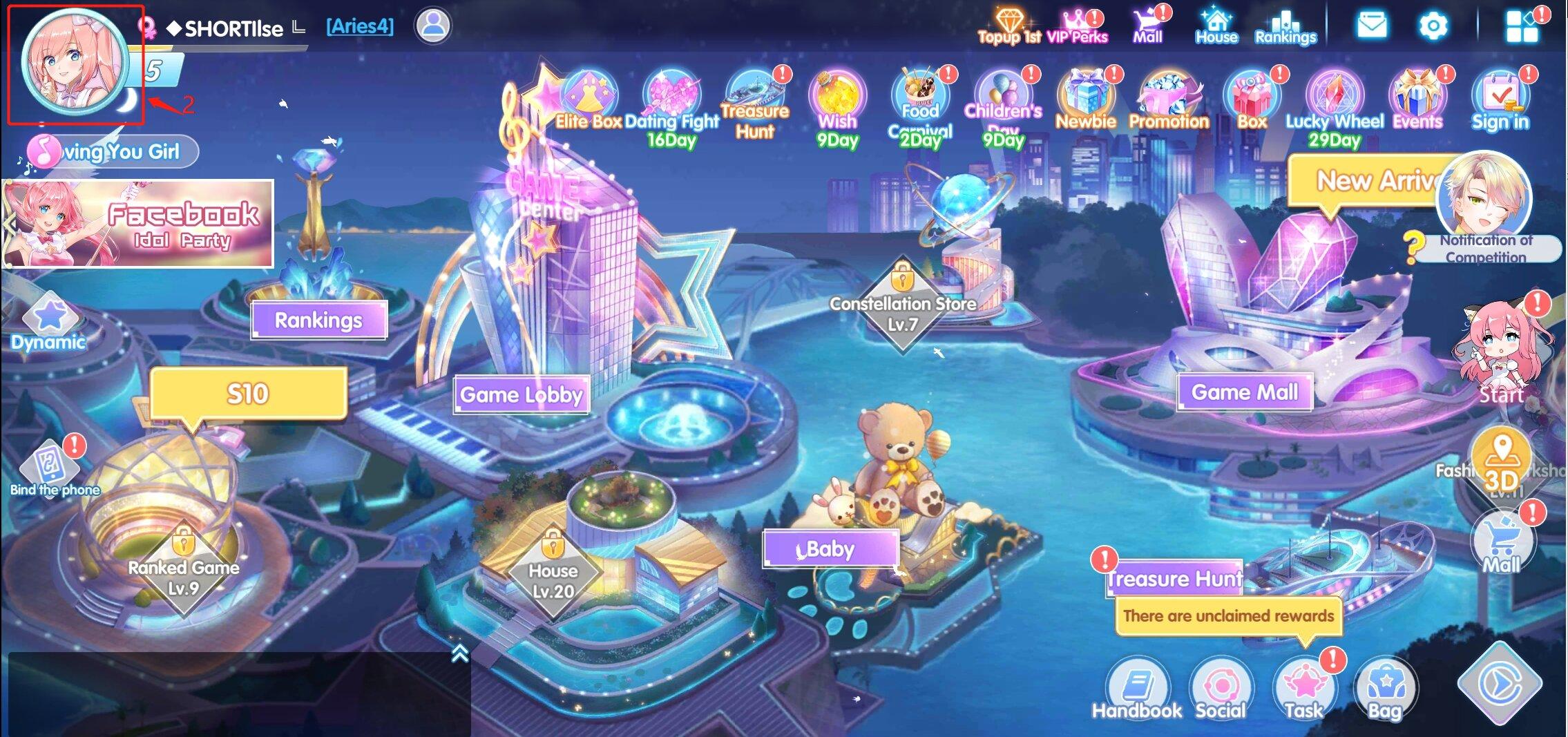
Paste this copied UID directly into the order field on ArcTopup to eliminate any typing mistakes.
Party Star Diamonds vs Party Star Coins: What You Need to Know
Voice chat and social streaming applications frequently utilize multiple in-app currencies for different functions. Understanding the difference between Party Star Diamonds and Party Star Coins ensures you buy the correct balance for your needs.
| Currency Feature | Party Star Diamonds | Party Star Coins / Free Points |
|---|---|---|
| Acquisition Method | Direct top-up via external recharge or store purchase | Earned via daily check-ins, tasks, and mini-games |
| Primary Purpose | Premium gifts, VIP noble ranks, luxury entry effects | Standard chat interactions and basic community gifts |
| Creator Support | High-value contributions during PK battles and live rooms | Low-tier interaction tools |
| Recharge by UID | Fully supported on ArcTopup | Not directly purchasable via external top-up |
Diamonds represent the actual purchasing power on the platform. While Coins are suitable for basic casual interactions, Diamonds are required for premium room status, high-tier animated gifts, and full profile customization.
Key Benefits of Recharging Party Star Diamonds via ArcTopup
ArcTopup provides a direct, dependable system for topping up your Party Star account. Here is why users choose ArcTopup for their gaming and social app currencies:
- 24/7 Automated Processing: Orders process continuously around the clock. You do not have to wait for manual business hours or operator shifts to receive your Diamonds.
- Password-Free UID Method: You never share your account login credentials, phone numbers, or passwords. Your account security remains in your hands.
- Direct Gifting to Friends: Because top-ups only require a valid UID, you can easily surprise friends, family members, or favorite room hosts by sending Diamonds straight to their accounts.
- Transparent Checkout: What you see at checkout is exactly what you pay. Check the live product list for current pricing and pack sizes.
Safety and Security: Top Up by UID Without Sharing Passwords
Account safety is a top priority when purchasing digital currencies online. Traditional methods that request login passwords, third-party link credentials, or SMS verification codes expose your profile to unauthorized access and security risks.
ArcTopup operates strictly on a UID-only system. By sending Diamonds directly to your public numeric ID through standard system channels, your personal account information stays protected.
Security Checklist for Party Star Players
- Never Share Passwords: Legitimate top-up services will never ask for your account password or email credentials.
- Verify Your UID Before Payment: Double-check the copied UID string to guarantee that your Diamonds arrive at the intended profile.
- Keep App Updated: Always run the latest version of Party Star from the official app store to ensure immediate balance synchronization after an order is processed.
Party Star Diamonds Top Up FAQ
What are Party Star Diamonds used for?
Party Star Diamonds are the primary premium currency in Party Star. They are used to send animated virtual gifts to room hosts, purchase noble titles, customize entry effects, unlock exclusive profile badges, and support creators during live voice events.
How do I find my Party Star UID for recharge?
Open the Party Star app, navigate to the Me profile tab in the bottom right corner, and look below your profile picture. Your numeric UID is displayed there. Tap the copy icon next to the number to copy it to your clipboard.
Do I need to provide my Party Star account password to top up?
No. ArcTopup only requires your Party Star numeric UID. You should never share your account password, email login, or SMS codes with any third-party service.
How long does it take to receive Party Star Diamonds after payment?
Diamonds are processed automatically and sent directly to your Party Star account shortly after payment confirmation. In most cases, the balance updates in your app within moments.
Can I top up Party Star Diamonds for a friend?
Yes. Because the recharge system only requires a User ID, you can enter your friend's Party Star UID in the recharge field at checkout. Once the payment is complete, the Diamonds will be delivered directly to their profile.
What should I do if my Party Star Diamonds recharge is delayed?
If your Diamonds do not appear immediately, first restart the Party Star app to refresh your balance display. If your balance still does not update, verify your payment confirmation and check that the submitted UID was correct. Contact ArcTopup customer support with your order number for prompt assistance.
Current packages and prices
Current base prices exclude Tax. Tax, payment fees and coupon adjustments are shown at checkout.
| Package | Price |
|---|---|
| 3,500 Diamonds | USD 3.40 |
| 7,520 Diamonds | USD 7.31 |
| 11,750 Diamonds | USD 11.43 |
| 23,500 Diamonds | USD 22.85 |
| 47,000 Diamonds | USD 45.70 |
| 70,500 Diamonds | USD 68.56 |
| 94,000 Diamonds | USD 91.41 |
| 117,500 Diamonds | USD 114.26 |
| 200,000 Diamonds | USD 194.49 |
| 500,000 Diamonds | USD 486.22 |