
VOOLAA Top Up: In-App Credits and Account Features
VOOLAA connects users worldwide through interactive live voice rooms, dynamic streaming, and social entertainment. To participate fully in the community, users use in-app credits and VIP memberships. A VOOLAA top up adds currency directly to your balance, letting you send virtual gifts to favorite hosts, join exclusive chat events, and customize your profile presence.
In-app credits power the entire interactive experience on the platform. Whether you want to support live broadcasters or access special animated entrance effects, keeping your balance funded gives you uninterrupted access to premium features.
Core Benefits of VOOLAA In-App Credits and VIP
| Feature / Benefit | Description | In-App Purpose |
|---|---|---|
| Virtual Gifting | Send digital gifts, animated banners, and appreciation tokens | Support live creators and climb room contributor rankings |
| VIP Memberships | Special badge recognition, entry effects, and chat bubble styles | Stand out in crowded audio rooms and community channels |
| Premium Rooms | Access locked or members-only audio events and party rooms | Connect with creators in smaller, focused discussions |
| Profile Customization | Exclusive avatar frames, name colors, and unique titles | Personalize your profile to reflect your social standing |
How to Find Your VOOLAA UID in the App
To ensure your recharge reaches the correct account, you only need your unique user identification number (UID). You do not need to share your login credentials or phone number.
Follow these steps to locate your UID inside the application:
- Launch the VOOLAA app on your mobile device and log in to your account.
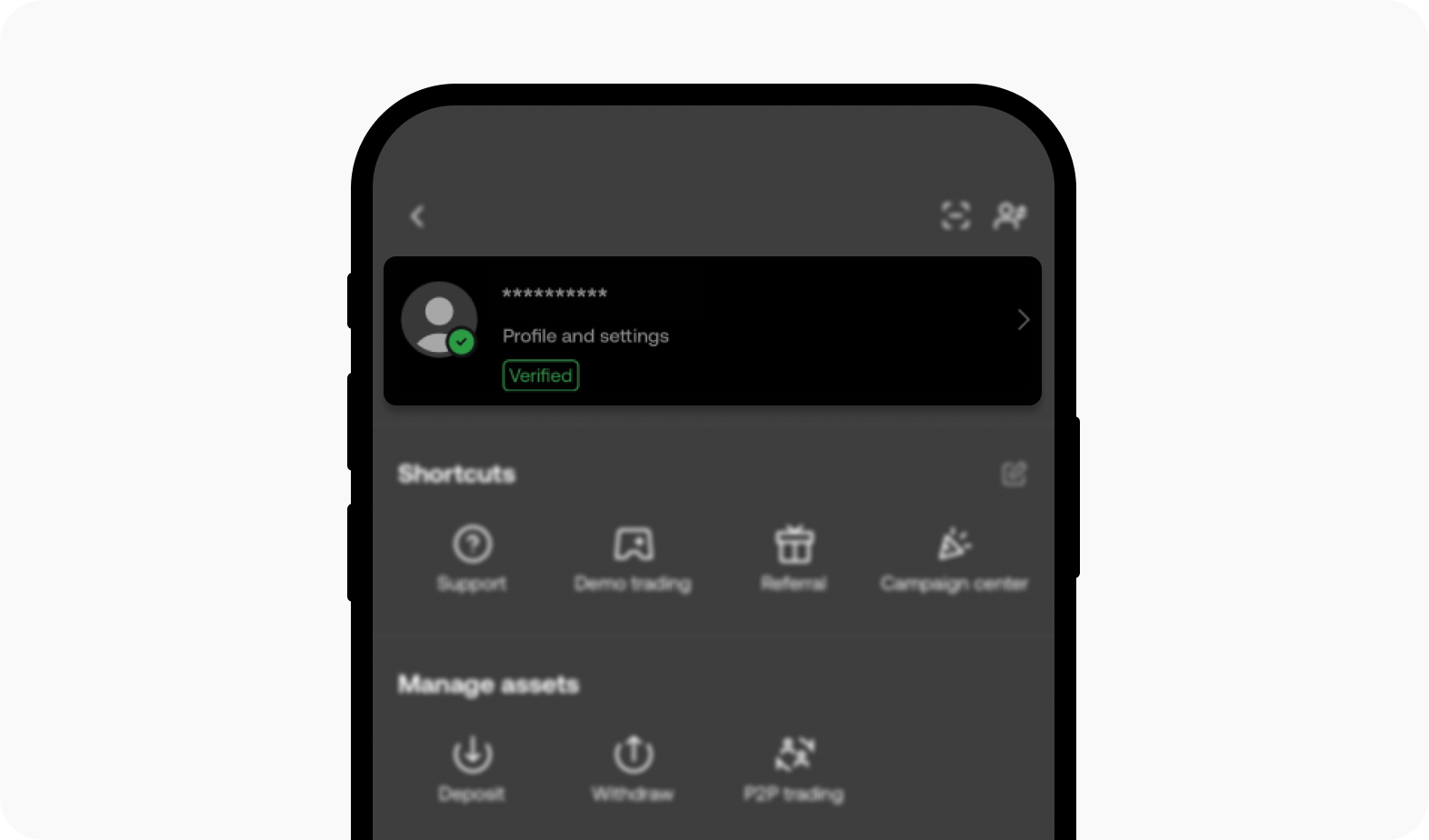
- Tap the Profile or Me tab located in the bottom-right corner of the main screen.
- Look directly beneath your profile picture and display name.
- Locate the numerical sequence labeled ID or UID.
- Tap the copy icon next to the number or write it down carefully for checkout.
Always double-check the copied digits before submitting an order to prevent sending credits to the wrong user.
How to Top Up VOOLAA with UID on ArcTopup
ArcTopup provides a straightforward checkout system designed to credit your profile quickly. Follow this guide to buy VOOLAA credits online:
- Select Credit Denomination: Choose the credit pack or VIP tier you wish to purchase from the product catalog.
- Enter Your UID: Paste your numerical VOOLAA UID into the required player ID field. Verify that the digits match your profile.
- Proceed to Checkout: Review the selected pack and live price details on the secure checkout screen.
- Complete Payment: Choose your preferred regional or international payment method and finalize the transaction.
- Check Balance in App: Once payment succeeds, open VOOLAA and refresh your wallet balance to view your new credits.
Safe & Secure VOOLAA Top Up: Why No Password Is Needed
Account security is essential when purchasing digital items. ArcTopup uses a direct ID-based delivery system. This structure means you never need to share your VOOLAA account password, verification SMS codes, or linked social media logins.
Third-party sellers that request account logins introduce unnecessary risks, including unauthorized account changes or security locks. Because ArcTopup credits accounts using only public UID data, your personal login credentials remain protected on your personal device at all times. Transactions process through encrypted payment gateways, ensuring your payment details stay private.
Available Payment Methods for VOOLAA Recharge
ArcTopup supports a broad range of domestic and international payment solutions to serve global users. All current pricing, available currencies, and checkout options appear live on the order page.
Depending on your country or region, available payment types include:
- Credit & Debit Cards: Major card networks for fast processing.
- Digital Wallets: Leading regional and global e-wallets for quick mobile payments.
- Online Bank Transfers: Direct local bank payment options where supported.
- Alternative Payment Channels: Localized vouchers and electronic payment systems.
Exchange rates and final totals display transparently at checkout before you confirm payment, ensuring you know the exact cost of your selected credit package.
Troubleshooting Delivery and Common VOOLAA Recharge Questions
Orders placed on ArcTopup typically process right after payment confirmation. If your balance does not update immediately, follow these troubleshooting recommendations:
- Restart the App: Close the VOOLAA app completely from your background processes, relaunch it, and check your in-app wallet balance.
- Verify Network Connection: Ensure your mobile device has a stable internet connection so the app can sync with the server.
- Check Order Status: Review your ArcTopup transaction receipt to confirm the payment completed successfully.
- Contact Customer Support: If your credits have not arrived after a short wait, contact the ArcTopup support team. Provide your ArcTopup order number and your VOOLAA UID so support agents can trace the delivery.
Frequently Asked Questions
What is a VOOLAA UID and where can I find it?
Your VOOLAA UID is a unique numerical identifier assigned to your account upon registration. You can find it by opening the VOOLAA app, navigating to the Me or Profile section in the bottom menu, and looking right below your profile avatar and username.
Do I need to provide my VOOLAA account password to top up?
No. You never need to provide your account password, email login, or verification codes. ArcTopup only requires your public UID to send credits directly to your account.
How long does it take for VOOLAA credits to reflect in my account?
Credits normally reflect shortly after payment authorization. In rare instances of network latency or routine maintenance, delivery may take a few moments. Relaunching the app helps refresh your wallet balance.
What should I do if I entered an incorrect VOOLAA UID?
Because digital credits are applied immediately to the UID provided during checkout, orders sent to an existing, valid UID cannot be reversed. If you notice a typo before payment is completed, update the field immediately. If the transaction has processed, contact ArcTopup support with your order details to check the order status.
Which payment options are supported for VOOLAA recharges on ArcTopup?
ArcTopup offers credit cards, debit cards, popular digital e-wallets, and regional payment solutions. Check the live payment selection at checkout to see all options supported in your local currency.
Can I top up VOOLAA credits for a friend using their UID?
Yes. You can purchase credits for friends, content creators, or family members. Enter their numerical VOOLAA UID into the checkout field instead of your own, complete the purchase, and the balance will deliver straight to their account.
Current packages and prices
Current base prices exclude Tax. Tax, payment fees and coupon adjustments are shown at checkout.
| Package | Price |
|---|---|
| VOOLAA - VOOLAA*15000 | USD 2.64 |
| VOOLAA - VOOLAA*20000 | USD 3.53 |
| VOOLAA - VOOLAA*25000 | USD 4.41 |
| VOOLAA - VOOLAA*50000 | USD 8.81 |
| VOOLAA - VOOLAA*100000 | USD 17.63 |
| VOOLAA - VOOLAA*500000 | USD 88.13 |
| VOOLAA - VOOLAA*1000000 | USD 176.27 |
| VOOLAA - VOOLAA*10000 | USD 1.76 |






























































